
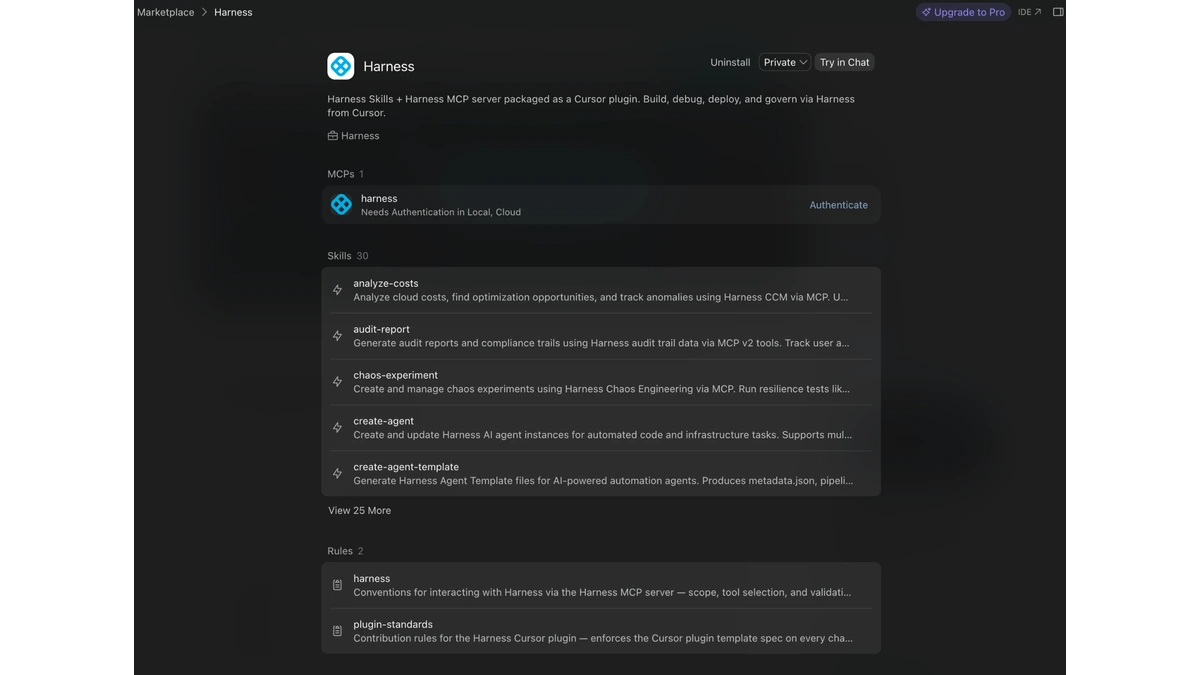
Harness extended its Cursor plugin to the Cursor editor's iOS app, giving developers the same natural-language access to pipeline status, security posture, and deployment health that the desktop integration already offered.
The plugin itself is not new. It arrived in April as a desktop integration that let engineers trigger pipelines, inspect deployments, and check policy compliance in plain language without leaving the editor for the Harness console. Its reach stopped at the desk. An on-call engineer paged about a failing deployment while away from a laptop could acknowledge the alert and do little else, Harness said.
What moves to the phone is the read path, unchanged. Questions about pipeline status, deployment health, or scan results are answered live from the Software Delivery Knowledge Graph, the same store the desktop plugin queries, rather than from a cached summary pushed to the device.
Write actions work differently. Cursor's desktop app puts an on-screen confirmation in front of an action before it runs; the iOS app does not do that yet. Without that prompt, Harness denies write requests by default, so triggering a pipeline or promoting a deployment from a phone requires passing an explicit confirm:true parameter, and the request still executes only if the user's role-based access control permissions cover that specific action. The governance layer does not move to the device at all: approval gates and audit trails stay enforced at the pipeline and policy level, wherever the request originates.
Getting there runs through the desktop first. You open the plugin's configuration on a laptop and connect its Cloud environment, which is separate from the Local one the desktop integration already uses, then enable Cloud Agents on the GitHub or GitLab repositories you want reachable from the phone. Only then does the iOS app answer the questions you would otherwise type at a keyboard.
The bet is that coding is drifting off any single device faster than the controls around it are, and that delivery tooling has to follow. What remains unclear is how much of the plugin's action surface is genuinely usable on a phone while every write has to be spelled out as a parameter, and whether a confirmation prompt on iOS would let Harness loosen that default.