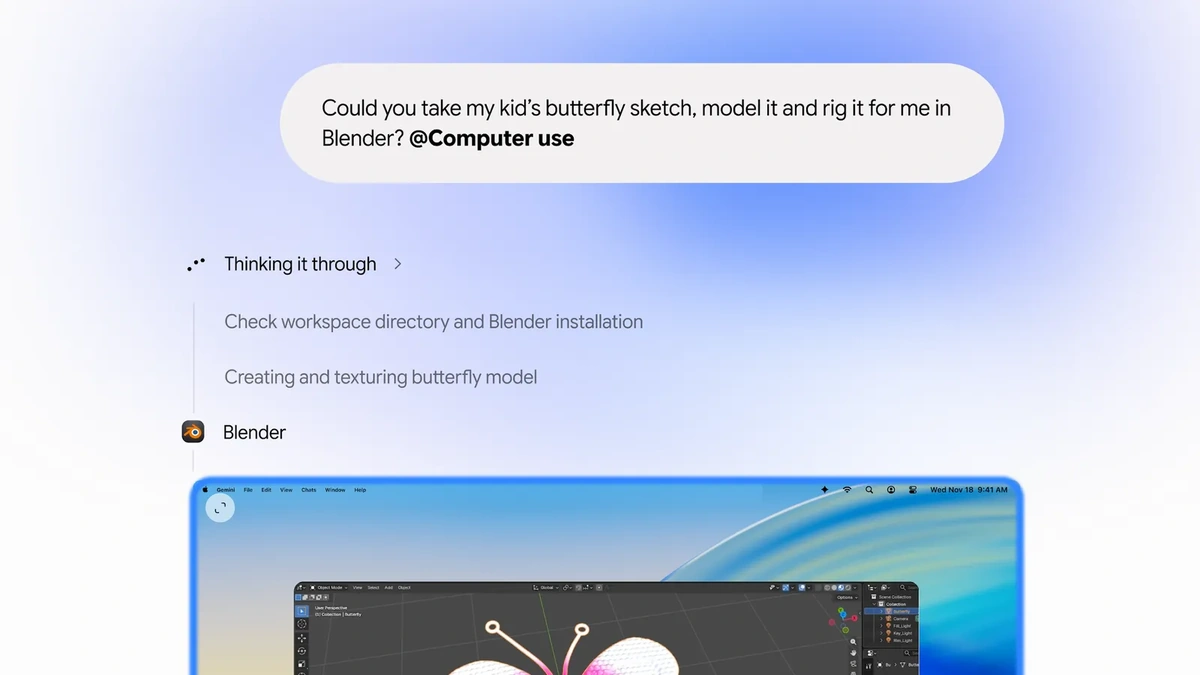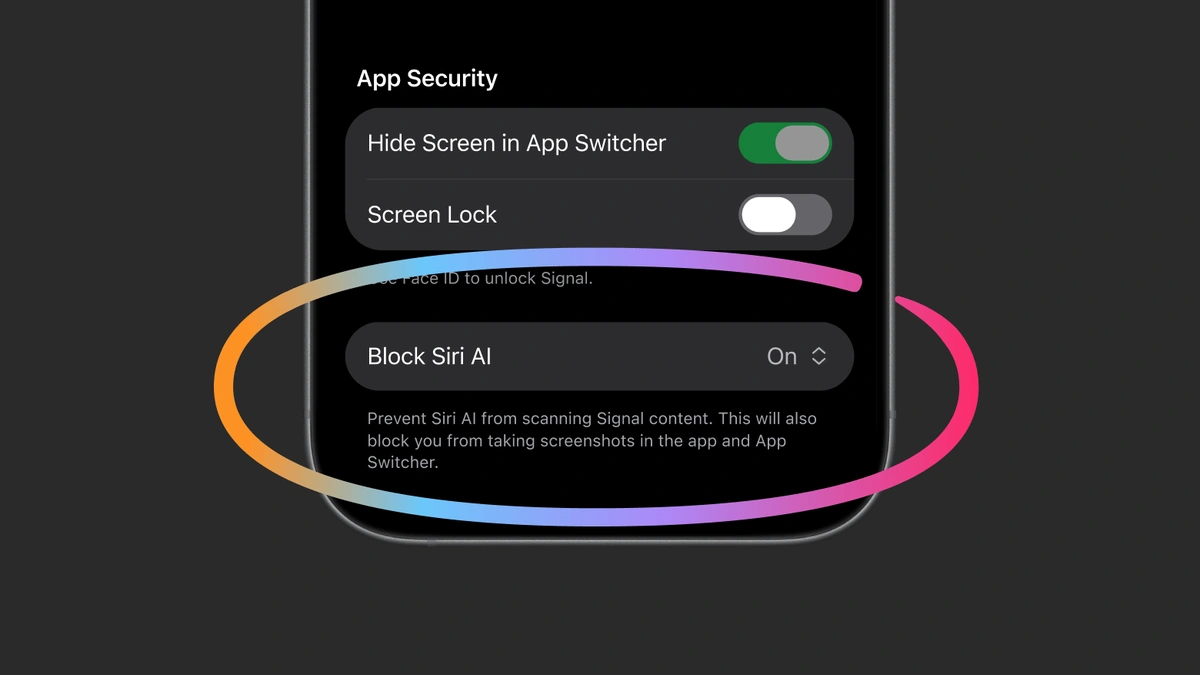
Signal is blocking two AI assistants built into phone operating systems, Siri AI on iOS 27 and Google's Gemini on Android, from reading what appears on its screen. Signal president Meredith Whittaker writes that building AI agents into the operating system without remedies such as a documented opt-out for developers "represents an existential threat to privacy at the application layer."
The two platforms get different treatment. On iPhone, a setting called Block Siri AI is on by default in Signal 8.37 or later running iOS 27 or later, according to Signal's support documentation. It stops screenshots and screen recordings inside the app and keeps chat content out of the App Switcher. On Android, from Signal 8.35.1, Screen security switches itself on the first time an AI assistant tries to read the screen, on Android versions where Signal can detect that, and the app then shows a message explaining what happened. Android users can also turn it on in Settings at any time.
Android works that way because Signal can't reliably tell when a screenshot was attempted on many vendors' phones once screenshots are already disabled. Rather than have screenshots simply stop working on those phones and confuse users, it watches for the assistant itself. The upshot is that an iPhone on iOS 27 is covered from the first launch, while on Android the automatic protection starts after the first detected attempt, and Signal says it cannot cover every Android device.
Both protections can be switched off. Block Siri AI offers On, Off, and Off for 10 Minutes, the last meant for a quick screenshot. On Android, turning protection off from the prompt means Signal re-enables it after 90 days, while turning it off in Settings, under Privacy, App security and Screen security, brings no reminder. Signal says that disabling it may let an assistant scan the user's chats, which also exposes what contacts sent them.
The move extends a precedent Signal set on the desktop. In May 2025 it turned on the same Screen security setting by default in Signal Desktop on Windows 11 to keep Microsoft Recall from storing screenshots of chats. That change used a Windows DRM flag; on phones, iOS 27 gets a block by default, while Android relies on detecting assistant access.
Signal is open about the holes. It can't block Siri AI on macOS, because it has no reliable way to stop screenshots there, so for macOS 27 it only recommends adding Signal to the Excluded Apps list under System Settings and Siri. It also says agents could potentially reach content already stored on a device through the filesystem, and it wants tools to stop third-party agents such as Meta's Muse, which in many cases rely on accessibility settings. Signal is asking Apple, Google and Microsoft for a documented per-app opt-out from AI data access, and says it is cautiously optimistic that Apple and Google are engaging with it.