An AI agent is a software system that controls workflow execution on behalf of users. AI agents use a large language model to call external tools, reason over results, and keep working until a goal is met. That definition draws a hard line through a crowded category. A model that answers one prompt and stops is not an agent. A model that decides which tool to invoke, runs it, reads the result, and keeps going until a goal is met is. The threshold is control over the workflow, not raw model capability.
Vendors describe these autonomous AI systems in their own words. OpenAI calls them "systems that independently accomplish tasks on behalf of users." Anthropic frames an agent as a system equipped with tools that let it take actions such as running code or calling external APIs. Google positions its Interactions API as the recommended standard for building agentic workflows on Gemini. The wording differs; the underlying pattern is the same, and it is the pattern this guide builds from.
What AI Agents Actually Are
AI agents pair a large language model (LLM) with tools and instructions so the model itself drives the work, rather than waiting for the next human prompt. OpenAI's practical guide reduces an agent to three core components and is explicit about the dividing line: "Applications that integrate LLMs but don't use them to control workflow execution, think simple chatbots, single-turn LLMs, or sentiment classifiers, are not agents" (OpenAI). The agent leverages the LLM to manage workflow execution and make decisions about what to do next.
A workflow, in OpenAI's terms, is a sequence of steps that must be executed to meet a goal: resolving a support ticket, committing a code change, generating a report. The agent has access to tools to interact with external systems, both to gather context and to take action, and selects among them based on the current state of the work. That selection loop is the capability a single-turn model lacks. For the broader picture of how these models are built and trained, see the Generative AI explained hub.
How AI Agents Work: The Perception-Reasoning-Action Loop
AI agents run on a perception-reasoning-action loop: the model takes in the current context, reasons over it, picks an action, executes it through a tool, then reads the outcome and decides whether to continue. This cycle repeats until the goal is satisfied or a stopping condition fires. Tool use is the action step, and function calling is the mechanism that turns a model's decision into a concrete API call.
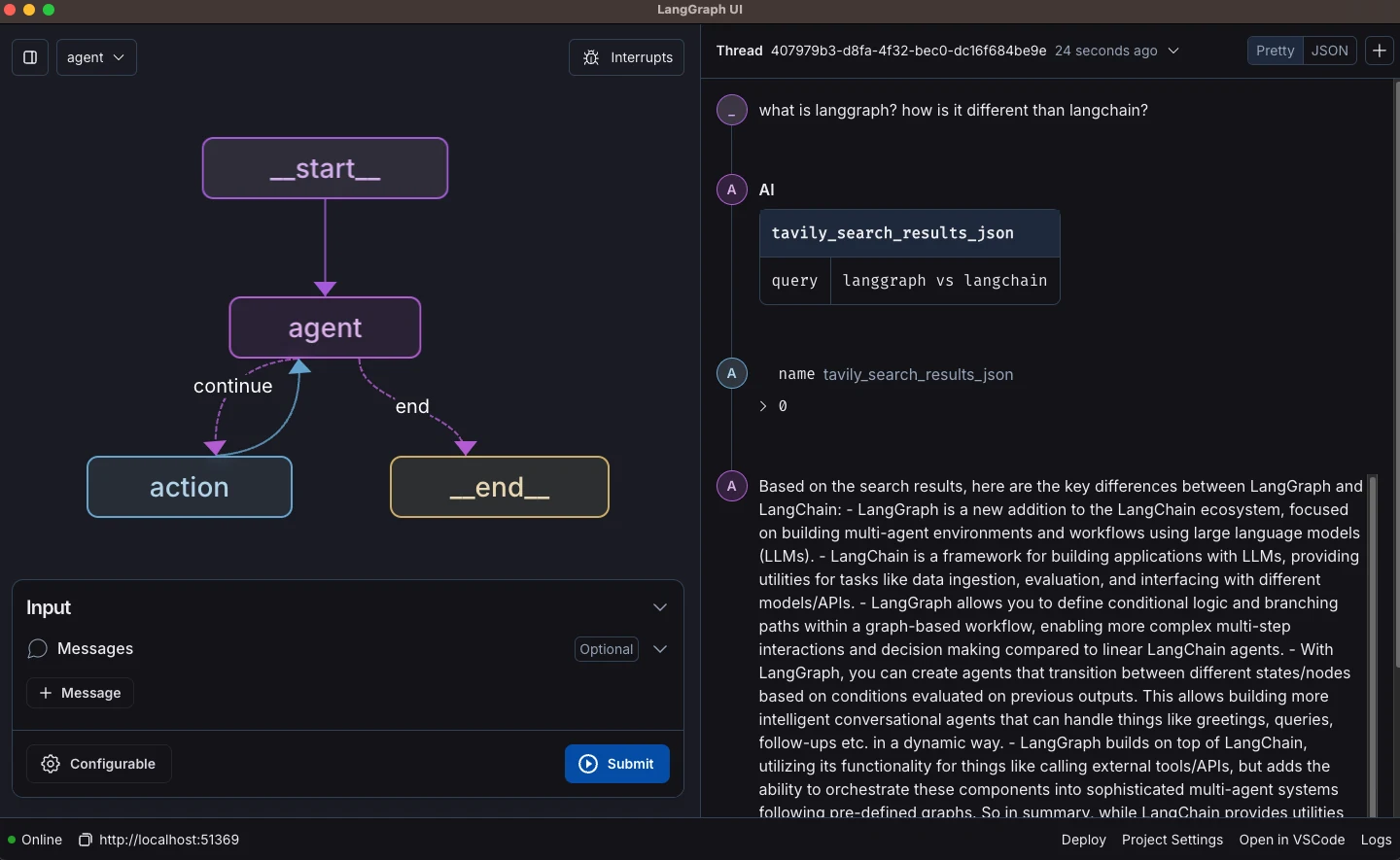
- Perceive. The agent reads its context: the user's goal, prior steps, and any results returned from earlier tool calls.
- Reason. The LLM evaluates the current state and chooses the next action, dynamically selecting the appropriate tool for that state.
- Act. The agent invokes a tool through function calling, running code, querying an API, or searching files.
- Observe. The tool result returns to the model as new context for the next pass of the loop.
- Stop. The loop ends when the goal is met, a guardrail blocks the path, or the agent pauses to ask the user for clarification.
OpenAI stresses that a working agent dynamically selects its tools "always operating within clearly defined guardrails" (OpenAI). Those guardrails matter because the loop hands real execution to software. Anthropic finds that the vast majority of actions on its public API are low-risk, and only 0.8% appear irreversible, which is what makes running the loop with limited supervision tolerable in practice (Anthropic).
The Three Core Components: Model, Tools, and Instructions
AI agents reduce to three core components in OpenAI's framing: a large language model, a set of tools, and a body of instructions. Each handles a distinct part of the loop, and getting any one wrong degrades the others (OpenAI).
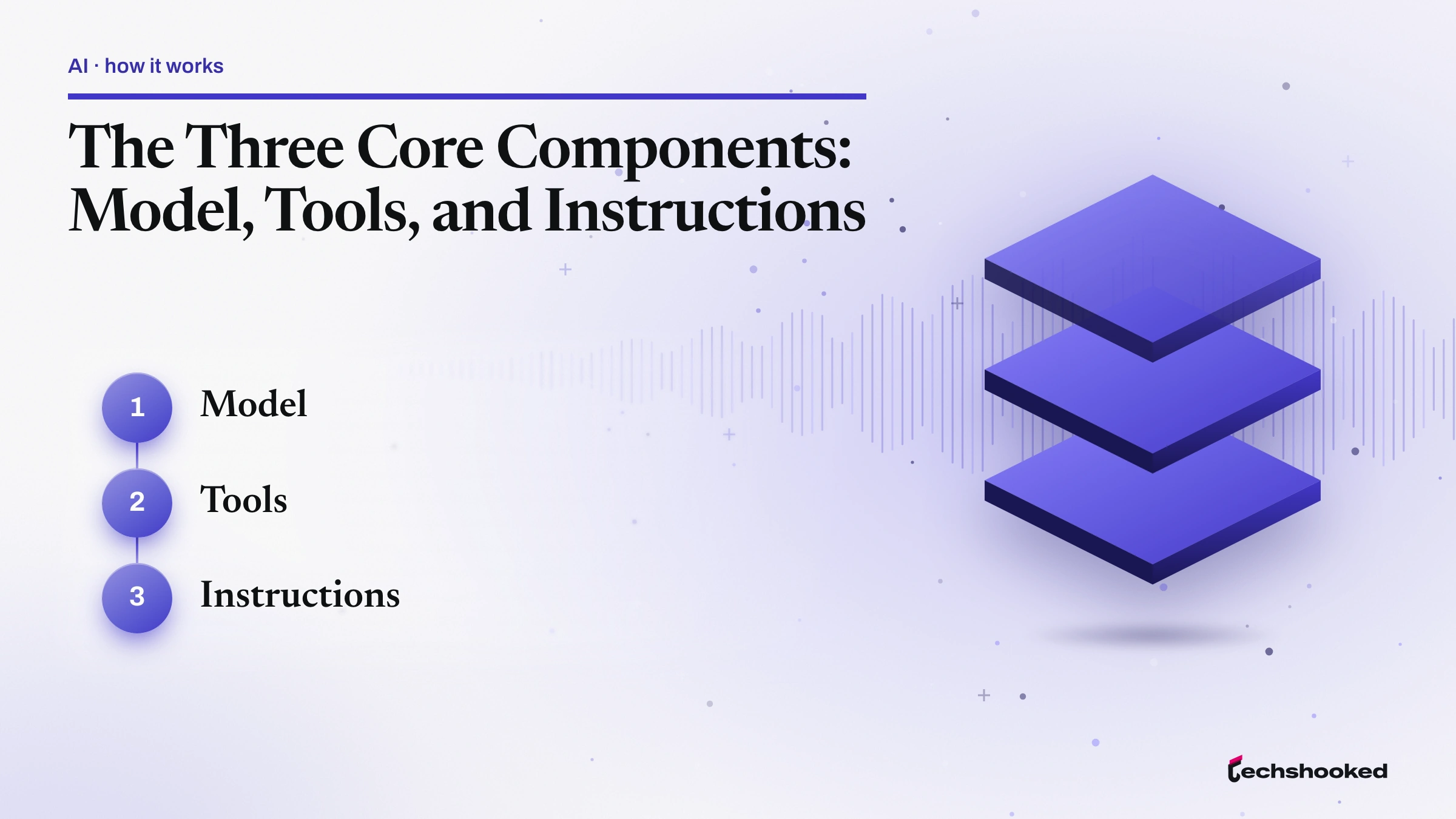
- Model
- The LLM powering the agent's reasoning and decision-making. It interprets context, weighs options, and decides which tool to call next. The model never touches an external system directly; it emits the decision, and the tool layer carries it out.
- Tools
- External functions or APIs the agent can use to take action. OpenAI's Responses API ships built-in tools for web search, file search, and computer use, and the API also supports function calling and remote Model Context Protocol servers for connecting custom and third-party services (OpenAI). Google's Interactions API offers native support for multi-step tool use through typed execution steps (Google).
- Instructions
- Explicit guidelines and guardrails defining how the agent behaves: what it may do, what it must refuse, and when to stop and ask. Instructions are where most reliability work lands, because they bound the autonomy the model is granted over the tools it can reach.
The split is clean for a reason. The model supplies judgment, the tools supply reach, and the instructions supply the boundaries. An agent with a strong model but vague instructions will act confidently in the wrong direction; an agent with tight instructions but no tools cannot act at all.
Types of AI Agents
AI agents fall into recognizable shapes once you look at how they are wired and what they touch. The differences are architectural, not cosmetic: a single model running one tool loop behaves very differently from a coordinator delegating to specialized workers.
- Single-agent systems. One model running one perception-reasoning-action loop over a defined tool set within a single context window. This is the default starting shape and the one most production deployments still use.
- Multi-agent systems. A coordinator delegates subtasks to specialized agents. Anthropic's Claude Code supports subagents that each run in their own context window with a custom system prompt, specific tool access, and independent permissions (Anthropic).
- Coding agents. Agents pointed at software work, the largest category in practice. Anthropic reports software engineering accounts for nearly 50% of agentic activity on its API (Anthropic).
- Research and background agents. Long-running agents that gather and synthesize information. Google's Interactions API offloads time-intensive work such as Deep Research to background processes using a
background=trueflag (Google).
The multi-agent shape is where most architectural complexity lives, and it is covered in depth in the multi-agent orchestration frameworks comparison.
Autonomy Spectrum: How Much Human Oversight Do Agents Need?
AI agents do not arrive at a fixed level of independence; autonomy is a dial the operator sets, and the cited evidence shows it moves with experience. How much an autonomous AI agent is trusted to do without sign-off is a setting, not a property of the model. Anthropic's "Measuring Agent Autonomy" study tracks where users actually set that dial in Claude Code, from full human review of every action to full auto-approve (Anthropic).
- Human-in-the-loop approval. The agent proposes each action and waits for sign-off before executing. Maximum oversight, slowest throughput.
- Mixed mode. Routine, reversible actions auto-approve while higher-risk steps interrupt for a human decision. This is the common middle ground.
- Full auto-approve. The agent executes its whole plan without per-step approval, pausing only when it decides it needs input.
The usage data points one direction. Anthropic reports roughly 20% of sessions use full auto-approve among new users, rising to over 40% as users gain experience. Agents are also running longer: among the longest-running sessions, the time Claude Code works before stopping nearly doubled in three months, from under 25 minutes to over 45 minutes (Anthropic). More autonomy does not mean less caution, though. Anthropic notes that Claude Code pauses for clarification more often than humans interrupt it, which suggests the agent's own stopping behavior carries part of the safety load that guardrails and human review would otherwise hold.
Where AI Agents Are Already Deployed
AI agents have a clear center of gravity, and an agentic workflow today most often runs through code. Anthropic's usage breakdown puts software engineering at nearly 50% of agentic activity, with emerging deployment in business intelligence, customer service, sales, finance, and e-commerce (Anthropic).
- Software engineering. Coding agents now reach across the development lifecycle. OpenAI's engineering guide states they can contribute to planning, design, development, testing, code reviews, and deployment (OpenAI).
- Business intelligence and sales. Emerging categories in Anthropic's data, where agents handle data analysis, reporting, and outreach workflows under operator-defined guardrails.
- Customer service. Another growing deployment area, applied to ticket routing, resolution drafting, and follow-up automation.
- Finance and e-commerce. Agents assist with transaction analysis, fraud review pipelines, and order-management workflows at scale.
What expands the deployment envelope is how long a model can stay coherent. OpenAI's guide cites a METR measurement that, as of August 2025, leading models could complete 2 hours and 17 minutes of continuous work with roughly 50% confidence of a correct result, and notes that this task length has been doubling about every seven months (OpenAI). Those are source-specific observations, not industry law, but they explain why agents are creeping from single steps toward whole tasks. The mechanics of how agents reach external systems are detailed in the agentic workflows and tool use guide.
AI Agents vs. Chatbots: Where the Line Is Drawn
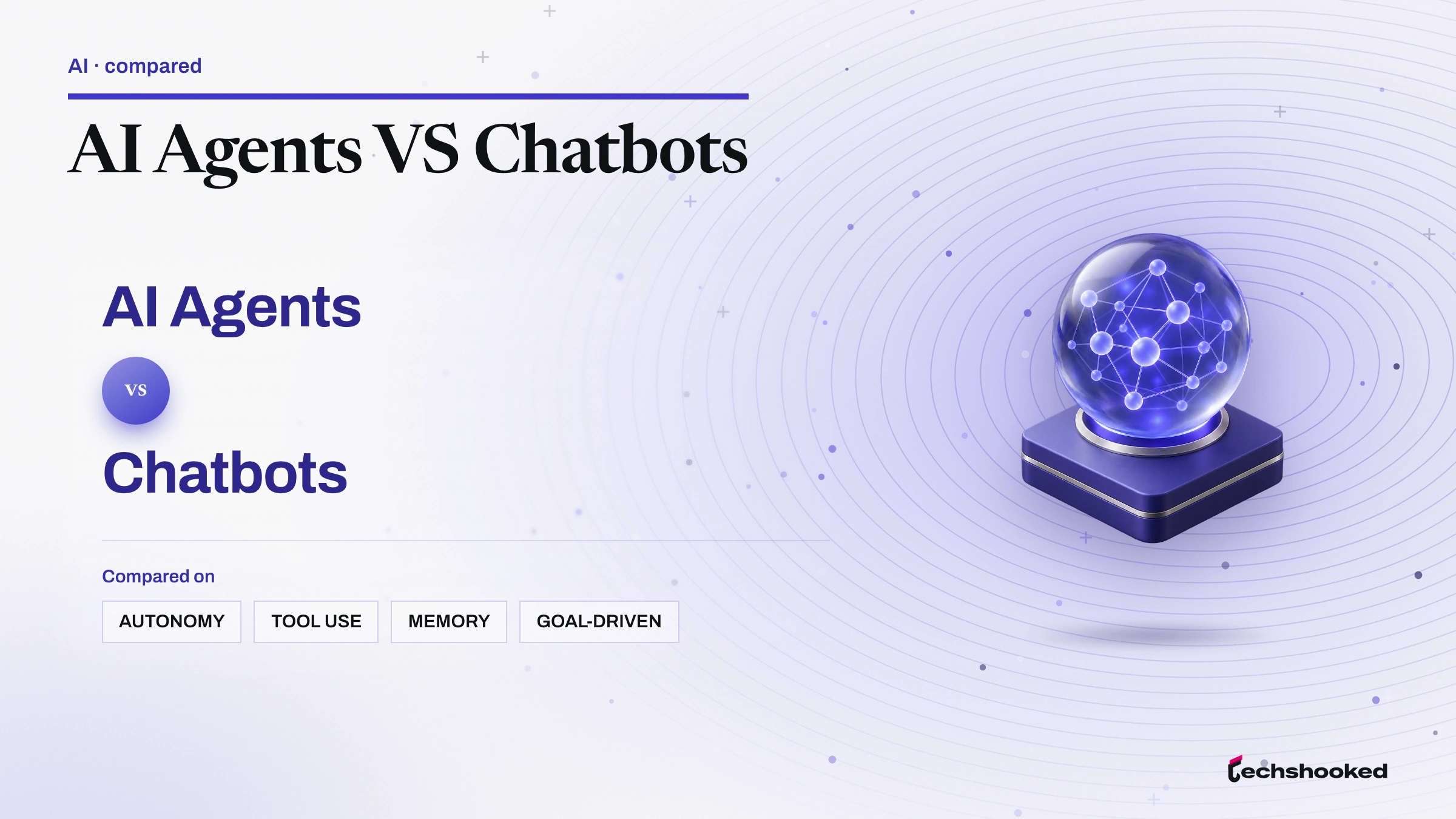
AI agents and chatbots get conflated constantly, and the confusion is worth clearing because workflow execution is the only distinction that matters. OpenAI is direct: a system that integrates an LLM but does not use it to control workflow execution is not an agent (OpenAI). The table below sets the two side by side on the axes that separate them.
| Property | AI agent | Chatbot / single-turn LLM |
|---|---|---|
| Control over workflow | Decides the sequence of steps | None; follows the prompt |
| Tool invocation | Selects and calls tools | Text reply only |
| Multi-step tasks | Loops until the goal is met | One turn, then stops |
| Stopping condition | Goal, guardrail, or clarification | End of the reply |
| Human oversight | Approval dial, from full review to auto | Per-message reading |
The practical test is simple: if the LLM chooses what happens next and acts on that choice, it is an agent; if it returns text and waits, it is a chatbot. A related boundary question, how agents differ from older rule-based automation, is handled in the piece on how AI agents differ from RPA.
Getting Started with AI Agents
AI agents are buildable today with vendor SDKs, and the sequence below mirrors the model-tools-instructions triad that defines them. The conceptual scaffold here, the loop, the components, the autonomy dial, is what every more advanced agent topic assumes the reader already holds.
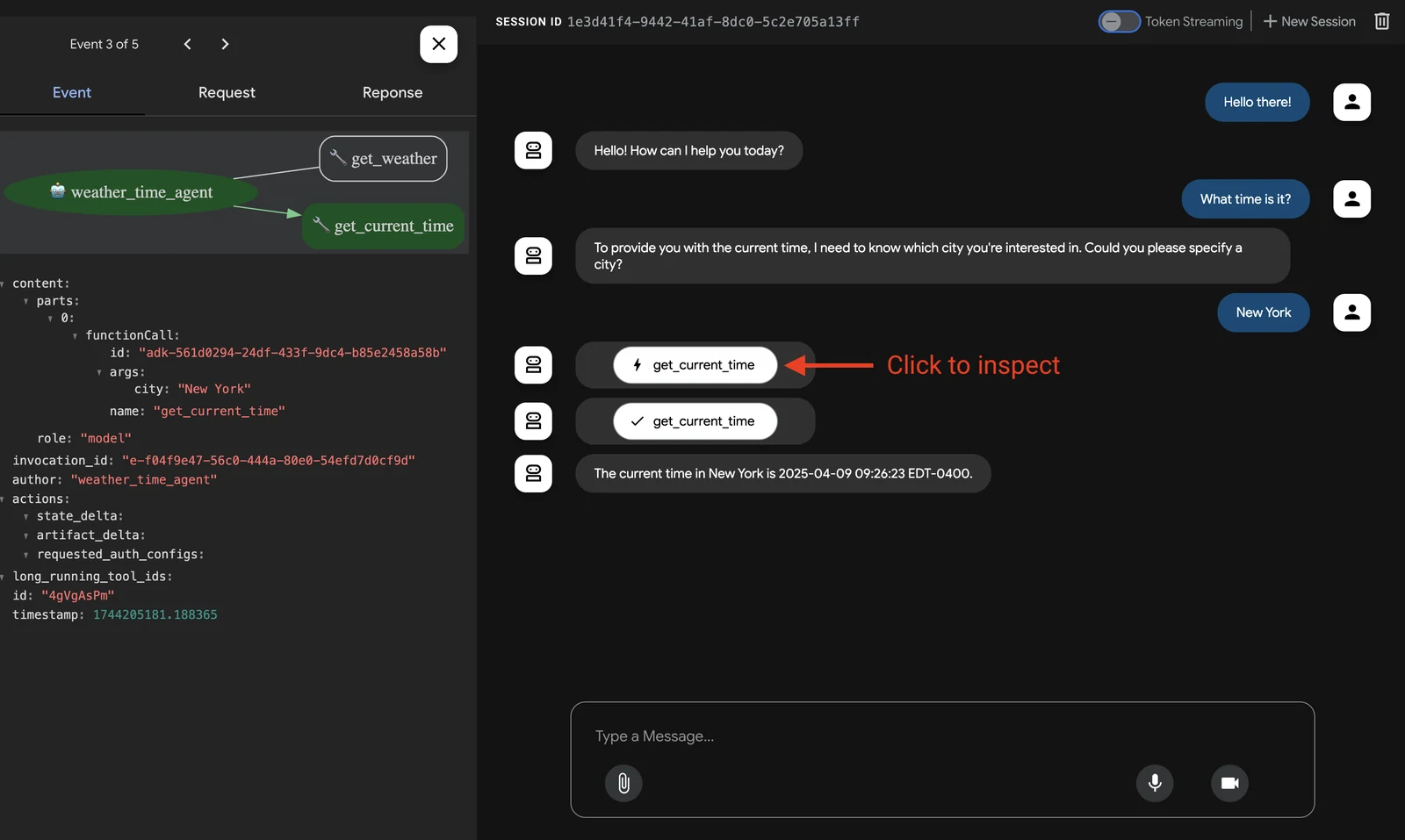
- Choose a model with tool-use support. Reasoning quality and reliable function calling set the ceiling on what the agent can do.
- Define your tools. Wire up the functions and APIs the agent needs. OpenAI's Responses API provides built-in web search, file search, and computer use, plus function calling and remote Model Context Protocol servers (OpenAI).
- Write explicit instructions and guardrails. Spell out what the agent may do, what it must refuse, and when to stop and ask. This is where most reliability work concentrates.
- Test at low autonomy, then expand. Start with human-in-the-loop approval, confirm behavior, and only then move toward auto-approve for low-risk, reversible actions.
For starting points, OpenAI's Agents SDK orchestrates single-agent and multi-agent workflows, while Google's Interactions API targets long-running agentic workflows with server-side state and background tasks (Google). The harder work begins after the first loop runs: keeping the agent reliable as autonomy rises. Two adjacent topics carry that load: the building a reliable AI agent guide on guardrails, memory, and evaluation, and the Model Context Protocol explainer on how agents connect to tools through a shared standard.
References
- OpenAI, A Practical Guide to Building AI Agents.
- OpenAI, New Tools for Building Agents.
- OpenAI, Practices for Governing Agentic AI Systems.
- OpenAI, Build an AI-Native Engineering Team.
- Anthropic, Measuring Agent Autonomy.
- Anthropic, Claude Code Sub-agents.
- Google, Gemini Interactions API Overview.
Further reading
Frequently Asked Questions
What makes an AI agent different from a regular chatbot?
An AI agent controls workflow execution by deciding which tools to call and when, whereas a chatbot only responds to a single prompt. The agent loops through perception, reasoning, and action steps until a goal is complete, while a chatbot stops after one reply.
How much human oversight do AI agents require?
It depends on task risk and user experience level. Anthropic reports that roughly 20% of new users run Claude Code in full auto-approve mode, rising to over 40% for experienced users. The same study finds only 0.8% of actions on Anthropic's public API appear irreversible, which is why limited supervision is practical for most tasks.
Which domains use AI agents most today?
Software engineering accounts for nearly 50% of agentic activity according to Anthropic, which also reports emerging deployment in business intelligence, customer service, sales, finance, and e-commerce. OpenAI notes coding agents can now handle planning, design, development, testing, code review, and deployment within a single autonomous session.