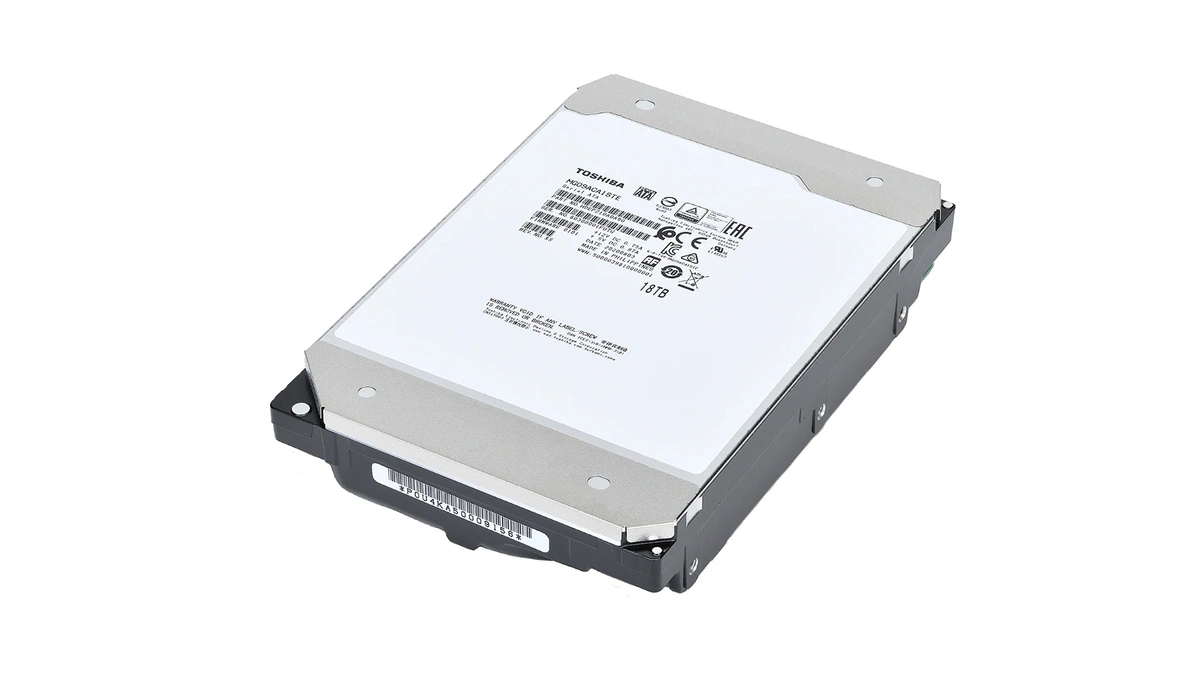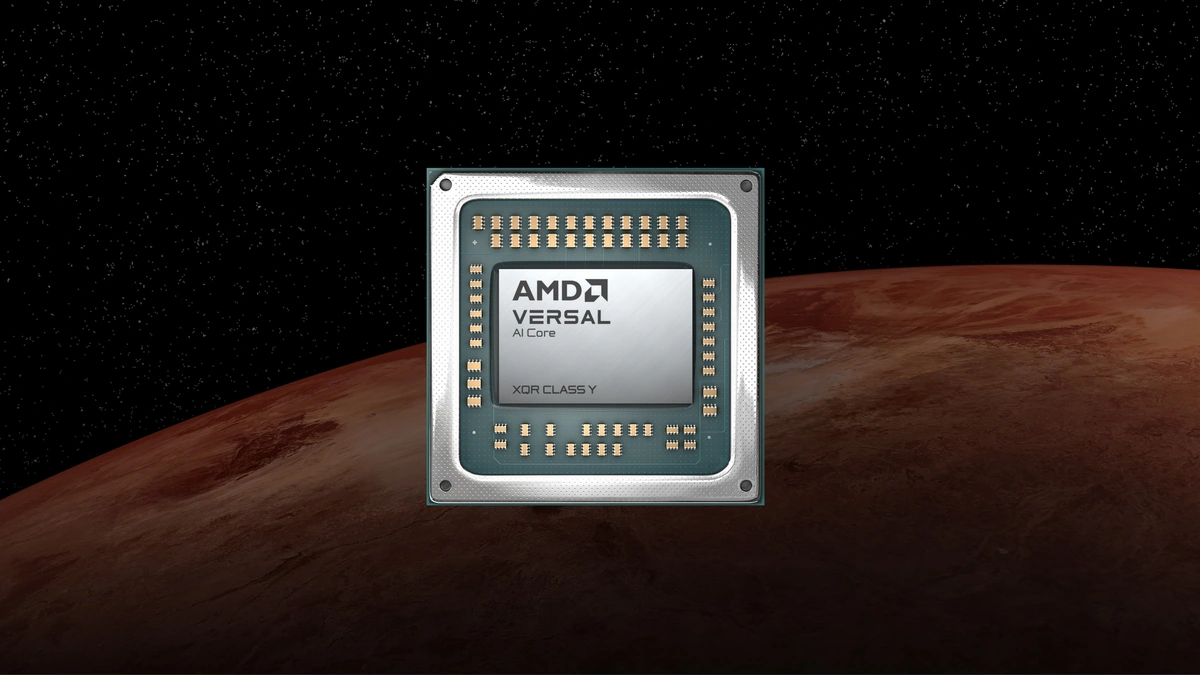
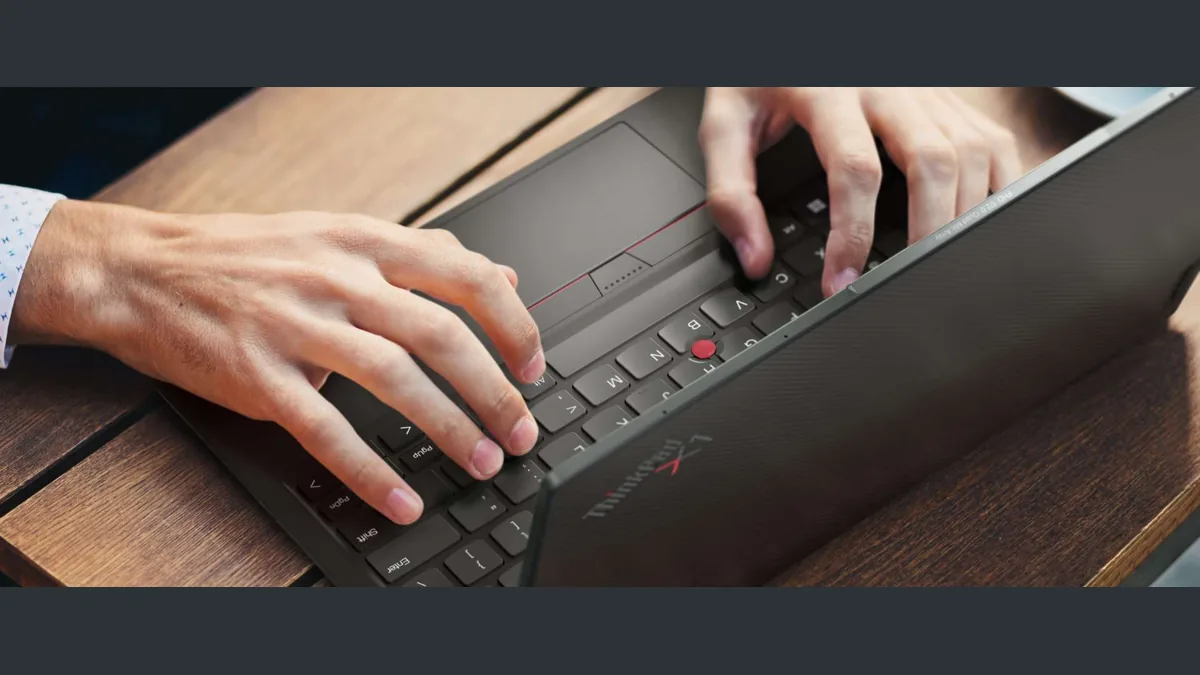
A workstation is a professional computing platform that delivers sustained performance-performance, thermally uncapped performance for compute-intensive workloads such as 3D rendering, scientific simulation, and parallel software compilation, capabilities that distinguish it from consumer laptops and standard desktop systems.
The laptop, the desktop, and the workstation occupy three distinct points on a performance, portability, and reliability triangle, and the buying mistake most teams make is choosing on brand reflex rather than workload fit. This guide approaches the question through workload mapping: the workload determines the form factor, not the other way around. For a mobility-first comparison of pocket platforms that sit one tier below this analysis, see the iOS vs Android comparison hub.
How the Three Form Factors Differ
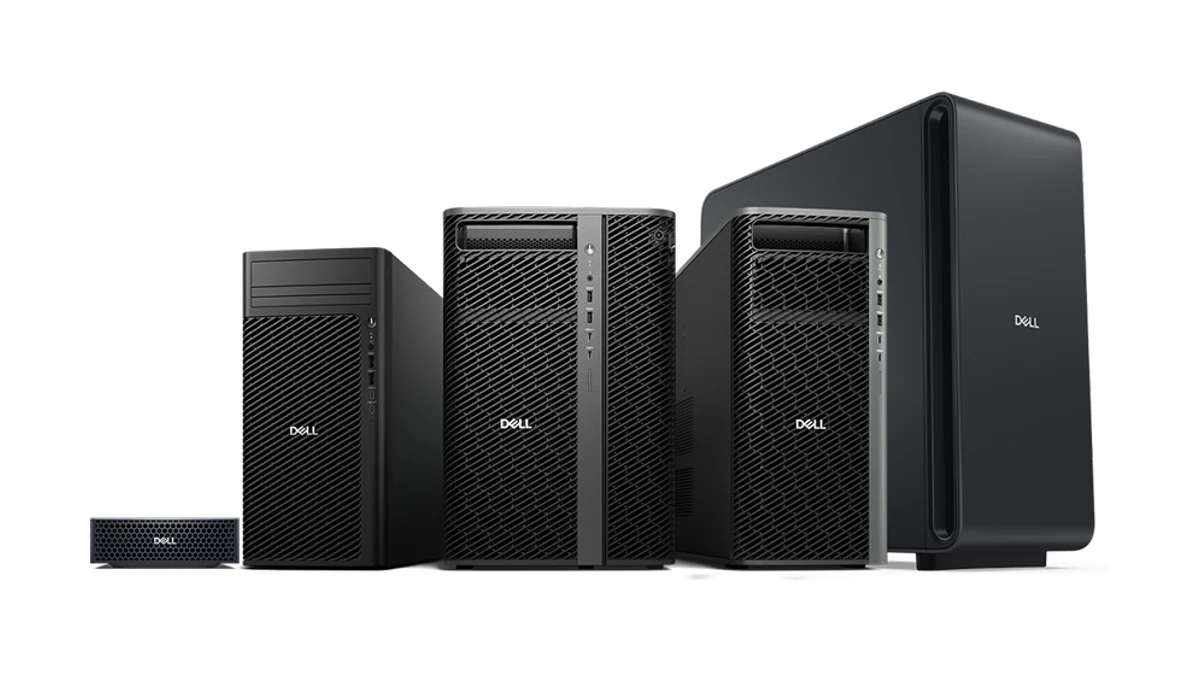
A workstation sits at the top of the form factor stack because it is designed around continuous load: ISV-certified GPUs, error-correcting code RAM (ECC RAM), and cooling capacity sized for hours of all-core compute. A laptop is battery-constrained and thermally capped by chassis volume, which forces clock throttling under sustained load. A desktop is mains-powered and user-upgradable, with cooling headroom that a thin laptop cannot match, but without the certified driver stack or ECC RAM support that defines workstation class. No form factor is universally best; the correct choice is set by what the machine must do continuously without thermal throttling.
| Attribute | Laptop | Desktop | Workstation |
|---|---|---|---|
| Power envelope | Battery plus 65-140W adapter | Mains, 500-1000W PSU | Mains, 1000-1600W PSU |
| Thermal ceiling | Chassis-limited, throttle-prone | Air or liquid, ample headroom | Engineered for continuous all-core load |
| Upgradability | Soldered RAM and SSD on most models | Full DIY swap path | Vendor-validated modules and GPUs |
| ECC RAM support | Rare outside Xeon mobile | Not on consumer chipsets | Standard across Threadripper Pro and Xeon-W |
| Typical TDP range | 15-65W CPU | 65-170W CPU | 165-350W CPU |
| Portability | Full mobility | Fixed workspace | Fixed workspace, rack or tower |
For silent, low-TDP variants that sit outside this performance triangle, see Understanding Fanless PCs.
Laptop Performance with M-Series, Snapdragon X Elite, and Intel Core Ultra
The 2025 laptop silicon field is the most varied it has been in a decade, and four families now anchor the professional segment. Apple Silicon dominates the sustained-performance conversation: the M4 M-series MacBook Air and M4 MacBook Pro 14 cover the efficiency tier, while the M4 Max MacBook Pro 16 is the thermal outlier of the segment, holding multi-core clocks under load that thin x86 chassis cannot match. Across the Windows side, the Snapdragon X Elite drives Copilot+ PCs with an ARM-native Windows 11 stack documented in the Microsoft Learn ARM overview, and Intel Core Ultra 200V (Lunar Lake) brings the efficiency-core architecture that delivers the best battery life of any x86 laptop platform. Ryzen AI 300 (Strix Point) rounds out the field with strong multi-threaded performance in mid-weight chassis.
Thermal throttling is the binding constraint for every laptop above 28W sustained. A thin chassis cannot dissipate the heat a Threadripper Pro tower handles trivially, so peak boost figures matter far less than sustained clocks at the 30-minute mark. Battery life is the second axis: on-site work demands a full client day on one charge, which favors the Snapdragon X Elite and Intel Core Ultra over an M4 Max MacBook Pro 16 that trades runtime for peak compute.
- M4 Max MacBook Pro 16. Sustained compile and render without throttling, the only laptop in its segment that approaches workstation-class continuous output.
- Snapdragon X Elite. Copilot+ app stack and ARM-native development workflows, top-tier battery on Windows.
- Intel Core Ultra 200V. Balanced efficiency profile, best battery life among x86 laptops, strong AV1 and AI acceleration.
- Ryzen AI 300. Strong all-core multi-thread in 14-16 inch chassis, XDNA2 NPU for on-device inference.
Desktop Options: DIY vs Prebuilt SFF
A desktop eliminates the thermal ceiling that defines every laptop chassis, but it splits into two purchase paths with very different economics. A DIY ATX build pairs an AM5 Ryzen 9 9950X or an LGA1851 Intel Core i9 (14900K or 15900K) with a user-selected GPU, RAM kit, and PSU; a small form factor desktop (SFF desktop) such as the Intel NUC 14 Pro, the ASRock DeskMeet X600, or the ASUS ROG NUC comes in a compact vendor-designed chassis with vendor-validated thermals and a smaller upgrade surface; the DeskMeet X600 is sold as a barebone kit, so the buyer adds the CPU, memory, and storage. The AMD Ryzen 9950X and Intel Core i9-14900K sustain higher all-core clocks in a full ATX mid-tower than in any current laptop chassis, which translates directly into faster compile time on large monorepos and shorter render time on consumer GPU pipelines.
| Attribute | DIY ATX Desktop | Prebuilt SFF |
|---|---|---|
| Price floor | $1,200 with mid-range GPU | $700 barebones, $1,400 configured |
| Upgrade path | Full GPU, CPU, RAM, storage swap | RAM and SSD only on most units |
| GPU options | Up to dual-slot RTX 5090 class | Integrated or low-profile only |
| Noise level | Tunable via fan curve | Vendor-fixed profile |
| Footprint | 30-50 liter tower | 0.7-4 liter chassis |
| Compile time delta vs workstation | 10-25 percent slower on 2M LOC builds | 40-60 percent slower on 2M LOC builds |
Workstations: Threadripper Pro, Xeon-W, Apple Studio, and Mac Pro
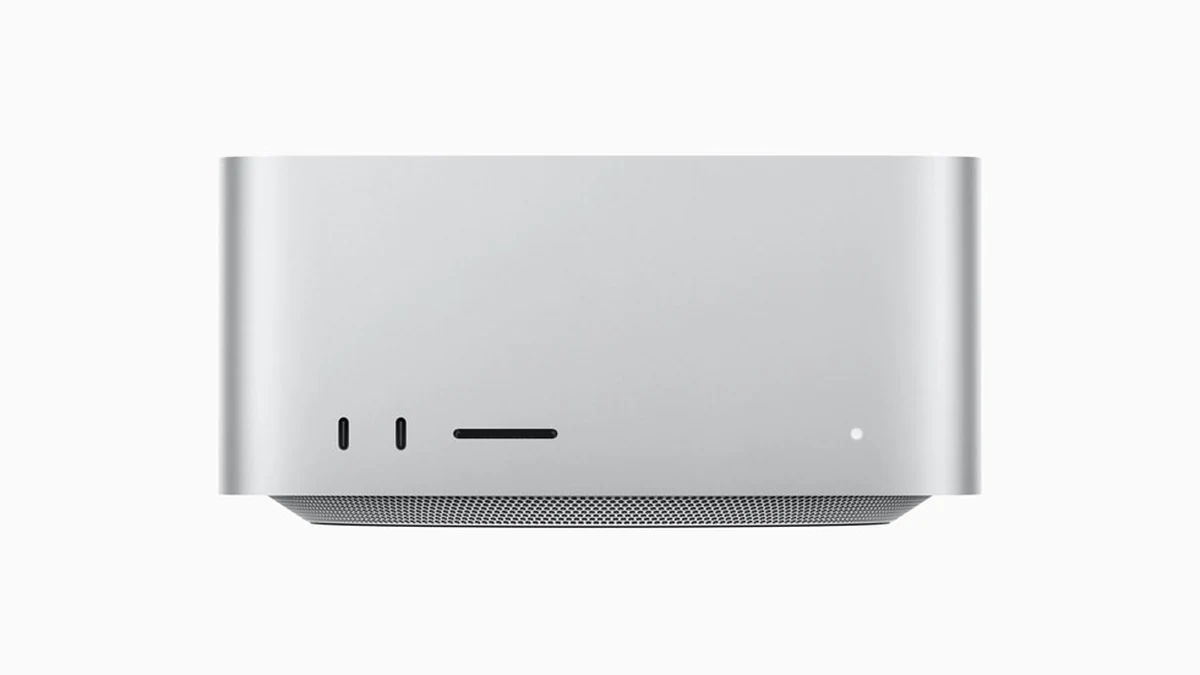
The workload mapping below treats each task as a decision, not a recommendation list. Each item identifies the binding constraint and the form factor that resolves it without throttling. Concrete compile time and render time benchmarks land where they exist; where they do not, the workload's thermal and memory profile decides. For language-runtime build differences that make the Threadripper series versus M4 Max choice concrete, see CI/CD pipeline compile-time benchmarks.
- Large monorepo compilation (Go, Rust, or C++ at 2M LOC). AMD Threadripper 7000 WX wins on raw core count and memory bandwidth; the M4 Max MacBook Pro 16 places second and is the only laptop that holds the gap under one hour.
- Video rendering (DaVinci Resolve, 4K ProRes 4444 timeline). Mac Studio M4 Ultra against an RTX 6000 Ada workstation is the live comparison; the Mac wins on power draw and unified memory headroom, the RTX wins on raw frame throughput.
- ML model training and fine-tuning. Xeon-W with four RTX 6000 Ada cards or a AMD AMD TRX50 platform CPUs chassis is the only path; multi-GPU compute scaling needs the PCIe 5.0 lane budget no consumer platform supplies.
- On-site client work and travel. A laptop is the only correct answer; pick Snapdragon X or Core Ultra 200V for battery, M-series MacBook MacBook for sustained performance on the road.
- General office and light coding. An SFF desktop or M4 MacBook Air; throwing workstation hardware at this workload is wasted capital.
- 3D CAD and engineering simulation (ISV-certified). Xeon-W workstation, because Autodesk and Siemens support contracts require certified hardware to honor escalation paths.
Total Cost of Ownership Across Five Years
Total cost of ownership (TCO) is the axis buyers underweight at purchase time. Over five years, a laptop carries one to two battery replacements, chassis wear, and potential display service; a desktop carries higher power consumption and a mid-cycle GPU upgrade; a workstation carries ISV support contracts and a longer platform refresh window (AMD HEDT silicon and Xeon-W cycle every three to four years, against two years on consumer sockets). Apple Silicon shifts the TCO equation through power draw alone: the Mac Studio M4 Ultra runs at 70-140W active against 300-450W for a AMD workstation CPU processors system under load, which compounds across five years of utility billing. The Forrester and Gartner TCO methodologies cited below frame the full accounting; Gartner Research covers workstation segment positioning and Forrester Research publishes the TCO model most enterprise procurement teams reference.
- Hardware acquisition. One-time capital cost; workstations carry a 3-5x premium over equivalent-core consumer desktops.
- Power cost (annual kWh). Apple Silicon platforms run at one-third the wall draw of TR Pro chip or Xeon-W under sustained load.
- Upgrade spend. Desktop GPU or RAM refresh at year three; laptops and Apple Silicon Macs are effectively fixed configurations.
- ISV licensing delta. SolidWorks, Siemens NX, and Catia support contracts often require certified workstation hardware as a precondition.
- Downtime risk. One unrecovered render corruption or a failed batch job on non-ECC memory can wipe weeks of compute value.
Further reading
- iOS vs Android comparison (Mobile and Wearables hub covering the pocket-form-factor tier)
- Understanding Fanless PCs (silent, low-TDP desktop alternatives outside the performance triangle)
- Securing data transmitted from workstations (encrypted-tunnel patterns for remote workstation access)
- CI/CD pipeline compile-time benchmarks (language-runtime build-time differences across AMD workstation CPUs and M4 Max)
Frequently Asked Questions
Does Error-correcting memory make a measurable difference for software development workloads?
ECC modules matters most for long-running batch jobs where a single uncorrected memory error can corrupt output and require a full rerun. For typical software compilation tasks, even 2M-line monorepos, the probability of a bit-flip on a sub-hour job is low enough that non-ECC RDIMM is acceptable on developer workstations. ECC becomes a practical necessity for scientific simulation, ML training runs lasting 12+ hours, and video rendering pipelines where a corrupted frame discovered at export forces a full re-render. If your longest jobs run under four hours, ECC is insurance; if they run overnight, it is a requirement.
Can a high-end laptop replace a workstation for 3D rendering?
A MacBook Pro M4 Max can complete short-to-medium render jobs at parity with a mid-range workstation, but it cannot sustain that output continuously without incurring thermal throttling over multi-hour sessions. Workstations with dedicated NVIDIA RTX 6000 Ada or AMD Radeon Pro W7900 cards carry VRAM headroom (48-96GB) that no current laptop GPU approaches, which is the binding constraint for high-polygon-count scenes and volumetric simulations. For burst rendering work under two hours, an M4 Max laptop is a credible substitute. For production rendering pipelines, a workstation with an ISV-certified GPU is required.
What is the practical difference between a high-end desktop and an entry-level workstation?
The boundary is defined by three features: ECC-equipped RAM support, ISV driver certification, and the platform's multi-socket or high-core-count support path. A Core i9 or Ryzen 9 desktop built on consumer chipsets (Z890, X870E) does not support Error-correcting RAM and carries no ISV certification from Autodesk, Siemens, or Dassault. An entry Xeon-W or AMD HEDT system supports ECC, qualifies for vendor certification testing, and typically ships with a longer platform lifecycle. If your work does not require ISV certification or ECC, a high-end consumer desktop offers better per-core performance per dollar at the entry tier.