
MacBook Air is a fanless Apple laptop that delivers up to 18 hours of battery life and a 2.7-pound build, making it the lighter-weight counterpart to the MacBook Pro for everyday academic and creative work. The two product lines share the same Apple silicon platform and macOS Tahoe release, yet they diverge on thermal headroom, port selection, audio hardware, and the unified memory ceiling each can reach under sustained load. The right pick depends less on raw chip speed than on whether your workflow stays inside the fanless envelope.
MacBook Air and MacBook Pro: What Sets Them Apart
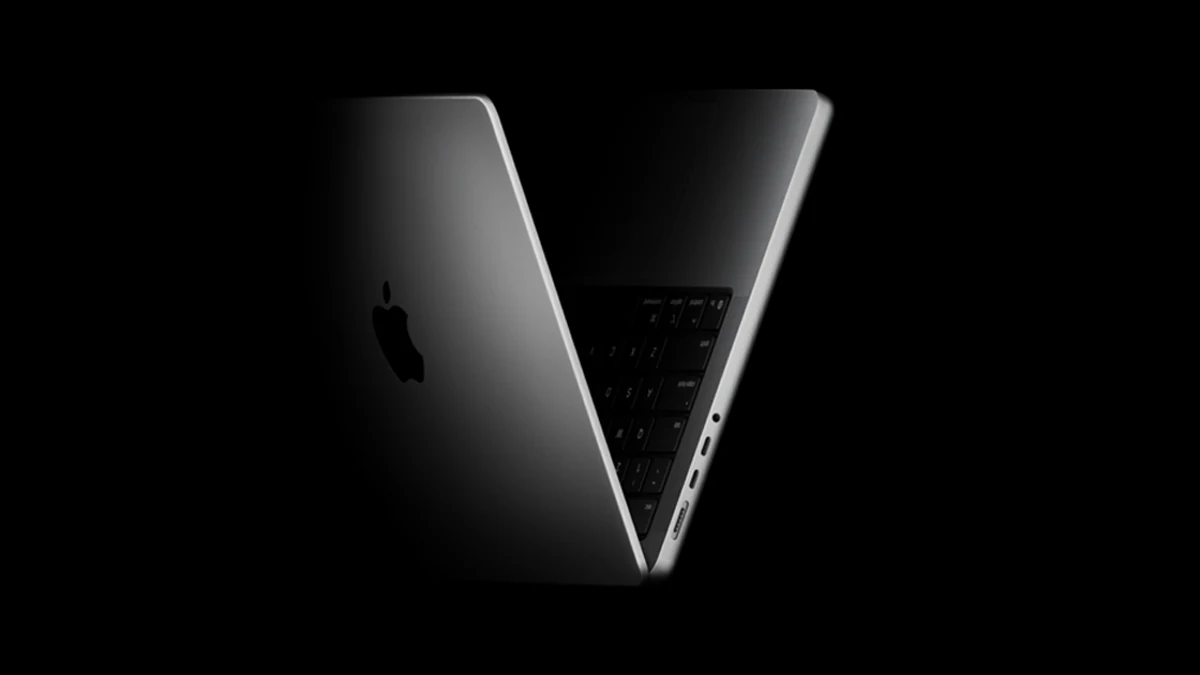
MacBook Air keeps its silhouette thin by relying on a fanless design, while MacBook Pro pairs the same Apple silicon family with an active cooling system that holds peak clocks under extended workloads. Both laptops run macOS Tahoe and share the unified memory architecture (UMA) that lets the CPU, GPU, and Neural Engine read from one memory pool without copying buffers. The Air carries two Thunderbolt 4 ports and trades port variety for weight, whereas every MacBook Pro ships with HDMI, MagSafe 3, an SDXC card slot, a headphone jack, and three Thunderbolt 4 or Thunderbolt 5 ports depending on the chip tier (apple.com/macbook-pro). The thermal split is the practical fault line. A fanless chassis stays silent and cool during browsing, writing, code editing, and light photo work, but it must shed heat passively, so long video exports or multi-hour compiles push the MacBook Air toward thermal throttling sooner than the actively cooled Pro. How the M-series silicon stacks up against rival platforms is covered in the Apple Silicon vs Intel vs AMD performance comparison.
| Attribute | MacBook Air | MacBook Pro |
|---|---|---|
| Thermal design | Fanless design, passive cooling | Active cooling with fans |
| Thunderbolt ports | Two Thunderbolt 4 | Three Thunderbolt 4 or Thunderbolt 5 |
| Other I/O | USB-C charging, headphone jack | HDMI, MagSafe 3, SDXC, headphone jack |
| Audio | Built-in speakers | Six-speaker system with Spatial Audio and Dolby Atmos |
| Camera | 12MP Center Stage with Desk View | 12MP Center Stage with Desk View |
MacBook Air: Specs, Battery Life, and Portability
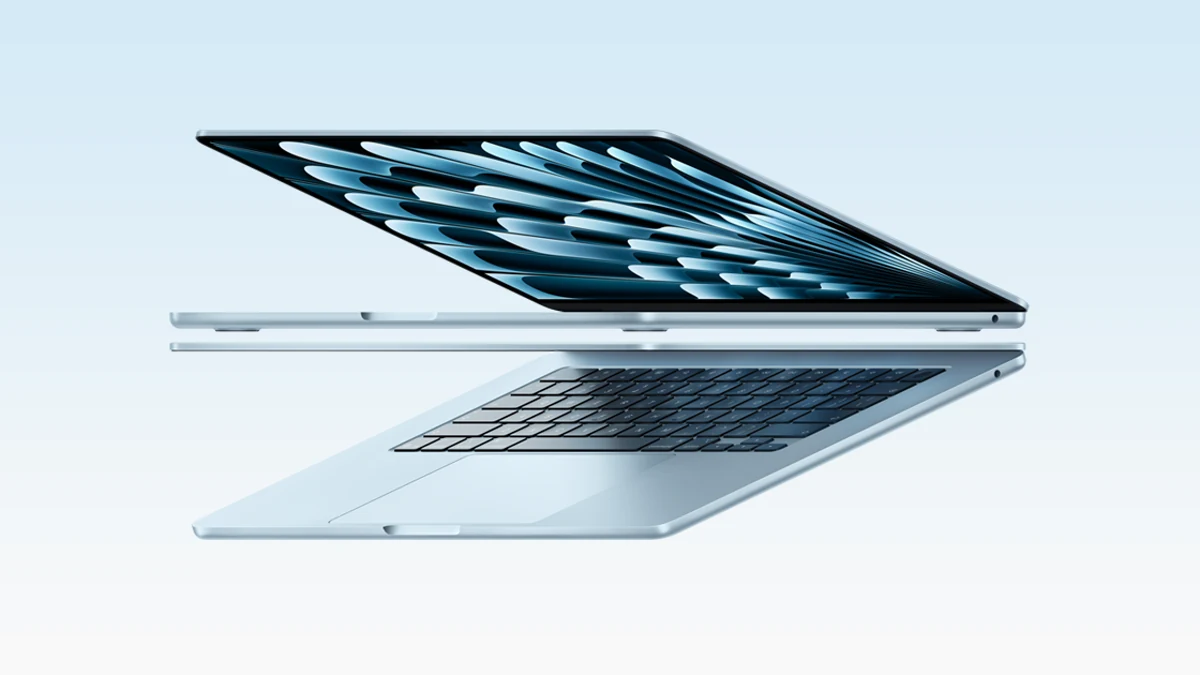
The MacBook Air is the laptop Apple positions as thin, fast, and powerful enough for almost any major (apple.com/education/college-students). Its hardware bill anchors a clear portability story. According to Apple's specifications page, the MacBook Air weighs 2.7 pounds (1.23 kg), ships with two Thunderbolt 4 (USB-C) ports, supports up to two external displays, and includes a 12MP Center Stage camera with Desk View (apple.com/macbook-air/specs). The same page rates battery life at up to 18 hours of video streaming, which makes the Air well suited to a full day of classes, library sessions, or transit between meetings without a charger (apple.com/macbook-air/specs).
The fanless design is the trait that defines the daily experience. With no fans to spin up, the Air stays silent through writing, web research, lecture recording, Xcode work on small projects, and photo culling. Passive thermal management has a ceiling, though. Sustained peak loads such as a long 4K timeline export, an extended Lightroom batch render, or a multi-hour compile will heat the chassis until the SoC begins clocking down to keep within thermal limits. That is thermal throttling, and on the Air it arrives earlier than on a fan-cooled chassis. The trade is honest: silence and weight for a lower sustained performance ceiling.
- Weight: 2.7 pounds (1.23 kg) per Apple's specifications page (apple.com/macbook-air/specs).
- Ports: two Thunderbolt 4 (USB-C) ports per Apple's specifications page (apple.com/macbook-air/specs).
- External display: up to two external displays per Apple's specifications page (apple.com/macbook-air/specs).
- Camera: 12MP Center Stage with Desk View per Apple's specifications page (apple.com/macbook-air/specs).
- Battery: up to 18 hours of video streaming per Apple's specifications page (apple.com/macbook-air/specs).
MacBook Pro: Specs, Port Selection, and Sustained Performance
The MacBook Pro is the line Apple positions for the most power- and graphics-intensive majors and professional workloads (apple.com/education/college-students), and its hardware reflects that. The 14-inch MacBook Pro with M5 ships with three Thunderbolt 4 (USB-C) ports, a 10-core CPU, a 10-core GPU, and up to 32GB of unified memory (support.apple.com/en-us/125405, apple.com/macbook-pro). The 14-inch and 16-inch MacBook Pro with M5 Pro or M5 Max chips includes three Thunderbolt 5 ports, scales to a 40-core GPU, and accepts up to 64GB of unified memory with M5 Pro or up to 128GB with M5 Max (support.apple.com/en-us/126318, apple.com/macbook-pro).
Every MacBook Pro ships with three Thunderbolt 4 or Thunderbolt 5 ports, an HDMI port, a MagSafe 3 port, an SDXC card slot, and a headphone jack (apple.com/macbook-pro). Audio matches the I/O ambition: the chassis houses a studio-quality three-mic array and a six-speaker sound system with Spatial Audio and Dolby Atmos (apple.com/macbook-pro). The webcam is the same 12MP Center Stage camera with Desk View found on the MacBook Air. The active cooling system is what binds these specs into a sustained performance story. Where the fanless MacBook Air must throttle Apple silicon clocks to stay inside its thermal envelope during long renders, the Pro's fans dissipate heat continuously, letting the M5, M5 Pro, or M5 Max hold higher clocks across long video exports, sustained Logic Pro sessions, and extended Xcode builds.
- Chip tiers: M5 14-inch introduced 2025; M5 Pro and M5 Max 14-inch and 16-inch introduced 2026 (support.apple.com/en-us/125405, support.apple.com/en-us/126318).
- Ports: three Thunderbolt 4 on M5, three Thunderbolt 5 on M5 Pro and M5 Max, plus HDMI, MagSafe 3, SDXC, and headphone jack (apple.com/macbook-pro).
- Unified memory: up to 32GB on M5, up to 64GB on M5 Pro or M5 Max (apple.com/macbook-pro).
- Audio: studio-quality three-mic array and a six-speaker system with Spatial Audio and Dolby Atmos (apple.com/macbook-pro).
- Camera: 12MP Center Stage with Desk View (apple.com/macbook-pro).
Head-to-Head: Design, Ports, and Display
The MacBook Air and the Pro split most cleanly on three axes that buyers feel daily: weight, Thunderbolt port count, and external display flexibility. The Air weighs 2.7 pounds (1.23 kg) per Apple's specifications page (apple.com/macbook-air/specs); the Pro is heavier, and current 14-inch and 16-inch figures live on Apple's MacBook Pro specs page (apple.com/macbook-pro/specs). On I/O, the Air offers two Thunderbolt 4 (USB-C) ports, while every MacBook Pro carries three Thunderbolt ports plus HDMI, MagSafe 3, an SDXC card slot, and a headphone jack (apple.com/macbook-pro). That difference matters at a desk wired for a camera, an SD card reader, an external SSD, and a monitor at once. Developers weighing the MacBook Pro against rival builds will find the cross-vendor picture in Best developer laptops: MacBook vs ThinkPad vs Dell XPS.
| Axis | MacBook Air | MacBook Pro |
|---|---|---|
| Weight | 2.7 pounds (1.23 kg) | Heavier; verify current spec on Apple's MacBook Pro specs page |
| Thunderbolt port count | 2x Thunderbolt 4 | 3x Thunderbolt 4 (M5) or 3x Thunderbolt 5 (M5 Pro / M5 Max) |
| Additional I/O | None beyond Thunderbolt and headphone | HDMI, MagSafe 3, SDXC card slot, headphone jack |
| External display support | Up to two external displays | Multi-display via Thunderbolt plus HDMI; see Apple's specs page |
| Thermal system | Fanless design | Active cooling with fans |
Which MacBook Is Best for Your Use Case
The MacBook Air and the Pro answer different questions about how you work, not different scores on the same benchmark. Sort the decision by use case rather than by chip name and the right pick gets obvious quickly. Apple offers savings to qualified college students and educators on a new Mac through its education store, which often tilts the math for budget-conscious buyers (apple.com/education/college-students).
- Students and everyday productivity. The MacBook Air wins on weight, battery life, and price. The 2.7-pound chassis and up to 18-hour battery life rating cover lecture days, library shifts, and travel without a charger (apple.com/macbook-air/specs). Paired with the education discount in the Apple Store, it is the lowest-cost entry into the Apple silicon ecosystem (apple.com/education/college-students).
- Video editing and graphic design. The MacBook Pro wins on sustained performance. Active cooling lets the M5, M5 Pro, or M5 Max hold peak clocks during long 4K exports, RAW retouching, or motion graphics work that would push the fanless Air into thermal throttling. The higher unified memory ceiling of up to 64GB on M5 Pro or M5 Max also supports larger timelines and complex node graphs (apple.com/macbook-pro).
- Multi-display setups and peripheral-heavy desks. The MacBook Pro wins on connectivity. Three Thunderbolt ports plus HDMI, SDXC, and MagSafe 3 keep an external monitor, a camera card, an audio interface, and a wired drive connected without a hub (apple.com/macbook-pro). the Air supports up to two external displays through its two Thunderbolt 4 ports, which is enough for many dual-monitor desks (apple.com/macbook-air/specs).
- Gaming. Neither model is built for AAA PC gaming. Both rely on Apple silicon GPU cores, which handle casual and Apple Arcade titles well and run an expanding catalog of native macOS ports, but they are not a direct substitute for a discrete-GPU gaming rig. If gaming is the primary buying driver, review the Laptops vs desktops vs workstations framework before committing to either MacBook.
Battery Life and Longevity: What Apple's Data Shows
The MacBook Air is rated by Apple at up to 18 hours of video streaming on a single charge (apple.com/macbook-air/specs). MacBook Pro battery hours vary by chip tier and screen size; readers should check Apple's MacBook Pro specs page for the figure that matches the configuration they are pricing (apple.com/macbook-pro/specs). Over the life of the laptop, the meaningful battery indicator is the macOS Battery status. When that status reads "Service Recommended," Apple Support explains the battery's ability to hold a charge is reduced or it is not functioning normally, and the Mac can continue to be used before the battery is checked without harming the computer (support.apple.com/en-us/108376).
- MacBook Air rated runtime
- Up to 18 hours of video streaming per Apple's specifications page (apple.com/macbook-air/specs).
- MacBook Pro rated battery life
- Varies by chip tier and screen size; verify on Apple's MacBook Pro specifications page (apple.com/macbook-pro/specs).
- "Service Recommended" battery status
- Capacity is reduced or the battery is not behaving normally; the Mac is safe to use before service (support.apple.com/en-us/108376).
Industry analysts at Gartner continue to track the broader PC category in which Apple's MacBook line competes; their PC shipment briefings provide useful market context for buyers weighing the Apple ecosystem against Windows alternatives (gartner.com). Peer-reviewed work on Apple's chip, including IEEE Xplore analysis of the M-series architecture and ACM Queue's coverage of the M-series chip transition, documents how the shared memory architecture shapes bandwidth and thermal behavior across both the MacBook Air and MacBook Pro chassis designs (ieeexplore.ieee.org, queue.acm.org). Beyond hardware, the iOS vs Android platform comparison covers the software-side trade-offs that often accompany a MacBook purchase.
Further reading
- Mobile Innovation Trends: How Smartphones Have Changed Over Time
- Samsung Galaxy for Business vs iPhone: Knox, Apple Business Manager, and MDM
- SmartThings vs Home Assistant vs Hubitat: Smart Home Hub Comparison for Advanced Users
- GPU Buying Guide: How to Choose a Graphics Card for Gaming and AI
- NPU vs GPU vs TPU: What AI Accelerators Actually Do
Frequently Asked Questions
Is the Air suitable for video editing?
The MacBook Air handles light video editing well. But extended 4K export sessions will trigger thermal throttling sooner than the MacBook Pro because the Air uses a fanless design with passive cooling. For occasional edits the Air is sufficient; for daily sustained workloads, the MacBook Pro's active cooling system maintains higher sustained performance.
Which MacBook has better runtime?
The MacBook Air is rated at up to 18 hours of video streaming per Apple's official specs page. Apple's MacBook Pro battery ratings vary by model; check apple.com/macbook-pro/specs for current figures. In typical mixed-use scenarios the Air's fanless design tends to preserve battery charge longer, but workload type is the dominant factor.
Is the MacBook Pro worth the extra cost?
The MacBook Pro justifies its premium for users who need three Thunderbolt ports, HDMI output, an SDXC card slot, higher unified memory capacity (up to 64GB on M5 Pro or M5 Max), or sustained peak performance under extended workloads. For students and general productivity users who stay within the Air's thermal envelope, the Air's lower price and lighter weight typically deliver better value.