Android 17 shuts ordinary apps out of the AccessibilityService API whenever a user has Advanced Protection switched on, leaving that interface to verified accessibility tools.
The change is one of six additions to Advanced Protection that Google describes for Android 17. Accessibility services work directly with what is on the screen, and Google says abuse of the API remains a primary vector for fraud and scams, since a malicious app holding that access can read sensitive data, install malware or block its own removal. The mode itself arrived with Android 16 as a single toggle that tightens settings across Chrome, Google Messages and Phone by Google, and it keeps Google Play Protect and Scam Detection from being switched off. Google aims it at people likely to be targeted, including journalists, elected officials and public figures. Its description does not say how an app earns the verified accessibility-tool category.
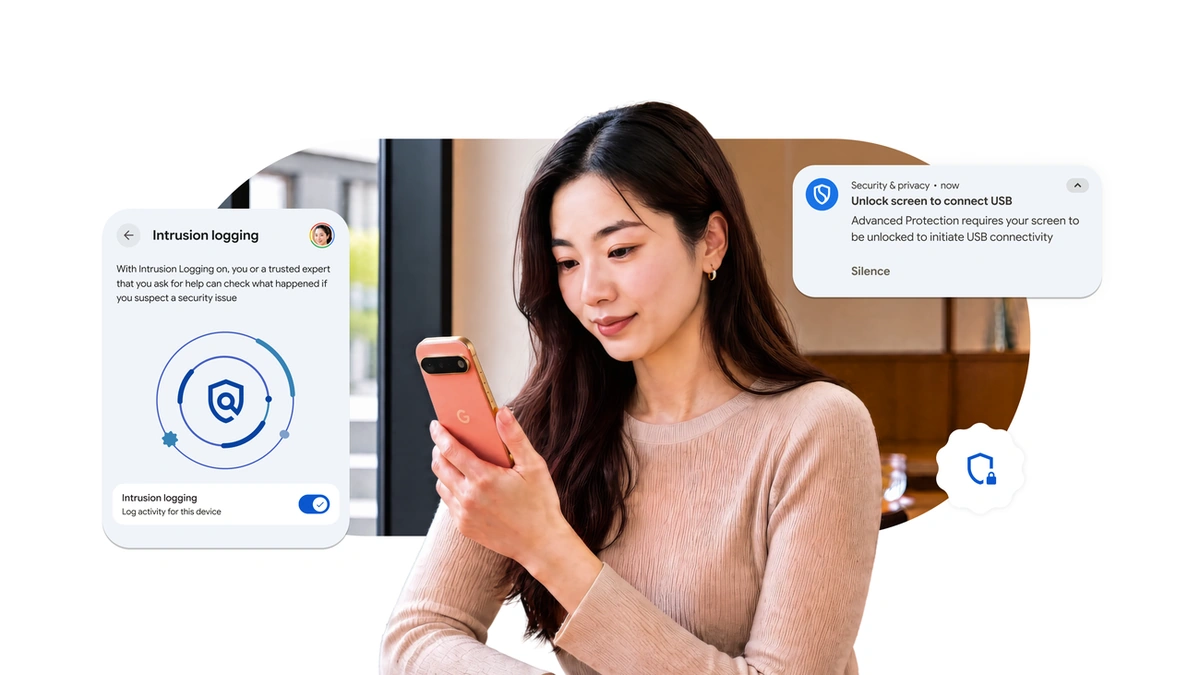
The accessibility rule is one of two additions that work by taking a capability away. The other disables WebGPU in Chrome while Advanced Protection is on, which Google says reduces exposure to browser-based exploits because complex hardware-accelerated web features widen the attack surface. A second pair targets physical access. USB Protection defaults new USB connections to charging only while the device is locked, though connections already in place persist when the screen locks, and Failed Authentication Lock fully locks the phone after repeated failed attempts to authenticate inside settings or secured apps.
The remaining two serve different purposes. Intrusion Logging is the one addition that helps after a suspected compromise rather than before it. Google calls it a mobile industry first and says security and network events are end-to-end encrypted, stored in the cloud, readable only by the user and deleted after a rolling 12 months. It needs a separate manual opt-in on the Advanced Protection settings page. View Supporting Apps adds a settings page listing which installed apps check a device's Advanced Protection status, and developers can be notified when the mode is on so they can enable their own protective features for those users.
Availability is uneven. All six reach Android 17 devices, except USB Protection and Failed Authentication Lock, which are offered only on select Android 17 devices; USB Protection also runs on Pixel 6 and later. Google adds that hardware differences mean USB Protection may affect some locked-device functions, charging speed among them. Existing Advanced Protection users are notified as the new capabilities arrive. Because everything here sits behind the Advanced Protection toggle, only users who opt in are affected, and for them Android 17 now refuses accessibility requests from any app outside the verified group.