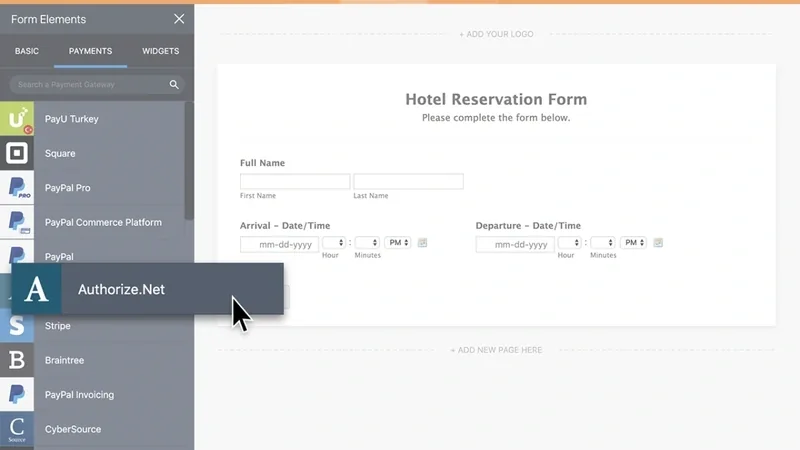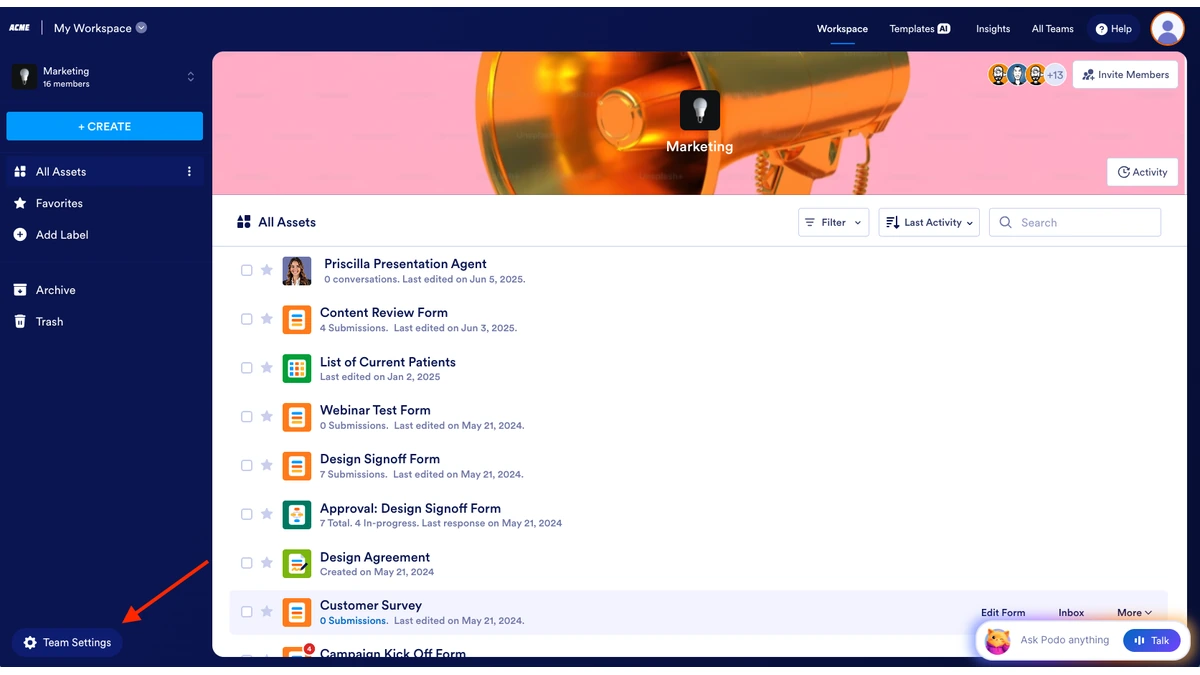
Jotform is giving Enterprise Team Admins control over exactly who gets notified about team activity, replacing the prior setup where a single alert type reached the entire team. Admins can now route each notification to specific individual members or to whole roles, so an access-request alert can go only to managers instead of every teammate. The change spans five event categories: a new member joining a team, a request to join, access requests on shared assets, inbox comments, and Jotform Sign document activity, including forms enabled for Sign automation. Setup happens in Team Settings, under a new Notifications tab, where admins pick recipients per event and save.
According to Jotform, customizable Team notifications had been one of Enterprise customers' most-requested asks. A companion change extends the same idea to individual forms: Form Builder admins can now choose which specific team members receive submission alerts for a given form, instead of notifying an entire team or relying on separate individual email addresses as before.
Jotform's post does not say whether the feature requires a particular Enterprise tier or carries added cost, nor does it describe delivery channels beyond the in-app Notifications panel, such as email digests, Slack, or mobile push. For teams managing many roles across departments, the practical effect is less alert noise inside an existing workflow rather than new functionality layered on top of it.
Whether the same per-role routing reaches Jotform's non-Enterprise plans, or stays an Enterprise-only control, is not addressed in the post.
The controls remain inside Jotform's existing administration workflow.