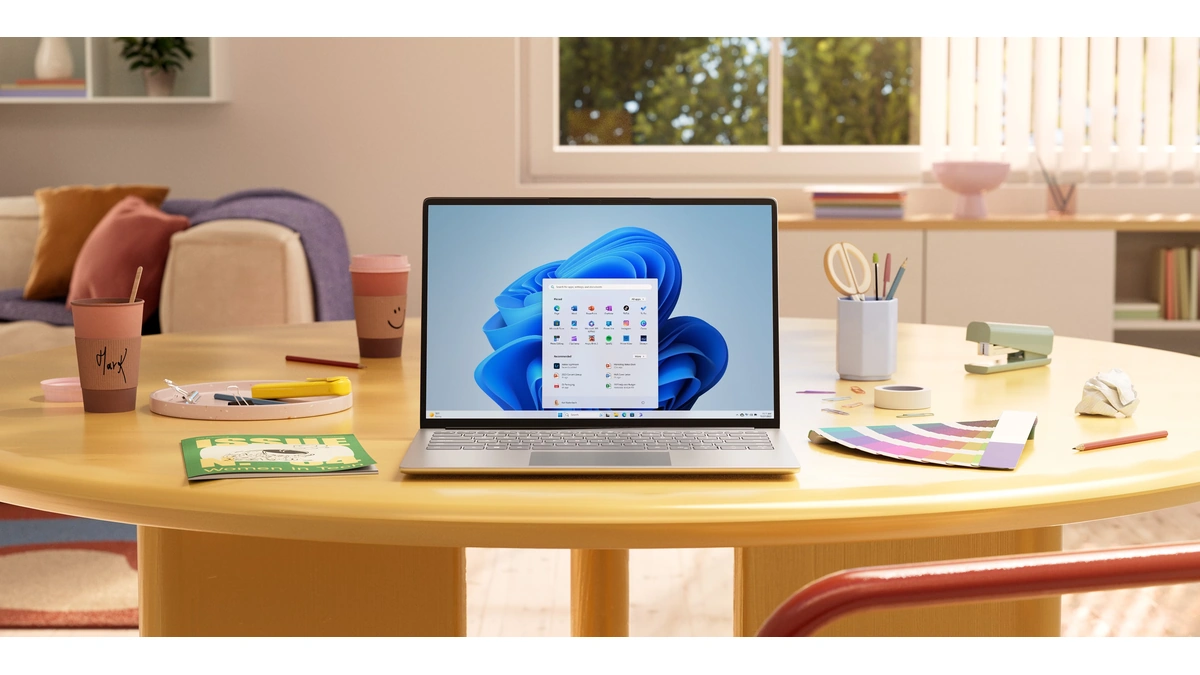
Microsoft says Windows 11 on 8 GB PCs is now up to 20% more responsive, and a heavy multitasking run finishes up to 40% faster than on January 2026 builds. The changes come from the memory-optimization work Microsoft named a quality priority in July, and they ship in Windows 11 version 26H2, build 26300.9818 or later.
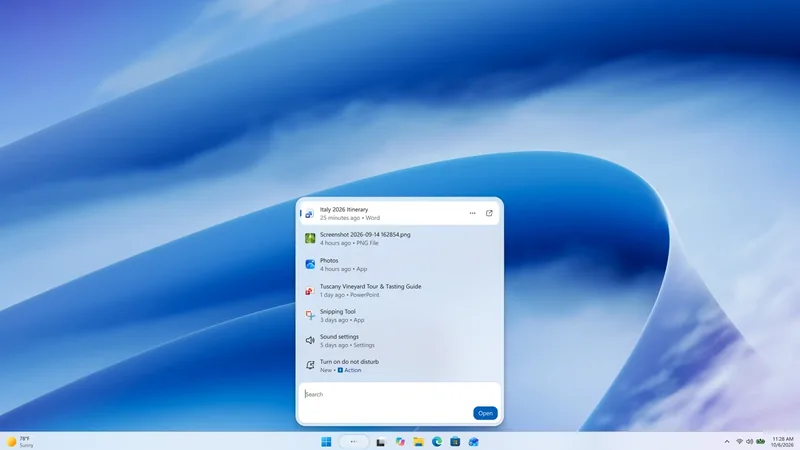
The two headline numbers come from different tests. The 20% figure is telemetry on Start, Search, right-click, Settings, Snipping Tool and File Explorer response times from 8 GB machines. It compares build 26300.9550 with 26200.7628.
The 40% figure is a lab run on one HP OmniBook 3 with a Snapdragon X Plus chip and 8 GB of memory. The run opened 20 Edge tabs, a 4K video, large Word, PowerPoint and Excel files, Outlook and File Explorer one after another, and Microsoft says the result is specific to that scenario and configuration and is not a benchmark. It compared builds 26200.7623 and 26200.9445, not the 26H2 build Microsoft tells users to install.
On 8 GB PCs, Microsoft says it has tuned how much Windows 11 compresses less-active data and when it moves data to storage, so up to 2 GB more of a user's active data can stay in memory. In multitasking tests on 8 GB PCs, changes across Windows, Edge and the Microsoft 365 apps cut committed-memory growth by up to 900 MB, and Word, PowerPoint, Excel and Outlook account for 360 MB of that.
On PCs with 8 GB of memory or less, the Widgets panel now loads only when someone opens it, which frees roughly 200 MB while it's closed. Edge puts inactive tabs to sleep after 15 minutes by default, down from two hours. Teams can turn on its Efficiency Mode by default on 8 GB PCs, and Microsoft says that helps it launch up to 20% faster.
The update is under Settings > Windows Update, with "Get the latest updates as soon as they're available" switched on, followed by Check for updates. Edge, Microsoft 365 and Teams need their own updates as well, because Microsoft ships part of the work through app updates or Microsoft Store. The company adds that timing and availability may vary by device and region.
The up to 33% faster Edge launch, where Windows connects to an already-running Edge instead of searching for it, also needs Edge 150 or later. Microsoft puts the typical gain at 15%, and up to 33% under heavy multitasking. It also lists the faster launch for versions 25H2 and 26H1 once the October 2026 non-security update is installed.
Microsoft commissioned Principled Technologies to test the 2026 Dell XPS 13 with 8 GB of memory. On multi-core Cinebench it scored up to 94% higher than a 2021 8 GB model. It also roughly matched a 2021 machine with 16 GB in CPU work, web browsing, AI-powered web tasks and 4K video export, and Microsoft says those results hold only for the devices tested.
Microsoft plans one shared web engine for Search and Widgets and another for OneDrive and Photos, and says WinUI 3 apps such as File Explorer, Notepad and Paint are being built to open faster and use less memory. It is also working with PC makers and chip suppliers on how much memory a PC sets aside for its hardware.