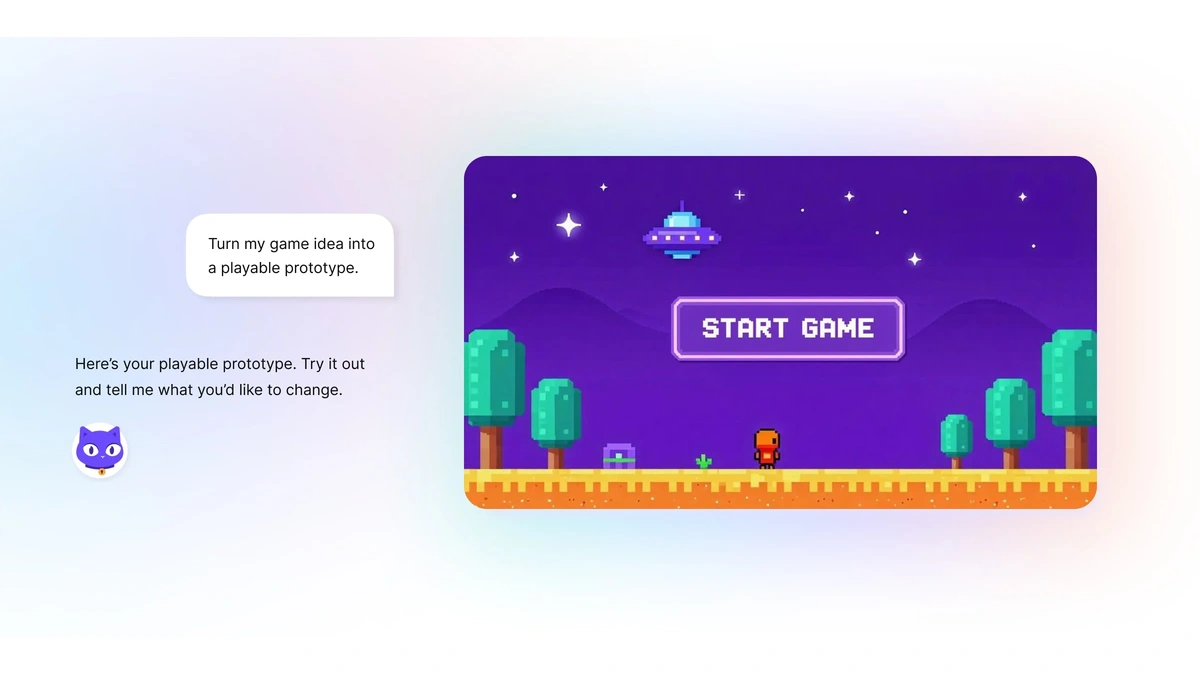
Proton Lumo can now open a canvas beside the chat when a request calls for a lasting piece of work, such as a report, a code file or an interactive web page. Until now that output sat inside a chat reply, and finding the right revision meant scrolling back through messages. Proton says the canvas is live for all Lumo users.
Proton Lumo decides when to use it. The assistant is instructed to separate conversational answers from creations a person is likely to keep or revise, and each creation carries structured data naming its type. The app reads that tag to pick a view, formatted text for documents and an interactive preview for web pages. Questions and explanations generally stay in the chat. A user who doesn't want the canvas can switch it off per conversation from Tools in the chat box, or in Settings.
Changes can be requested in the conversation or by selecting content in the canvas. In a document, a user highlights a passage and describes the change, such as cutting a paragraph in half or making it less formal. In code, selecting a section offers Improve or Explain. Documents can also be edited by hand, including in a Markdown source view, while other creation types are revised through Lumo. Every Lumo revision and every saved manual edit becomes a new version, and earlier ones can be reviewed, copied, downloaded or saved to Proton Drive.
Proton says the Library posed its own technical challenge. In Proton Lumo, opening Library and then Creations lists everything a user has made across conversations. Proton's servers can't read conversations, so Lumo stores a separate encrypted copy of each creation's latest version. To the servers it is an unreadable file; the user's device decrypts what the Library needs to display. Older versions stay in the encrypted conversation history.
Free accounts get the canvas too. Lumo's free tier comes with limited messages, chat history and image generations, while Lumo Plus for individuals costs $12.99 a month, or $9.99 a month billed yearly at $119.88. Presentations are coming as well; Proton says it is still working on getting the slides right and hasn't given a date.
Export in Proton Lumo follows the same logic and carries a cost. Word files are generated on the device from the document's Markdown structure, and PDFs go through the browser's print dialog. Proton considered server-side PDF generation and ruled it out, because it would send the unencrypted document to another backend. As a result, Save to Drive as PDF currently produces image-based files with no selectable text. Users who need selectable text can save through the print dialog and upload that file to Drive, and Proton says it will keep working on export options as feedback comes in.