
Augmented reality is a display technology that overlays computer-generated images, audio, and data onto a live view of the physical world in real time.
Unlike virtual reality, augmented reality keeps the physical environment visible and adds a digital overlay on top of it. The practical result is a medium that fits existing physical workflows: surgeons keep their eyes on the patient, factory workers keep their hands on the part, and shoppers keep their phone aimed at the shelf. Spatial computing, or extended reality (XR), is the broader field that includes AR alongside VR and mixed reality; AR is its most commercially deployed branch.
How Augmented Reality Works
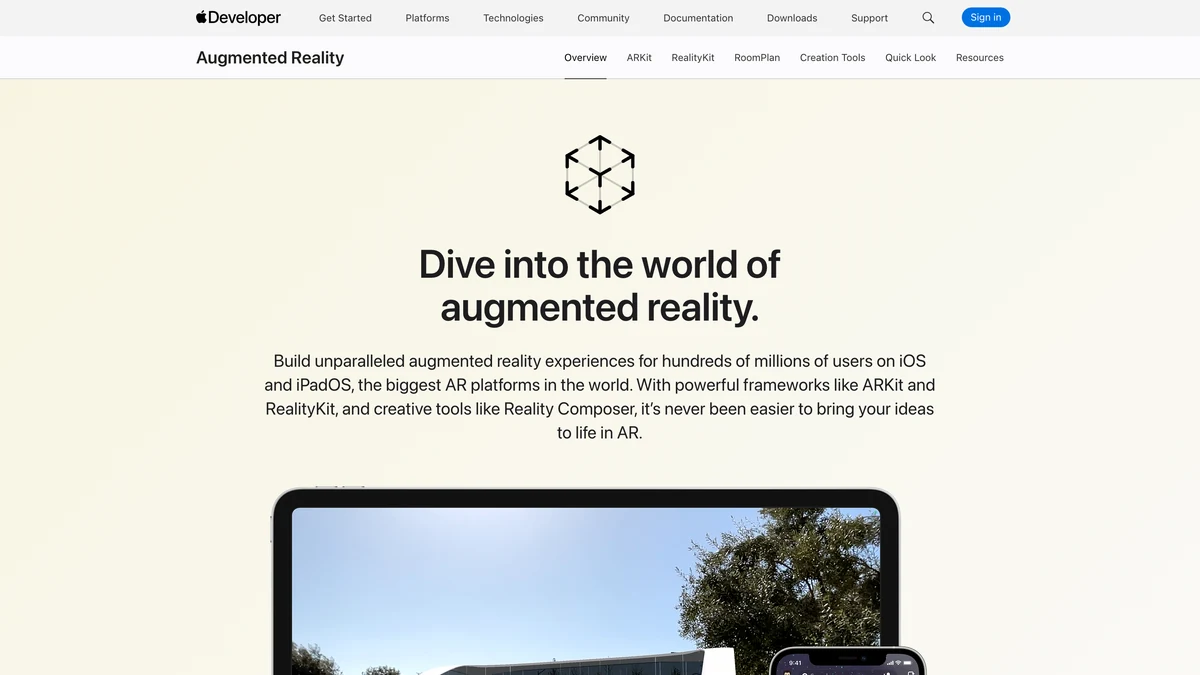
Augmented reality works by combining camera input, inertial sensors, and real-time rendering to place digital overlays precisely within a physical scene. Three subsystems make that precision possible.
World tracking maps the geometry of the surrounding environment using a combination of visual feature detection and IMU data, letting the augmented reality engine know where surfaces, planes, and edges are as the device moves. Motion tracking complements this by estimating device pose at high frequency, so overlaid objects stay anchored even during fast head or hand movements. Depth understanding, whether from a structured-light sensor, time-of-flight module, or stereo-camera pair, gives the rendering pipeline enough spatial data to occlude digital objects correctly behind real-world geometry. Environmental understanding ties these together: the system infers semantic context (floor, table, wall) so that virtual content can land, sit, and shadow realistically.
AR hardware ranges from commodity smartphones to optical-see-through headsets. Most consumer and enterprise deployments still run on smartphones and tablets, where the display is the screen rather than a lens. For a broader look at how AR relates to hybrid display systems, the mixed reality explainer covers the spectrum in depth.
Retail and E-Commerce
Retail is one of the most commercially active sectors for AR, where virtual try-on and in-room product preview have measurably reduced return rates. Object tracking is the enabling technology: the AR engine identifies a product or a body region and locks the digital overlay to it frame by frame, even as the camera moves.
Apple's Object Capture pipeline, detailed in the WWDC 2022 session on ARKit and RealityKit, converts multi-angle photography into photorealistic USDZ models in minutes. Retailers use those models directly in ARKit-powered virtual try-on flows, letting a shopper point a phone at their living room and see a sofa, lamp, or rug placed at accurate scale. The AR in retail customer experience coverage details the conversion-rate evidence behind these deployments.
Common retail AR use cases:
- Footwear and apparel try-on: object tracking locks virtual shoes or clothing to the body in real time, removing fit uncertainty before purchase
- In-room furniture placement: ARKit and ARCore plane detection anchors furniture models to detected floor surfaces at true scale
- Cosmetics try-on: face tracking maps lip, eye, and cheek regions for live color preview without physical swatching
- Eyewear fit: facial landmark tracking places frame models at the correct interpupillary distance for each user
- Packaged-goods label preview: object tracking on a product SKU triggers nutritional or origin data as a floating digital overlay above the physical package
Healthcare and Surgical Guidance
Healthcare teams use AR overlays to project imaging data and procedural guidance onto a surgeon's field of view without requiring gaze shifts to a secondary monitor. Room tracking is the foundation: the system builds a persistent map of the operating theater so that registered anatomy models remain spatially stable relative to the patient as the headset or camera moves.
In image-guided surgery, pre-operative CT or MRI scans are registered to intraoperative anatomy. The AR platform then renders a semi-transparent digital overlay of vasculature, tumor margins, or bone structure directly over the surgical site. Surgeons operating on the spine, for instance, can see the planned pedicle screw trajectory superimposed on the vertebra without breaking sterile field to consult a screen. ARKit's depth sensing and room tracking capabilities, documented in the WWDC 2024 session on ARKit room tracking and object tracking, enable this kind of registration on Apple hardware.
Medical training extends these capabilities beyond the OR. AR simulation platforms let students practice suturing, catheter placement, or airway management on physical task trainers augmented with virtual tissue response. The digital overlay flags incorrect technique in real time without requiring a human proctor to be in the room.
Active healthcare AR application areas:
- Intraoperative overlay: fused CT/MRI models projected onto the surgical field via room-tracked headsets
- Vascular access guidance: ultrasound-registered AR lines showing vein position through skin for IV insertion
- Rehabilitation: motion-tracked AR prompts guide patients through prescribed movement arcs, logging compliance
- Anatomy education: 3D organ and skeletal models anchored to physical cadaver or mannequin surfaces for medical students
Manufacturing and Field Service
Manufacturing plants deploy AR headsets to deliver assembly instructions, torque specifications, and quality-check annotations directly in the worker's line of sight. World tracking anchors step-by-step procedure overlays to the physical part, eliminating the need to cross-reference a paper manual or wall-mounted screen.
Spatial computing hardware running ARCore-compatible software connects field technicians to remote experts via shared AR annotations. The technician's camera feed streams to the expert, who draws arrows, labels, or highlight boxes onto the live view; those annotations appear as a digital overlay in the technician's headset or tablet display, tied to the physical object via world tracking. Google's ARCore platform, documented at developers.google.com/ar, provides the plane detection, depth, and anchor primitives that field-service AR applications build on.
A typical AR-assisted assembly workflow for a complex electronics sub-assembly:
- The AR system identifies the work-cell by scanning a reference marker or using world tracking against a stored point cloud of the station
- Step-by-step assembly instructions appear as a floating digital overlay above the physical fixture, advancing automatically when the previous step's component is detected in position
- Object tracking confirms correct component orientation; incorrect placement triggers a visual or audio alert before the worker applies torque
- Torque wrench readings feed into the AR display so the worker sees a live gauge without looking away from the fastener
- Completed steps are logged automatically to the quality management system, creating a traceable digital record
For a broader view of immersive technology in workforce programs, the enterprise VR and AR training guide covers program structure and platform selection.
Education and Training
Educational AR applications turn static curricula into interactive 3D experiences, letting students manipulate molecular structures, historical artifacts, and anatomical models in physical space. The motion tracking layer is what makes manipulation feel intuitive: as a student rotates a physical marker card, the digital overlay rotates in sync, maintaining the spatial relationship the student builds through touch.
ARKit and ARCore both provide the plane detection and motion tracking primitives that educational publishers need to anchor content to physical workbooks, lab tables, or classroom floors. A chemistry application can project a DNA double helix onto a printed textbook page; a geography app can raise a topographic digital overlay above a printed map. Both patterns require the SDK to resolve scale and orientation relative to a known reference, which is where ARKit's image tracking and ARCore's augmented images capabilities do the heavy lifting.
Proven education AR formats:
- Molecular modeling: students physically rotate a base model while motion tracking updates the digital overlay in real time, reinforcing spatial reasoning
- Historical artifact reconstruction: a damaged or incomplete artifact marker triggers a complete AR digital overlay showing the original object
- Language learning: physical object labels trigger pronunciation audio and phonetic overlay, tying vocabulary to physical context
- STEM simulation: ARCore-powered physics sandboxes let students drop virtual objects onto real desks and observe collision and friction responses
Developer Platforms: ARKit, ARCore, and Android XR
Three SDK platforms handle most production AR development: ARKit from Apple, ARCore from Google, and Android XR for Google's extended reality device ecosystem. Each targets a different hardware surface and exposes different tracking primitives, which shapes what applications can build on them.
ARKit runs on iOS and visionOS devices. Its room tracking feature, introduced for visionOS and detailed in the WWDC 2024 ARKit session, builds a persistent geometric understanding of interior spaces so that virtual furniture and objects remain correctly placed across sessions. Object tracking in ARKit allows apps to detect and track known 3D objects, which powers the retail try-on and manufacturing guidance cases above.
ARCore runs on certified Android devices. Its Geospatial API, part of the ARCore feature set documented by Google, uses Google's Visual Positioning System (VPS) to localize devices outdoors and in mapped indoor environments, with positional accuracy typically better than 5 meters and often around 1 meter under typical conditions, enabling persistent world-anchored AR at city scale. The Depth API adds depth understanding for occlusion and surface snapping on devices with depth sensors. Google's ARCore supported devices list details the certification criteria hardware must meet.
Android XR extends the platform to headsets and glasses, adding multi-modal input. The Android XR design considerations published by Google cover hand tracking, eye tracking, face tracking, gesture input, and voice commands as first-class interaction models, distinct from the touch and gaze model on phones.
| Feature | ARKit (Apple) | ARCore (Google) | Android XR (Google) |
|---|---|---|---|
| Primary hardware | iPhone, iPad, Apple Vision Pro | Certified Android phones and tablets | Android XR headsets and glasses |
| World tracking | Yes (plane, image, mesh) | Yes (plane, image, instant placement) | Yes (headset-optimized, 6DoF) |
| Room tracking | Yes (visionOS, RoomPlan API) | Partial (floor/wall plane detection) | Yes (full spatial mesh) |
| Object tracking | Yes (3D object scanning and detection) | Yes (augmented images, 2D targets) | Yes (via Android XR APIs) |
| Depth understanding | LiDAR on Pro devices; ARKit Depth API | Depth API (ToF or dual-camera) | Headset stereo depth |
| Geospatial API | No (coordinate anchors via RealityKit) | Yes (VPS, city-scale outdoor anchors) | No (indoor spatial focus) |
| Input modalities | Touch, gaze, hand gestures (visionOS) | Touch, tap-to-place | Hand, eye, face, voice, controller |
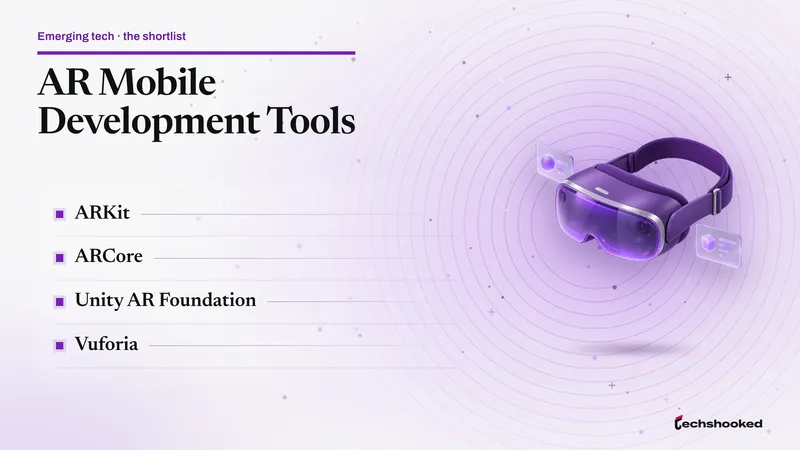
For a practical comparison of toolchains and engines that sit above these SDKs, the AR mobile development tools guide covers Unity, Unreal, and native SDK tradeoffs.
References
- Google ARCore: Platform Overview and Features
- Google ARCore: What's New in ARCore
- Apple Developer: Bring Your World Into Augmented Reality (WWDC 2022)
- Apple Developer: ARKit Room Tracking and Object Tracking (WWDC 2024)
- Android Developer: Android XR Design Considerations
- Google ARCore: Supported Devices
Further reading
Frequently Asked Questions
What industries use augmented reality today?
Retail, healthcare, and manufacturing are the three sectors with the broadest AR deployment today. Retailers use virtual try-on tools to reduce return rates; surgeons and medical trainers use AR overlays to guide procedures; factory workers use AR headsets to access real-time assembly instructions without looking away from the work surface.
What is the difference between augmented reality and virtual reality?
Augmented reality overlays digital content onto the physical world, leaving the environment visible, while virtual reality replaces that environment entirely with a simulated one. An AR app on a smartphone lets you place a virtual sofa in your living room; a VR headset transports you to a rendered space that has no connection to where you are sitting.
Which SDKs do developers use to build AR applications?
The two dominant SDKs are ARKit from Apple and ARCore from Google. ARKit runs on iOS and visionOS, providing room tracking, object capture, and depth sensing via Apple hardware. ARCore runs on certified Android devices and includes a Geospatial API, Depth API, and Persistent Cloud Anchors for location-aware experiences.