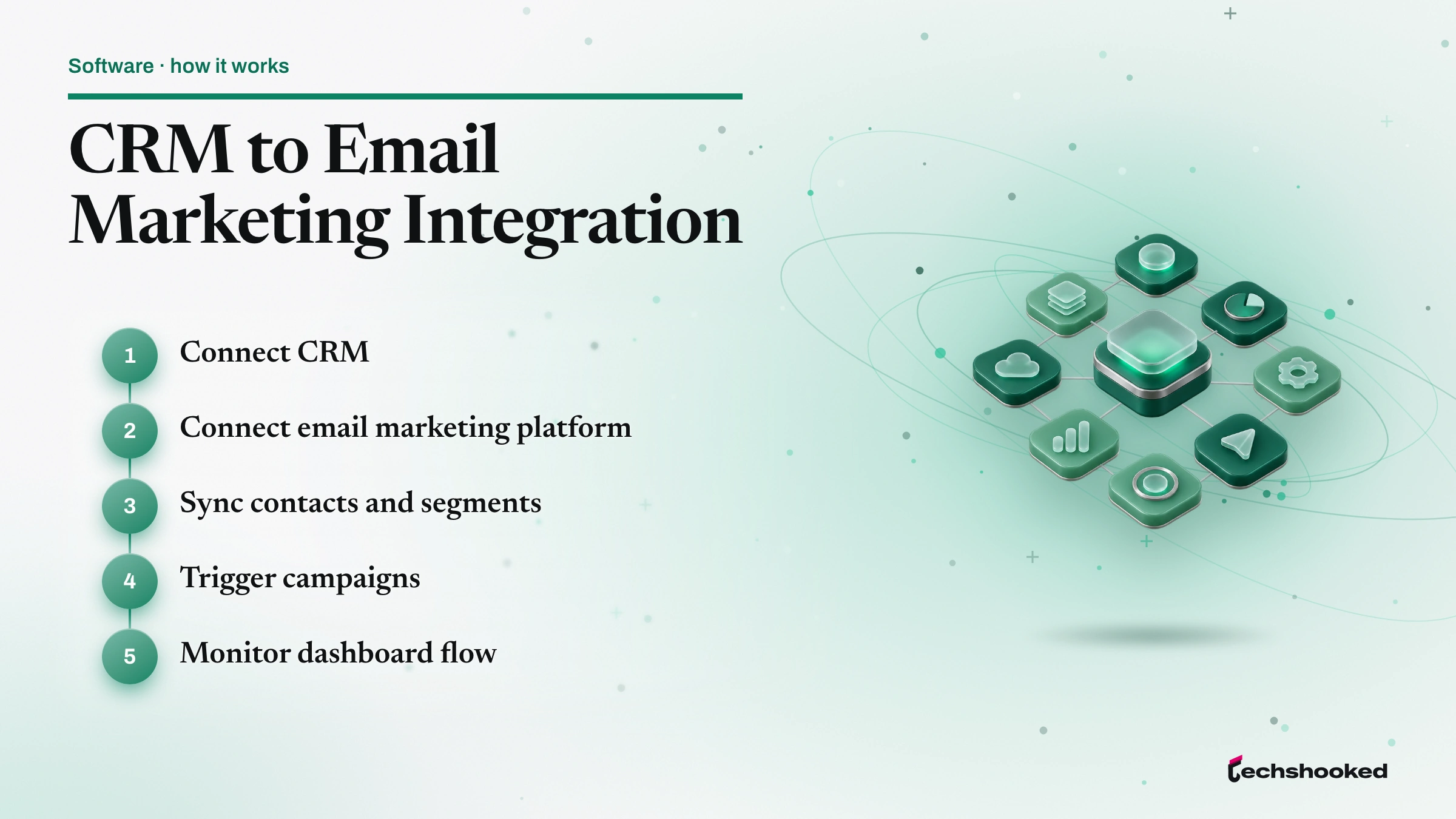
CRM integration is a data-synchronization workflow that connects a customer relationship management system to an email marketing platform so that contact records, lifecycle stages, and behavioral signals flow between both tools without manual export or import. The promise sounds tidy. The implementation is rarely a single switch, because most vendors ship inbound data-in sync or API-based connectors rather than true bidirectional native sync, and the choice between those patterns determines how field mapping, OAuth 2 authentication, and sync interval settings get configured. A clean CRM integration begins with an honest read of which sync model the chosen email marketing platform actually supports, then proceeds through authentication, field mapping, conflict rules, and pre-launch data consistency validation. Teams that have not yet picked a CRM can audit integration requirements before they buy.
What CRM Integration With Email Marketing Actually Does
The unique value of a deliberate integration workflow is catching defects before automated sends start hitting real inboxes. Run the pre-launch checks below against a sample of 50 contacts; do not enable scheduled campaigns until each item passes.

- Sample 50 contacts and compare field values between the CRM and the email platform. Investigate any mismatch on lifecycle stage, owner, or opt-in status.
- Trigger a test send against a known contact and confirm personalization tokens resolve correctly from the mapped the placeholder values.
- Test unsubscribe propagation. Unsubscribe a test contact in the email platform and confirm the change writes back to the CRM record within one sync cycle.
- Review the compliance profile. In Dynamics 365 Customer Insights - Journeys, email settings require choosing a compliance profile and purpose "so that consent checks are performed as required by the compliance profile and purpose's enforcement model" (Microsoft Learn: real-time marketing email).
- Spot-check field mapping for soft drops. Pull the sync log and confirm no contact records were skipped because of a missing the merge token on the email platform side.
- Confirm suppression sync before any automated journey is activated. A failed suppression write-back is the single fastest way to send unwanted email to an unsubscribed contact and breach consent rules.
Platform-Specific Notes: HubSpot, Salesforce, and Mailchimp
- HubSpot. Two distinct APIs cover email work and they are not interchangeable. The Marketing Emails API can "programmatically create, update, and get details about marketing emails" and return post-send statistics (HubSpot Marketing Emails API). The CRM email engagement API logs and manages emails on CRM records and supports associations with existing contacts and companies (HubSpot CRM email engagement API). Use the first for campaign asset management, the second for logging one-to-one sales emails against records.
- Salesforce and Dynamics 365. Microsoft's Customer Insights - Journeys product transitioned its default marketing experience to real-time journeys, and outbound marketing "would be removed after June 30, 2025" per the August 2024 announcement (Microsoft Learn: transition overview). New tenants no longer see the outbound marketing module at all. Plan CRM integration work against real-time journeys APIs going forward.
- Mailchimp. Merge fields drive both personalization tokens and audience segmentation conditions, and Mailchimp documents that segments can be built on the value stored in a merge field (Mailchimp merge fields). CRM properties that do not map to an existing merge field require explicit creation before sync. Mailchimp integrations authenticate via OAuth 2 and use Marketing API endpoints to transfer data (Mailchimp Integrations overview).
Related implementation context lives in the Realtime Analytics In CRM guide and the AI marketing automation overview, which covers downstream use of synchronized CRM data inside automated journeys.
Troubleshooting Common Integration Failures
- Token expiry. The refresh token was never persisted or was invalidated by a user re-authorization. The OAuth flow must restart and the integration owner must reconnect the app. Add monitoring on 401 responses from the email platform API.
- Merge field mismatch. A CRM field exists but no corresponding merge field in the email platform, so sync silently drops data on that property. Create the merge field, then run a backfill sync against affected contacts.
- Sync loop. Both systems write to the same field and trigger each other on every cycle. Designate the CRM as system of record for contact data, set email-platform contact fields to read-only or mapping-disabled, and confirm the loop breaks within one the sync cadence.
Further reading
Frequently Asked Questions
What are the most common challenges when integrating CRM with email marketing tools?
Data synchronization failures, field-mapping gaps, and sync conflicts are the three most common integration problems. Sync gaps occur when a CRM field has no corresponding placeholder field in the email platform, causing data to be silently dropped. Conflict errors arise when both systems update the same contact field and neither is designated the system of record. Resolve both by mapping all required fields before enabling automation and designating the CRM as the authoritative source for contact data.
Do I need a developer to integrate CRM with an email marketing tool?
Not always. Native connectors in platforms like HubSpot or no-code automation tools like Zapier let non-technical teams set up basic CRM-to-email sync without writing code. Custom API integrations that require precise attribute mapping, webhook handling, or bidirectional sync do require engineering work, particularly when building against the Mailchimp Marketing API or HubSpot's CRM engagement API.
How do I keep email opt-out status consistent between my CRM and email platform?
Designate the email platform as the system of record for suppression and opt-out state. Configure your sync so that any unsubscribe event in the email platform writes back to the CRM contact record within one sync cycle before any follow-up automated email can fire. Test this path explicitly: trigger an unsubscribe on a test contact and verify the CRM record updates before enabling live campaigns.