Arm vs x86 is the choice between two CPU instruction set architectures that decides which software a laptop or server runs natively, how much power it draws and what its compute costs. Both families now span the whole range, from thin notebooks to data center processors with hundreds of cores, so the old shorthand of Arm for phones and x86 for real computers no longer holds. What separates them day to day is software: which binaries exist for each side, what happens when they do not, and how much work a move takes.
That makes the decision less about raw speed than about fit. A student buying a MacBook Air, an IT team standardizing on Windows laptops and a platform engineer pricing cloud instances are all making the same architectural bet, with very different amounts of legacy code riding on it.
What Arm and x86 Actually Describe
Arm vs x86 comes down to two instruction sets and two ways of making chips. x86 is a CISC design built mainly by Intel and AMD, and it runs the existing Windows software base natively. Arm is a RISC design whose architecture Arm opens to partners, so Apple, Qualcomm, NVIDIA and cloud providers build their own processors on it.
In any Arm vs x86 comparison, the thing being compared is an instruction set, not a particular chip. Intel's x86 primer describes an instruction set architecture (ISA) as the language software uses to talk to the processor, the list of basic commands such as adding numbers or moving data. Intel classifies x86 as a Complex Instruction Set Computing (CISC) design, where one instruction can load a value from memory, multiply it and store the result. The name traces back to the Intel 8086 of 1978 and the 80186, 80286, 80386 and 80486 that followed it.
Arm sits on the other side of that old divide. The company describes its CPU architecture as a reduced instruction set computing (RISC) design and says it underpins more than 350 billion shipped chips. Arm also draws the line that matters most for buyers, between the architecture and the silicon that implements it:
- Instruction set architecture: the contract with software. Arm says it defines the basic instruction set plus the exception and memory models that the operating system and hypervisor rely on.
- Microarchitecture: the actual processor design that honors that contract, covering power, performance, area, pipeline length and cache levels. Apple M5, Qualcomm Oryon and NVIDIA Olympus are three different microarchitectures that all run Arm code.
- Architecture versions: both instruction sets keep growing. Arm describes Armv9-A as a set of extensions to Armv8-A, including a second-generation scalable vector extension (SVE2), while Intel and AMD add x86 features through a joint advisory group.
The split explains why benchmark arguments go in circles. A score measures one microarchitecture on one manufacturing process at one power limit, and the ISA is only one factor in that result.
Arm vs x86: Where the Designs Differ
The deepest Arm vs x86 difference is who gets to build the chips. Arm sells its own Cortex and Neoverse core designs, but it notes that many companies in its ecosystem develop their own implementations of the Arm architecture. x86 is designed mainly by Intel and AMD, and in October 2024 they formed the x86 Ecosystem Advisory Group to steer the instruction set together. AMD lists four milestones from the group's first year: the FRED interrupt model, AVX10 vectors, ACE matrix instructions and ChkTag memory tagging.
| Attribute | Arm | x86 |
|---|---|---|
| Instruction style | RISC, per Arm | CISC, per Intel |
| Who designs cores | Arm, plus partners with their own cores, such as Qualcomm Oryon and NVIDIA Olympus | Intel and AMD |
| How the ISA evolves | Arm with its partners; Armv9-A extends Armv8-A | Intel and AMD through the x86 Ecosystem Advisory Group |
| Vector extension | SVE2 | AVX10 |
| Newer security feature | Realm Management Extension in Armv9-A | ChkTag memory tagging, per AMD and Intel |
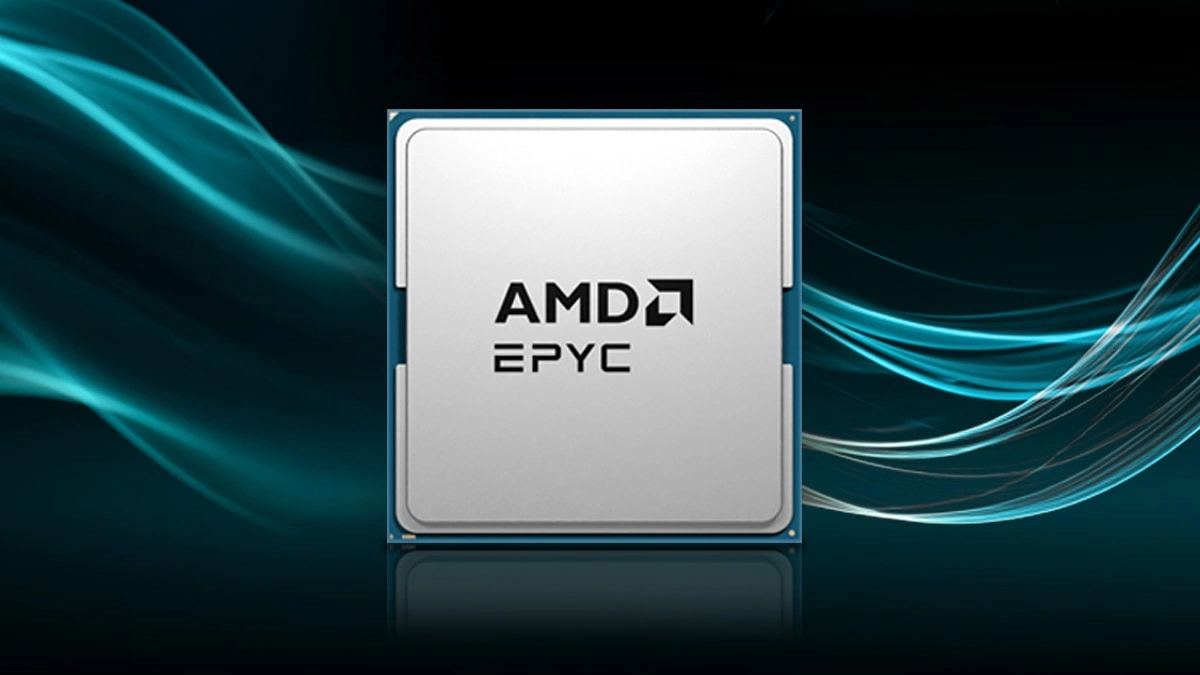
| Threads per core, server example | NVIDIA Vera: 88 cores, 176 threads | AMD EPYC 9006: 256 cores, 512 threads |
The last row is the useful surprise. NVIDIA's Spatial Multithreading gives the Arm-based Vera the same two threads per core that simultaneous multithreading (SMT) gives AMD's EPYC 9006, so thread count is a design choice, not an ISA trait. With wide vector extensions on both sides as well, the practical gap often sits in licensing and software rather than in instruction style.
x86, x64 and Arm64: What the Download Labels Mean
Download pages split Arm vs x86 into more names than two, but every label maps back to one of the two families. Microsoft defines x64 as a backward-compatible extension of x86 that adds a 64-bit mode, and says the term covers both AMD64 and Intel 64, whose instruction sets are almost identical. So x64 is x86 in its 64-bit form, not a third architecture. Windows 11 itself is 64-bit only, according to Microsoft's 32-bit and 64-bit Windows FAQ.
The Arm side has its own aliases. Microsoft's Windows on Arm documentation uses Arm64 for the 64-bit architecture that is also commonly called AArch64, and Arm32 for the older 32-bit one. Apple's tools write the same split as arm64 and x86_64, and a universal macOS binary carries code for both.
| Label on the download | Family | What it runs on natively |
|---|---|---|
| x86 | x86, 32-bit | Intel and AMD PCs; Windows on Arm runs it under emulation |
| x64, AMD64, Intel 64, x86_64 | x86, 64-bit | Intel and AMD PCs and Intel-based Macs |
| Arm64, AArch64, arm64 | Arm, 64-bit | Windows on Arm PCs and Apple silicon Macs |
| Universal (macOS) | Both | Any Mac, with arm64 and x86_64 code in one app |
Which file to pick follows from the machine. On an Intel or AMD PC, take the x64 build. On a Windows on Arm PC, take the Arm64 build when one exists: Microsoft says Arm-native apps give the best performance and battery life, and the Microsoft Store installs the Arm64 version by itself when a developer has published one. Where only an x64 or x86 build exists, Windows 11 runs it under emulation.
Checking Whether a PC or Mac Runs Arm or x86
Finding out which side of Arm vs x86 a computer sits on takes a few clicks, and the same menus answer the question for a single app on a Mac:
- Windows: open Start, then Settings, System and About. Under Device specifications, System type names the processor type, and Microsoft says an Arm PC shows ARM based processor there.
- Mac: open About This Mac from the Apple menu. Apple says a Mac with Apple silicon lists an item labeled Chip, while an Intel-based Mac lists Processor followed by the Intel model.
- One Mac app: select it in the Finder and choose File, then Get Info. The Kind line reads Application (Intel), Application (Universal) or Application (Apple silicon), which tells you whether it still depends on Rosetta.
Apple dates its switch from Intel processors to Apple silicon to certain Mac models introduced in late 2020, so an older Mac can still be on the x86 side.
Laptops: Battery Life Against App Compatibility
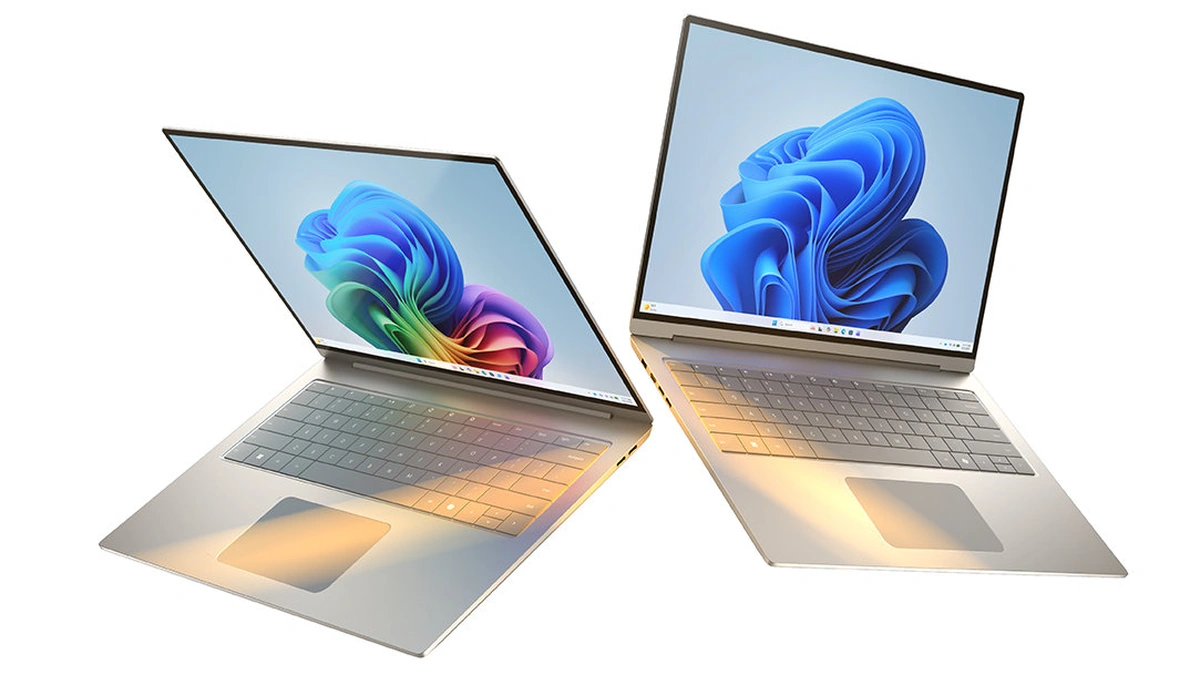
On laptops, Arm vs x86 is mostly a trade between battery life and compatibility. Apple settled the question for the Mac, and it says it is now concluding the Apple silicon transition in which Rosetta served as a temporary translation layer. The 13-inch MacBook Air with M5 lists a 10-core CPU and up to 18 hours of video streaming on its technical specifications page, and Apple's launch announcement claims six more hours than an Intel-based MacBook Air.
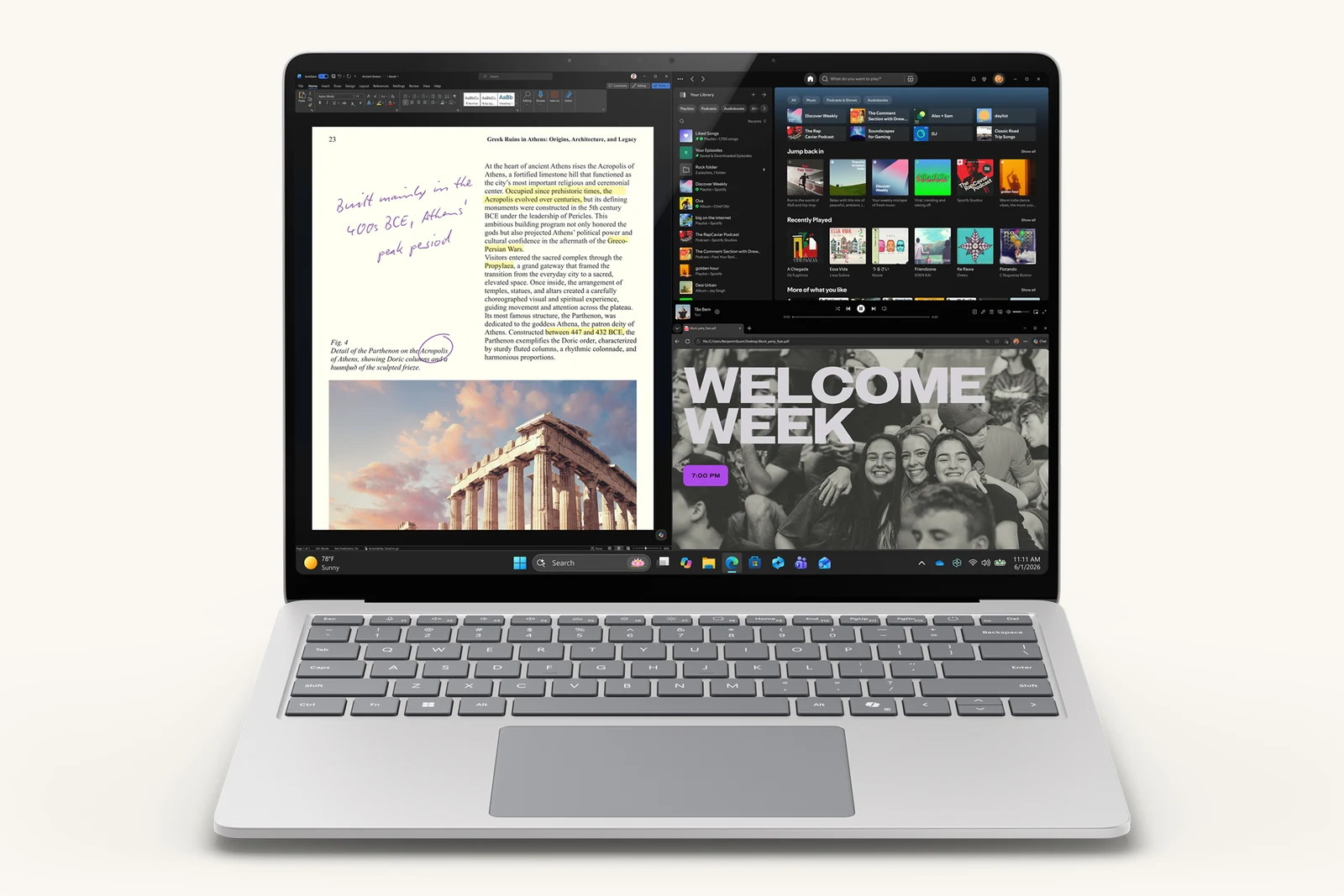
The Mac's translation layer has an end date. Apple says Rosetta is available on Apple silicon Macs running macOS 27 or earlier, and that from macOS 28 it will cover only certain older, unmaintained games built on Intel frameworks. Intel-only Mac software therefore has a fixed deadline for a native build.
Windows on Arm takes the opposite approach and builds x86 emulation into the operating system. Microsoft says Windows 11 on Arm emulates both x86 and x64 apps, and its Prism emulator compiles blocks of x86 instructions into Arm64 code just in time, then caches them for reuse. The limit is the kernel. Emulation handles user-mode code only, so drivers and any other kernel-mode component must be built as Arm-native Arm64 binaries. Software that installs its own drivers is the first thing to check before buying an Arm laptop. Microsoft's FAQ for Windows 11 Arm-based PCs says drivers for hardware, games and apps work only if they are designed for an Arm-based PC, and it singles out some third-party antivirus software, some assistive technology apps, and games whose anti-cheat drivers are not made for Arm.
| Laptop platform | ISA | Vendor-listed headline specs | Path for x86 apps |
|---|---|---|---|
| Apple M5 in MacBook Air | Arm | 10-core CPU, up to 18 hours video streaming | Rosetta through macOS 27 |
| Qualcomm Snapdragon X2 Elite | Arm | Up to 18 CPU cores, 80 to 85 NPU TOPS by model, 3nm | Prism emulation in Windows 11 |
| Intel Core Ultra Series 3 | x86 | Up to 16 CPU cores, 50 NPU TOPS, up to 27 hours battery claimed | Runs natively |
The x86 side answers with efficiency gains and its home advantage. Intel built Core Ultra Series 3 on its 18A process, and client chief Jim Johnson framed the launch around power efficiency and "app compatibility you can count on with x86." Battery figures from Apple, Qualcomm and Intel use different test methods, so treat them as each vendor's best case rather than a head-to-head result. The Apple Silicon vs Intel vs AMD performance comparison covers how those chips trade blows in practice, and the developer laptop comparison weighs MacBook, ThinkPad and Dell XPS for coding work.
Servers and the Cloud: Price-Performance Claims
In the data center, the Arm vs x86 case is made mostly by the cloud providers that design their own Arm chips. AWS says Graviton-based instances cost up to 20% less than comparable x86-based EC2 instances and use up to 60% less energy for the same performance. AWS lists Graviton5 at 192 cores and says more than 120,000 customers have used Graviton. Google makes a similar pitch for Axion, claiming up to 65% better price-performance than current-generation x86 instances and up to 60% less energy than other CPUs on Google Cloud.
Microsoft's newest Arm part is not yet generally available. Its Cobalt 200 virtual machines are in early access preview, built on Arm Neoverse V3 cores and TSMC's 3nm N3P process, with up to 50% better performance than Cobalt 100 by Microsoft's measure. The x86 vendors counter with density. The table lists the headline figures each company publishes for its current server parts.
| Server CPU | ISA | Vendor-stated headline |
|---|---|---|
| AWS Graviton5 | Arm | 192 cores; instances up to 20% cheaper than comparable x86 |
| Google Axion | Arm | Up to 65% better price-performance than current x86 instances |
| Microsoft Cobalt 200 | Arm | Neoverse V3 cores, 3nm, preview |
| NVIDIA Vera | Arm | 88 Olympus cores, up to 1.8 TB/s NVLink-C2C to GPUs |
| AMD EPYC 9006 | x86 | Up to 256 cores and 512 threads, PCIe Gen6 |
| Intel Xeon 6+ | x86 | Up to 288 E-cores per socket on Intel 18A |
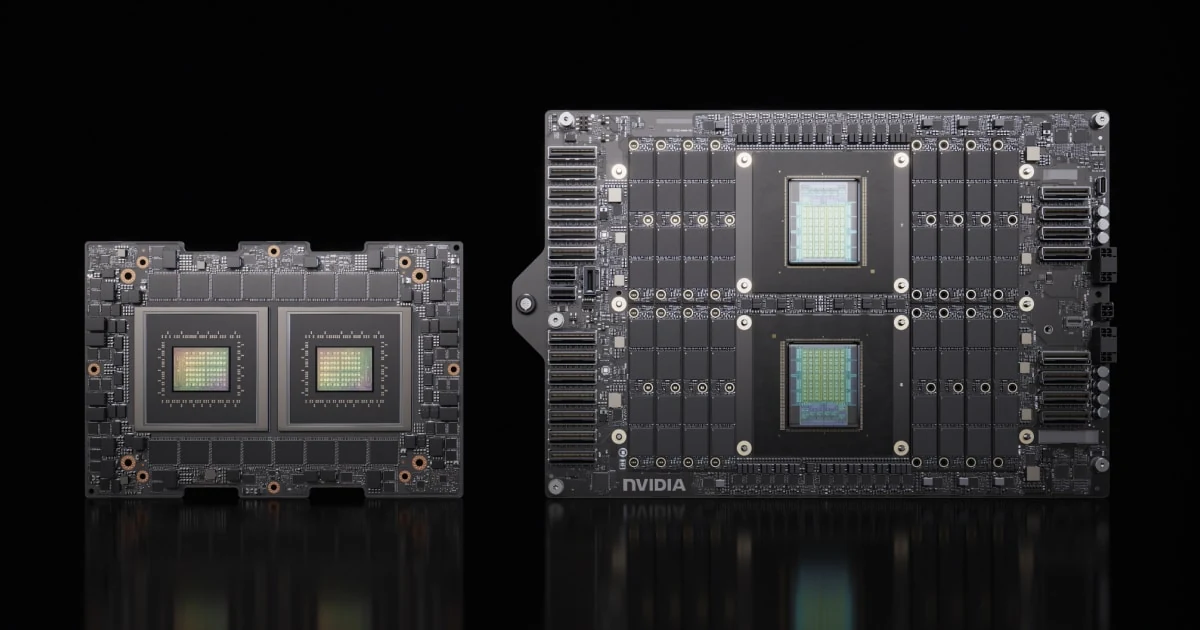
NVIDIA shows that a GPU vendor does not have to pick one side. Its own server CPUs are Arm designs: the Grace CPU Superchip packs 144 Arm Neoverse V2 cores, and Vera moves to 88 custom Olympus cores. Its DGX B200 system, by contrast, pairs eight Blackwell GPUs with two Intel Xeon Platinum 8570 processors. For AI servers, the host CPU decides the instruction set, and NVIDIA ships its GPUs with either kind of host.
Pricing Models
The gap is easiest to read in usage-based billing. For serverless code, the AWS Graviton getting-started guide says Lambda functions on Graviton2 carry duration charges 20 percent lower than x86 pricing. Every number above is the provider's own, though, and a discount per hour only becomes a saving if the workload finishes as fast per core. Measure cost per request or per job on both architectures before treating a list price as a budget.
Moving Software Between Architectures
Most of the effort in an Arm vs x86 switch lands in the build pipeline rather than the hardware. Containers make this concrete: Docker's documentation explains that a container shares the host kernel, so a linux/amd64 image cannot run on an arm64 host without emulation. A multi-platform image solves that by packing both variants under one tag, and Docker describes three ways to produce one: QEMU emulation, native build nodes per architecture, or cross-compilation. It warns that emulation with QEMU can be much slower than native builds for compilation and compression.
Interpreted runtimes are a common migration path. Google lists Java, Python, PHP and Ruby among its migration paths to Axion, and it notes that Google Kubernetes Engine schedules workloads onto x86 nodes unless told otherwise. Microsoft says Azure Kubernetes Service supports mixed x86 and Arm clusters. On Windows, Microsoft offers Arm64EC so developers can port an app piece by piece while it keeps loading existing x64 code. A practical migration usually follows this order:
- Inventory native code. List every compiled library, Python wheel with C extensions and vendor agent, since those are the pieces that ship architecture-specific builds.
- Build multi-platform images. Add linux/arm64 to the CI build next to linux/amd64 and run the test suite on both.
- Run a mixed node pool. Put a small share of traffic on Arm nodes with architecture-aware scheduling in Kubernetes.
- Compare cost per unit of work. Measure requests per dollar or jobs per dollar on both architectures, not hourly rates.
- Keep an x86 fallback. Leave the x86 image in the registry until every dependency has shipped Arm-native builds for a full release cycle.
Teams new to node pools and image registries will find the groundwork in the Docker and Kubernetes basics introduction.
Matching the Architecture to the Workload
A sensible Arm vs x86 decision starts from the software you cannot replace and works outward to the hardware. Use the two lists below as a checklist.
Best Fit for Arm
- Mac users, since Apple is closing out its Intel era and general Rosetta support ends after macOS 27.
- Windows laptop buyers whose daily apps already ship Arm-native builds, and who value battery life.
- Cloud services built from containers, Java, Python or Node.js, where a multi-platform image is a CI change rather than a rewrite.
- Teams chasing a lower cloud bill per request, provided their own benchmarks confirm the vendor's claim.
Best Fit for x86
- Windows users who depend on hardware drivers, older line-of-business apps or tools that install kernel components.
- Gamers whose titles rely on anti-cheat drivers, and creators whose tools depend on drivers or x86-only plug-ins; check each one before switching.
- Data centers running licensed enterprise software certified only for x86, or virtual machine images that cannot be rebuilt.
- Consolidation projects that want high-density x86 sockets, such as the EPYC 9006 and Xeon 6+ families in the server table.
That line shifts each time a vendor ships an Arm-native build, which is why the checklist works per app rather than per platform. For cloud buyers, the AWS vs Azure vs Google Cloud comparison sets out how the three platforms differ beyond their chips. Laptop spec sheets on both sides also lead with NPU TOPS figures, and the NPU vs GPU vs TPU explainer covers what those accelerators actually run.
Further reading
Frequently Asked Questions
How do I know if my PC is x86 or Arm?
Check the system information screen. On Windows, open Settings, System and About, and look at System type under Device specifications; Microsoft says an Arm PC shows ARM based processor there. On a Mac, open About This Mac from the Apple menu: Apple says a Mac with Apple silicon shows an item labeled Chip, while an Intel-based Mac shows Processor.
Can Windows 11 run on Arm?
Yes, and it runs many unmodified x86 and x64 apps through emulation, but drivers do not. Microsoft says its Prism emulator translates blocks of x86 code into Arm64 and caches the translated code to cut the overhead when it runs again. Emulation covers user-mode code only, so any kernel-mode component, such as a hardware driver or a game's anti-cheat driver, must be compiled for Arm64. Check the tools you depend on before buying.
Should I download the x64 or Arm64 version?
Match the download to the processor: x64 for Intel and AMD PCs, Arm64 for Windows on Arm PCs. Microsoft describes x64 as the 64-bit extension of x86, covering both AMD64 and Intel 64, so x64 is the x86 choice on a modern PC. An x64 build still runs on an Arm PC under emulation, but Microsoft recommends Arm-native apps for the best performance and battery life.
Is Apple still using Arm?
Yes. Macs with Apple silicon run the arm64 architecture, and Apple says it is concluding the Apple silicon transition away from Intel. Intel-only apps keep working through Rosetta on macOS 27 or earlier; Apple says that from macOS 28, Rosetta will cover only certain older, unmaintained games that rely on Intel frameworks. Apps without a Universal or Apple silicon build need an update or a replacement before then.
Is NVIDIA Arm or x86?
NVIDIA's own CPUs are Arm, and its GPUs ship with either kind of host. The Grace CPU Superchip uses Arm Neoverse V2 cores, and Vera uses 88 NVIDIA-designed Olympus cores with full Arm compatibility. The DGX B200 system pairs eight Blackwell GPUs with two Intel Xeon processors, so the GPU itself does not settle the Arm vs x86 question.
Is Arm cheaper than x86 in the cloud?
By the providers' own claims, yes, but the real saving depends on how the workload performs per core. AWS says Graviton-based instances cost up to 20% less than comparable x86-based EC2 instances, and Google claims up to 65% better price-performance for Axion against current-generation x86 instances. Benchmark cost per request on your own code before moving a fleet, because a slow port can erase a lower hourly rate.