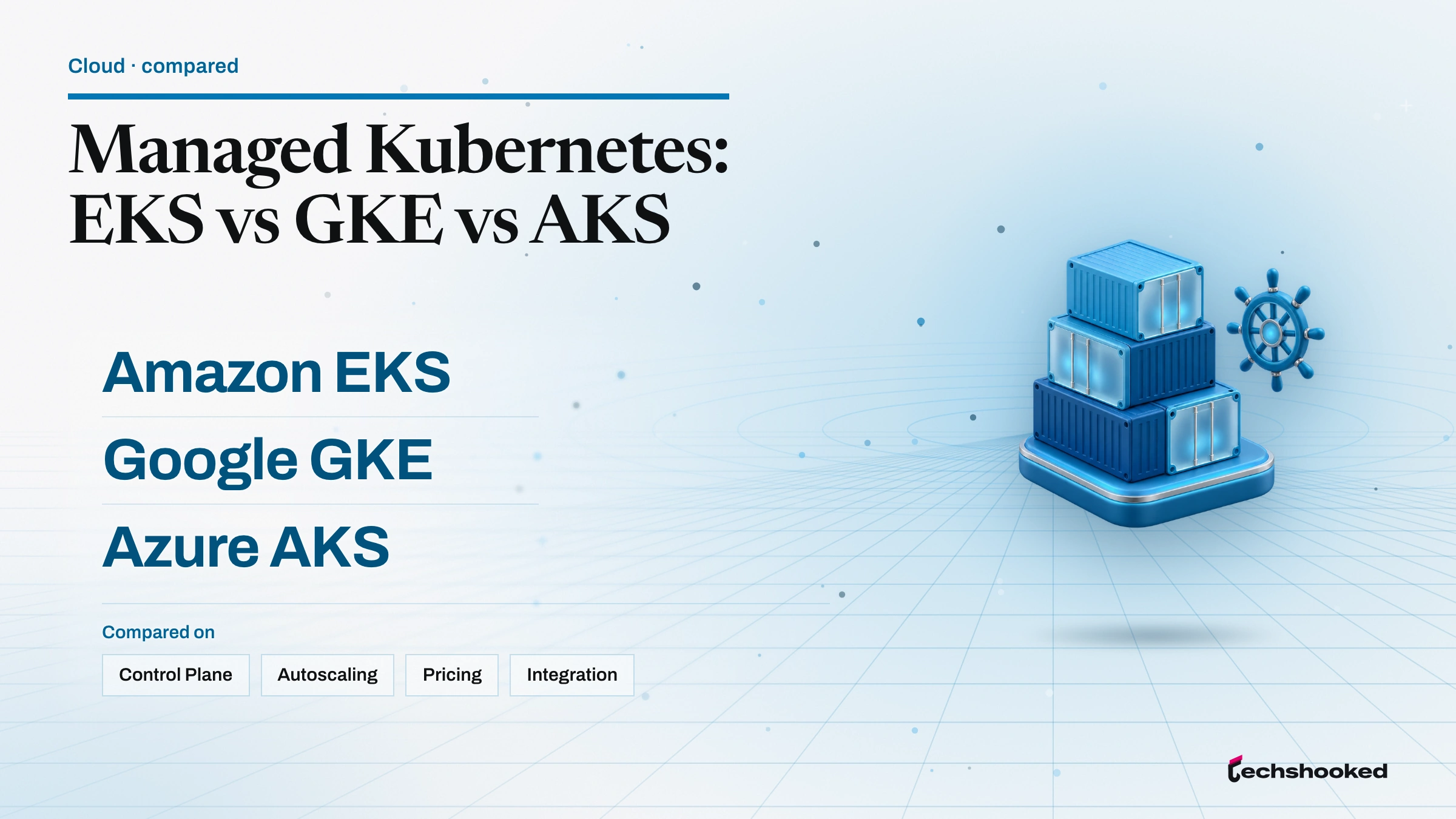
Managed Kubernetes is a cloud-delivered control-plane service that handles cluster provisioning, patching, and scaling so engineering teams can deploy containerized workloads without operating the Kubernetes API server themselves. The three dominant offerings, Amazon Elastic Kubernetes Service (EKS), Google Kubernetes Engine (GKE), and Azure Kubernetes Service (AKS), share that core promise but implement it through architecturally distinct models. The differences surface at decision points that matter: how much node-level control you retain, how long each platform guarantees patch coverage for a given Kubernetes minor version, and how the pricing model composes with your existing cloud estate.
What Managed Kubernetes Delivers
The key architectural split across all three platforms is how much of the control-plane lifecycle each mode abstracts from the operator. The distinction runs from a shared-responsibility model where the provider owns the control plane but the operator owns every node, down to a fully managed model where the provider owns nodes as well and the operator interacts only at the pod and namespace level.
- EKS Standard mode
- The default EKS configuration. AWS manages the control plane: the API server, etcd cluster, and scheduler run on provider infrastructure and are not visible to the operator. Worker nodes, either EC2 instances in managed node groups or Fargate tasks, are the operator's responsibility. The standard mode carries a 99.95 percent monthly uptime SLA for the Kubernetes endpoint, per AWS.
- EKS Provisioned Control Plane
- An opt-in mode that dedicates control-plane resources to a single cluster rather than running on shared infrastructure. AWS publishes a tiered uptime SLA for clusters in this mode, making it appropriate for production workloads where the standard mode's best-effort availability is insufficient. The per-cluster cost is higher than standard mode. See EKS deployment options for configuration details.
- GKE Standard
- The conventional GKE mode. Google manages the control plane on shared or dedicated infrastructure depending on the cluster tier. Operators provision and manage node pools directly, choosing machine types and configuring autoscaling policies. GKE Standard carries a control-plane SLA that applies to the API server endpoint availability.
- GKE Autopilot
- GKE's fully managed mode, where Google handles node provisioning, scaling, and security configuration at the node pool level. Operators deploy workloads without selecting machine types or managing capacity; the platform schedules pods onto provider-managed nodes. The uptime SLA for GKE Autopilot extends beyond the control plane to cover pod-level compute availability, a meaningful distinction from GKE Standard. See the GKE Autopilot overview for the current SLA scope.
- AKS Free tier
- The entry configuration for Azure Kubernetes Service. The control plane is provider-managed at no additional fee, but the Free tier carries no published uptime SLA. Suitable for development clusters and non-production workloads where availability guarantees are not a contractual requirement.
- AKS Standard and Premium tiers
- Both tiers add a per-cluster control-plane fee and, in return, include a formal uptime SLA commitment from Microsoft. The Premium tier extends Standard with additional capabilities including longer version support options. Tier definitions and the current SLA percentages are documented at AKS pricing tiers.
Version Support and Upgrade Cadence
How long a provider guarantees patches for a Kubernetes minor version directly affects how often your team must plan and execute cluster upgrades. The upstream Kubernetes project releases approximately three to four minor versions per year and maintains a version support window of roughly 14 months per release, though providers may extend or contract that window through their own policies.
| Platform | Standard support window | Extended/LTS option | Versions supported simultaneously |
|---|---|---|---|
| EKS | 14 months per minor version from initial release date (EKS version support policy) | Extended support available at additional per-cluster-hour cost after the standard window expires | Commits to at least 3 minor versions at any given time |
| GKE | Governed by release channels (Rapid, Regular, Stable); consult the GKE release schedule for the current support window for each channel | GKE Enterprise tiers may offer longer coverage; check current channel documentation | Multiple versions available across channels; channel determines patch cadence |
| AKS | 12 months per generally available minor version (AKS supported versions); 3 GA minor versions at any time | Long-term support (LTS) available for versions from 1.27 onward; LTS extends coverage to two most recent patch versions for a longer window | 3 GA minor versions; LTS versions maintained in parallel |
The version support window shapes operational risk in two directions. A shorter window forces more frequent upgrade cycles, which means more testing and change-management overhead. A longer window reduces upgrade frequency but may delay access to Kubernetes API improvements and security fixes in later minor versions. EKS and AKS both publish explicit version support windows backed by primary-source documentation; GKE's cadence varies by release channel, so teams should anchor planning to the GKE release schedule rather than to a fixed month count. Teams bound by compliance windows should note that AKS additionally offers long-term support (LTS) for qualifying versions, holding a minor version far beyond the standard 12-month policy at an added per-cluster cost. For a discussion of how upstream Kubernetes version skew policy constrains component compatibility during upgrades, the Kubernetes project's own documentation is the authoritative reference.
Cost Model: What You Actually Pay For
All three platforms charge separately for control-plane management and for the compute your workloads consume, but the way those costs compose differs significantly. Understanding the billing model before cluster design avoids surprises as the workload scales.
- EKS cost structure: a flat hourly fee applies per cluster for control-plane management, regardless of the number of worker nodes. Worker node costs accrue separately, either as EC2 instance charges for managed node groups or as per-task Fargate pricing. Extended version support adds a further per-cluster-hour charge once the standard 14-month window expires. Operators running many small clusters pay the flat fee for each one, which can make EKS relatively expensive at high cluster counts compared with per-workload billing models.
- GKE cost structure: in GKE Standard mode, charges follow the node VM model: operators pay for the underlying GCE instances that form the node pool. GKE Autopilot shifts the billing unit to per-pod resource requests, meaning operators pay for what workloads declare they need rather than for the full capacity of provisioned nodes. Google provides one free zonal cluster per billing account under GKE Standard, which reduces cost for development environments. The per-pod billing structure of Autopilot can be more or less economical than Standard depending on workload packing efficiency; the GKE Autopilot documentation covers the billing model in detail.
- AKS cost structure: the Free tier carries no control-plane fee, making it the only option among the three that does not charge for the managed control plane itself. The Standard and Premium tiers add a per-cluster hourly control-plane charge in exchange for the uptime SLA commitment and additional features. Worker node costs in all tiers follow the underlying Azure Virtual Machine Scale Set pricing. Teams running non-production clusters can use the Free tier to eliminate control-plane overhead entirely; production workloads requiring an SLA must use Standard or Premium. Details on tier features and fees are at AKS pricing tiers.
Across all three platforms, the total cost of a managed Kubernetes cluster is the control-plane fee (if any) plus node or pod compute plus storage, networking egress, and load balancer costs. Container orchestration at scale can make networking and egress the dominant line items well before control-plane fees become significant.
Choosing the Right Platform for Your Workload
Platform selection for managed Kubernetes comes down to three questions: where your existing cloud estate lives, how much node-level control your team needs, and what version-support runway your upgrade cadence requires. No single platform wins every scenario, and the strongest signal is nearly always existing ecosystem alignment rather than abstract feature comparison.
- Match the platform to your existing cloud estate. Teams running the bulk of their workloads on AWS benefit from EKS's native IAM, VPC, and service-mesh integrations. GCP-native teams gain from GKE's tight coupling with Cloud Run, BigQuery, and Artifact Registry. Azure-native organizations or those already using Azure Active Directory for identity will find AKS's integration with Entra ID and Azure Monitor the path of least friction. Forcing a cross-cloud managed Kubernetes deployment without a concrete multi-cloud rationale adds operational complexity without proportional benefit.
- Assess your appetite for node-level control. Teams that need to tune kernel parameters, use custom AMIs, or run DaemonSets with specific node requirements should stay with EKS Standard, GKE Standard, or AKS Standard/Premium, all of which preserve direct node pool access. Teams that want to eliminate node management entirely and accept the constraints that come with a fully managed model should evaluate GKE Autopilot. The Autopilot model restricts certain pod configurations (host namespaces, privilege escalation) in exchange for the extended SLA and fully managed node lifecycle.
- Factor in your required version support window. Organizations with compliance requirements that mandate a specific Kubernetes minor version for a defined period should weigh AKS LTS availability (from version 1.27 onward) and EKS extended support explicitly. Both provide a path to hold a version beyond the standard window at additional cost. Teams with more flexible upgrade tolerance can treat all three platforms as roughly equivalent on this dimension, subject to the GKE release schedule for current channel commitments.
- Evaluate infrastructure as code (IaC) tooling compatibility. All three platforms support Terraform, but the depth of provider coverage and the maturity of IaC modules varies. EKS benefits from the eksctl tool and a well-maintained Terraform AWS provider. GKE's Terraform provider covers Autopilot cluster creation natively. AKS is well-supported by the AzureRM Terraform provider and integrates with Flux for GitOps workflows. The load balancing and auto scaling trade-offs article covers how autoscaling configuration intersects with IaC provisioning patterns for cluster node pools.
- Consider security hardening requirements early. Each platform exposes different controls for network policy enforcement, pod security admission, and supply-chain verification. The container security and Kubernetes hardening practices guide covers the specific controls available across node pool configurations and cluster admission policies, which can influence tier selection before a cluster is provisioned.
- Account for hybrid and edge scenarios. If workloads span on-premises infrastructure and public cloud, the relevant differentiators are EKS Anywhere, GKE Anthos, and Azure Arc. Each extends the managed Kubernetes control model to off-cloud environments but through different architectural approaches and cost structures. For background on when managed cloud Kubernetes is the right choice versus edge-native deployments, the edge computing versus cloud computing trade-offs article covers the decision criteria in detail.
References
- Amazon EKS Deployment Options and Control Plane Management (AWS documentation)
- Amazon EKS Kubernetes Version Support Policy (AWS documentation)
- GKE Autopilot Overview (Google Cloud documentation)
- AKS Free, Standard, and Premium Pricing Tiers (Microsoft documentation)
- AKS Supported Kubernetes Versions and Support Policy (Microsoft documentation)
- Kubernetes Version Skew Policy (Kubernetes upstream documentation)
Further reading
Frequently Asked Questions
What is GKE Autopilot and how does it differ from GKE Standard?
GKE Autopilot is a fully managed GKE mode where Google handles node provisioning, scaling, and security configuration automatically. Unlike GKE Standard, which gives you direct control over node pools and underlying VMs, Autopilot abstracts the infrastructure layer entirely and includes an SLA that covers both the control plane and pod-level compute capacity.
Does EKS charge a control-plane fee on top of node costs?
EKS charges a flat hourly fee per cluster for control-plane management, separate from the EC2 or Fargate costs for your worker nodes. Extended support for older Kubernetes minor versions adds an additional per-cluster-hour cost beyond the standard window.
How long does each provider support a Kubernetes minor version?
AKS follows a 12-month support policy for generally available Kubernetes versions and offers a Long-Term Support option for versions from 1.27 onward. EKS provides 14 months of standard support per minor version, after which extended support is available at extra cost. GKE release cadence is governed by its own release channels; consult the GKE release schedule for the current support window.
Which managed Kubernetes platform is best for multi-cloud deployments?
None of the three is native to multi-cloud. GKE integrates with Google Cloud's Anthos platform for cross-cloud cluster management, EKS supports EKS Anywhere for on-premises and hybrid use, and AKS pairs with Azure Arc for hybrid scenarios. The best choice depends on where the rest of your workload runs.