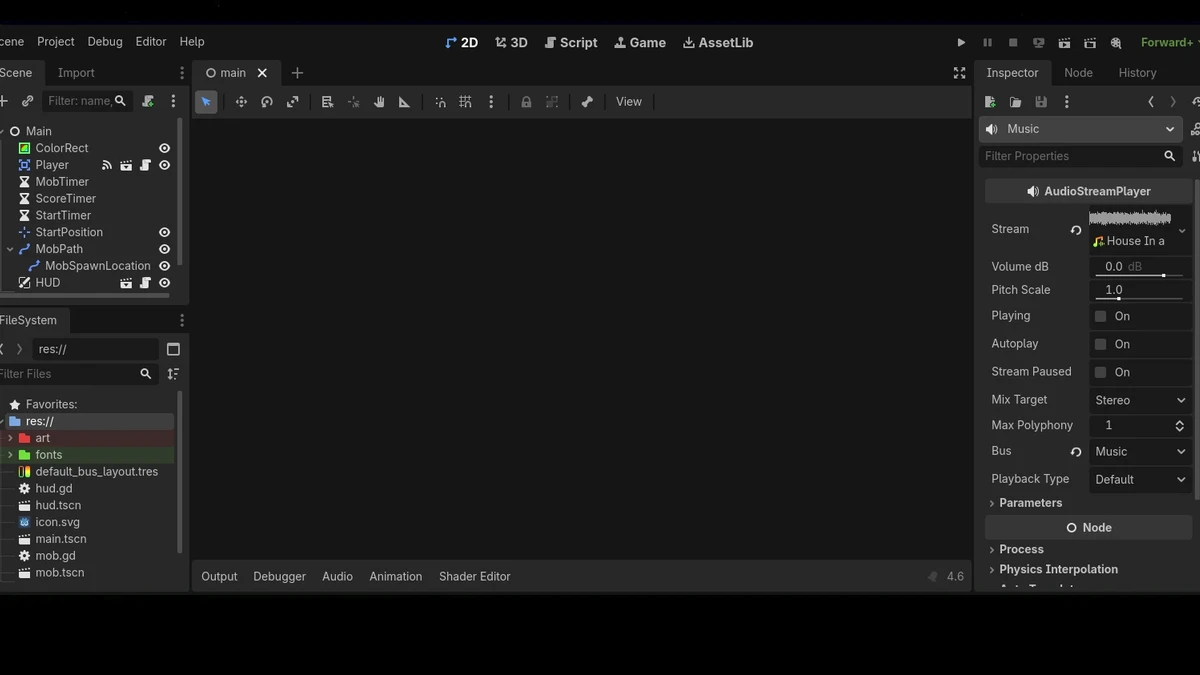
A game development engine is a software framework that provides the rendering, physics, scripting, and asset management systems a developer needs to build a playable game without writing every subsystem from scratch. For a beginner choosing between Unity, Unreal Engine, and Godot, the decision rarely comes down to raw graphical fidelity. It comes down to which scripting language learning curve matches your background, how complex the cross-platform export pipeline is for your first build target, and what the license costs once a project earns revenue. Those three axes, along with each engine's visual scripting workflow and asset store ecosystem depth, determine whether a first project ships or stalls in week three.
What a Game Development Engine Actually Does
A game development engine recommendation that ignores genre, prior experience, and target platform is worthless. Run through the five decisions below in order; the first answer that narrows the field to one engine is your answer.
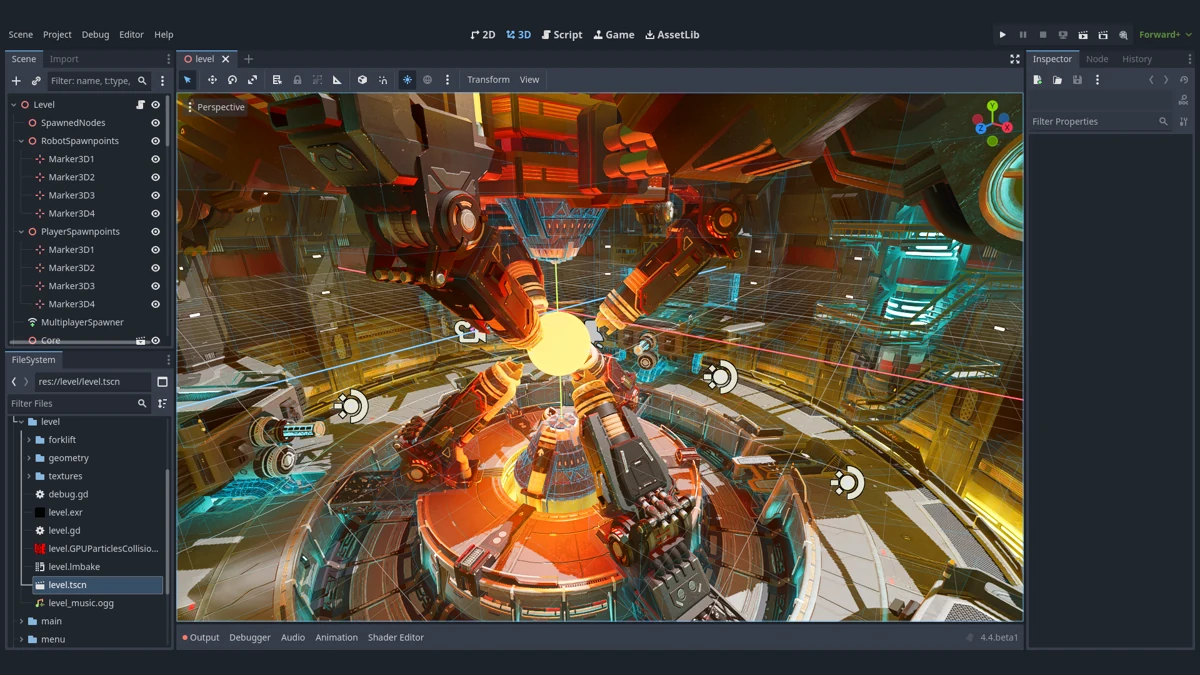
- Target genre. 2D-first projects favor Godot. 3D projects with a high visual bar favor Unreal. Mixed or undecided projects favor Unity's breadth.
- Prior programming experience. Zero experience: GDScript syntax or Blueprint visual scripting. Python or JavaScript background: GDScript. Java or .NET background: the C# scripting layer in Unity.
- Community tutorial library depth. Unity has the largest community tutorial library by raw volume. Godot's community tutorial library has expanded sharply since the 4.0 release. Unreal's Blueprints documentation is thorough, but advanced C++ resources dominate the back catalog.
- License and revenue trajectory. Zero royalty at any revenue: Godot. Free up to $200K gross: Unity Personal. Free up to $1M per product per year: Unreal Engine.
- Target platform. WebGL-first projects: Godot and Unity tie. Console-first projects: Unreal, contingent on obtaining a platform license.
For a reader who has read the framework and still has no preference, the default recommendation is Godot for a 2D first game and Unity for a 3D first game with art-heavy needs. Both yield a playable build inside a month for a focused solo developer following a structured beginner onboarding path. Once that first build runs, plan for manual and automated game testing before sharing it. For deeper procedural workflow context, Compare AI Procedural Generation Tools covers how each engine pairs with generation tooling, and Improve NPC Behavior AI walks through implementation patterns once your first prototype runs.
Performance and Scalability: When the Beginner Engine Choice Matters Later
A game development engine that feels approachable on day one should still scale if the project grows. The fear that an early choice locks in a low ceiling is the most common reason beginners stall on selection. Each of the three engines has a documented path from prototype performance to shipping performance.
- Godot GDScript vs C#. GDScript runs interpreted; the C# binding in Godot 4 runs on .NET (Godot 4.3 release notes) and closes most of the gap. Hot-path code in either language can move to GDExtension and native C++ when profiling shows a real bottleneck. The scripting language learning curve does not become a permanent performance ceiling.
- Unreal Blueprint visual scripting ceiling. Blueprints can be optimized with Blueprint nativization and routine refactoring of hot paths into C++. The transition is a documented part of Unreal's production workflow, well covered in the community tutorial library.
- Unity physics simulation layer choice. Unity ships PhysX as the default 3D physics simulation layer and the ECS-based Unity Physics package for deterministic, high-volume simulations. Beginners ship on PhysX; larger simulations migrate to the Physics package without a project rewrite.
- Scene graph architecture and refactoring cost. Godot's scene graph architecture is built to compose and reuse scenes, which keeps refactoring cheap as the project grows. Unity's prefab system and Unreal's Actor blueprints play the same role with different mental models.
Engine choice at the beginner stage rarely caps the project. The three engines all expose well-trodden upgrade paths from interpreted scripting to native code, from Blueprints to C++, and from default physics to ECS-based simulation. Pick the engine that matches your first week of work, not the one that promises the highest theoretical ceiling.
Further reading
Frequently Asked Questions
Which game engine works best for 2D games when you have no prior programming experience?
Godot is the strongest starting point for 2D games with no prior programming experience. Its GDScript syntax reads like Python and the 2D tilemap workflow, collision shapes, and AnimationPlayer are all built-in scene nodes rather than third-party plugins. Unity is a close second for developers who need access to a larger asset library, but its C# scripting layer requires more upfront setup.
Does Godot's GDScript run fast enough for a commercial game release?
GDScript interpreted performance is sufficient for most 2D and moderate 3D commercial games. For performance-critical paths, Godot 4 supports C# via the .NET runtime (Godot 4.3 release notes) and native C++ via GDExtension, which closes the gap with Unity's C# scripting layer and Unreal's C++. Developers shipping a commercial title should profile first rather than assume GDScript will be the bottleneck.
Can I publish a Unity or Godot game commercially without paying a license fee?
Godot carries no license fee and no royalty at any revenue level because it is MIT licensed. Unity Personal is free for developers earning under $200,000 in annual gross revenue; above that threshold a Pro or Enterprise seat is required. Unreal Engine charges a 5% royalty on gross revenue above $1,000,000 per product per calendar year; below that threshold, use is royalty-free.