A video editing workstation is a purpose-built computing system that combines a multi-core processor, a professional GPU, and high-bandwidth storage to handle real-time playback, color grading, and export of high-resolution video footage.
Pre-built options from HP and Dell offer vendor support and ISV certified configurations out of the box. A custom build trades those guarantees for tighter component control and a lower cost-per-capability ratio. The right choice depends on your software pipeline, your upgrade horizon, and how much downtime you can tolerate when something breaks.
What Makes a Workstation Right for Video Editing
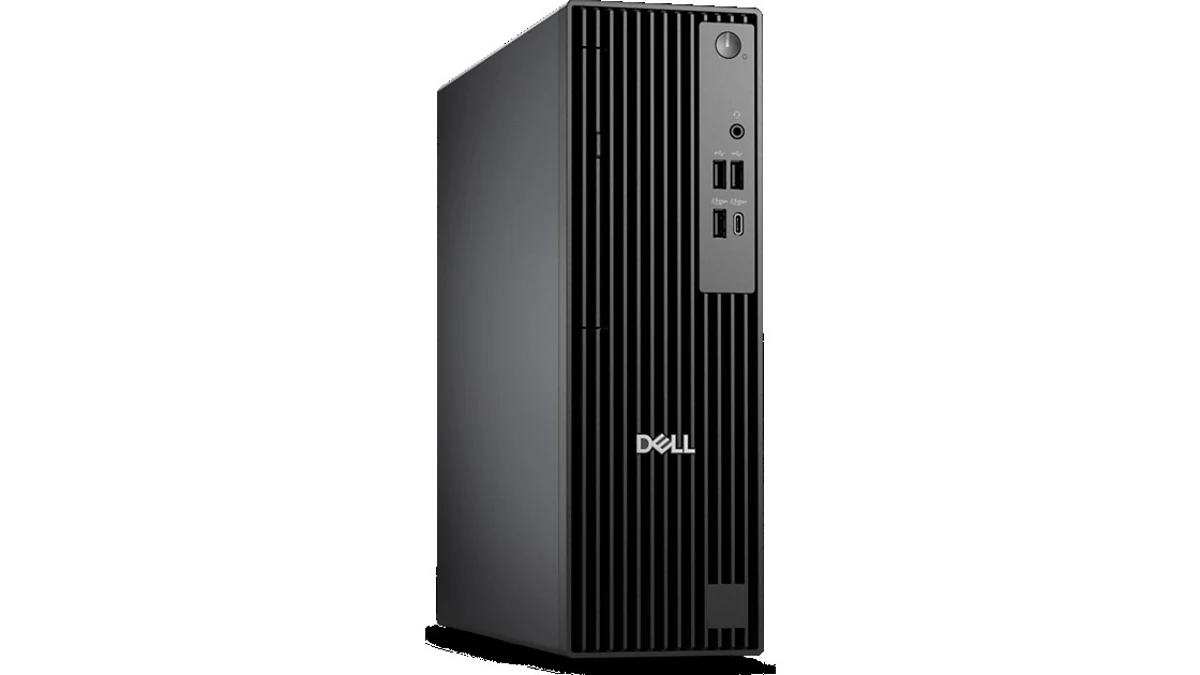
Dell Precision workstations target professional video production through ISV certification, ECC memory (error-correcting code RAM that detects and corrects single-bit errors during operation) support, and chassis designs built to accommodate multiple GPU cards in a single tower. The Precision tower lineup has historically been a reference point for studios that require validated software configurations and extended hardware lifecycles.
Dell's Precision Tower product page documents the ISV certification status and configuration options for the tower lineup. Note that the product referenced there is a legacy workstation tower from a prior generation and should not be treated as representative of current Dell Precision specifications.
Key characteristics of Dell Precision workstations for video editing:
- ECC memory support: ECC RAM reduces the risk of memory errors during long renders or overnight batch exports, which matters in production environments where a corrupted render wastes significant time.
- Multi-GPU configurations: Tower chassis in the Precision line have supported dual professional GPU installations, enabling workloads that benefit from GPU-to-GPU data transfer such as multi-stream 4K video editing.
- ISV certification: Dell certifies Precision systems against the same NLE and visual effects applications as HP, giving studios a documented baseline for driver and OS configurations.
- Scalable RAM ceilings: Precision tower models have supported high memory capacities for applications that cache large project files or work with uncompressed raw footage.
- Commercial lifecycle programs: Dell offers consistent SKU availability for procurement departments that need to standardize across multiple edit bays over a multi-year contract.
Dell Precision systems carry a price premium relative to consumer desktops, and their upgrade paths are constrained by chassis generation boundaries. Editors who upgrade their GPU tier every two years may find the transition more disruptive with a Precision than with a custom build, since each chassis generation has its own power and thermal limits.
Custom Build Workstations
A custom build workstation lets you allocate budget precisely to the components that matter most for your editing software and resolution target rather than paying for features a pre-built bundles in. For editors who have identified their NLE and know which subsystem limits their workflow, a custom build typically delivers more performance per dollar than a comparably priced HP or Dell system.
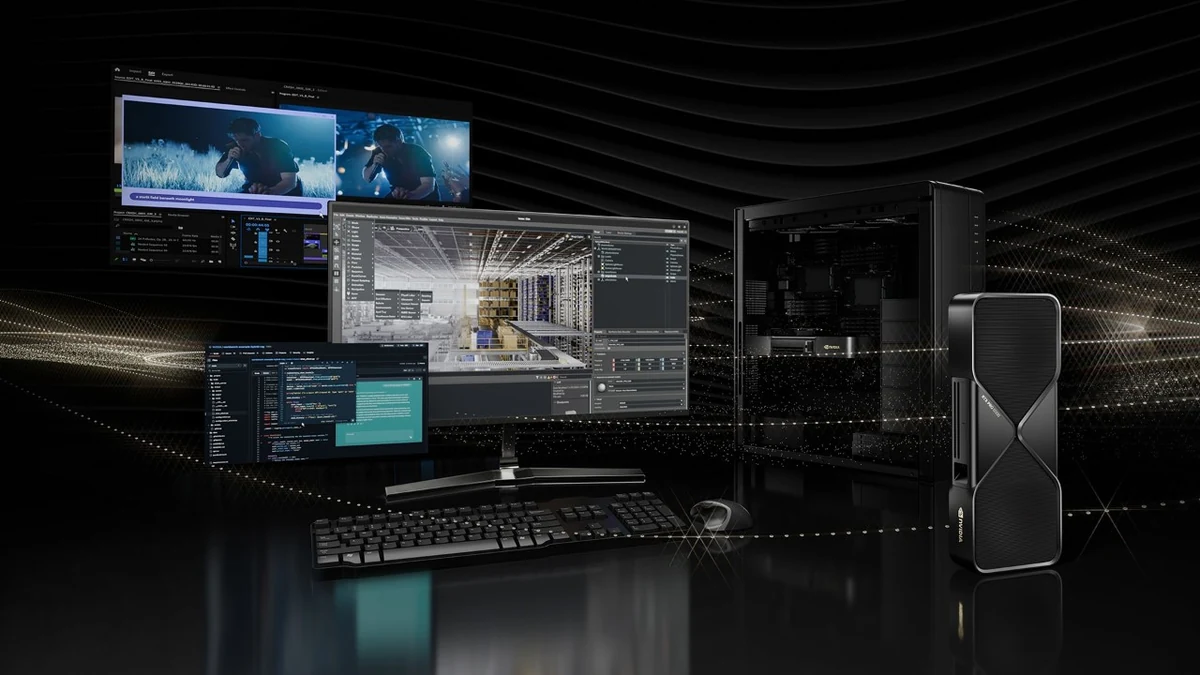
The workstation components in a custom build are sourced independently, which means the builder controls the GPU tier, the NVMe storage capacity and interface, the memory capacity and whether to include ECC support, and the power supply headroom for future GPU upgrades. A custom build also removes the chassis constraint: a full ATX tower can accommodate a full-length, triple-slot professional GPU without thermal compromises, which compact pre-built chassis cannot always match.
Custom build considerations for video editors:
- GPU budget priority: Without ISV certification overhead, the GPU budget can go directly to a higher-tier card with more VRAM, which accelerates GPU acceleration tasks in DaVinci Resolve and Premiere Pro.
- NVMe storage configuration: A custom build can pair a fast NVMe boot and cache drive with a secondary NVMe media drive, reducing timeline scrubbing latency on high-bitrate footage without relying on a vendor's storage tier menu.
- No ISV certified drivers: Consumer and professional GPU driver stacks behave differently with NLE software. A custom build using a consumer GPU may encounter driver conflicts that ISV certified systems avoid by design.
- No enterprise support: Component-level warranties replace the single-vendor support contract. Troubleshooting spans multiple RMA processes if both a GPU and a storage drive fail in the same week.
- Full upgrade freedom: Replacing a GPU, adding NVMe storage, or increasing RAM capacity does not require chassis replacement or vendor approval.
Freelancers and small production companies with hands-on technical staff benefit most from the custom build path. Larger facilities that run certified software pipelines and need predictable support response times generally find the pre-built vendor model worth the cost.
Component Tradeoffs Across All Three Options
The four subsystems that define a video editing workstation, the processor for timeline decoding, the GPU for acceleration and color grading, memory capacity for large project caches, and storage speed for scrubbing high-bitrate footage, perform differently depending on which platform they sit in. Each subsystem interacts with the others, and under-specifying one creates a bottleneck that the remaining components cannot compensate for.
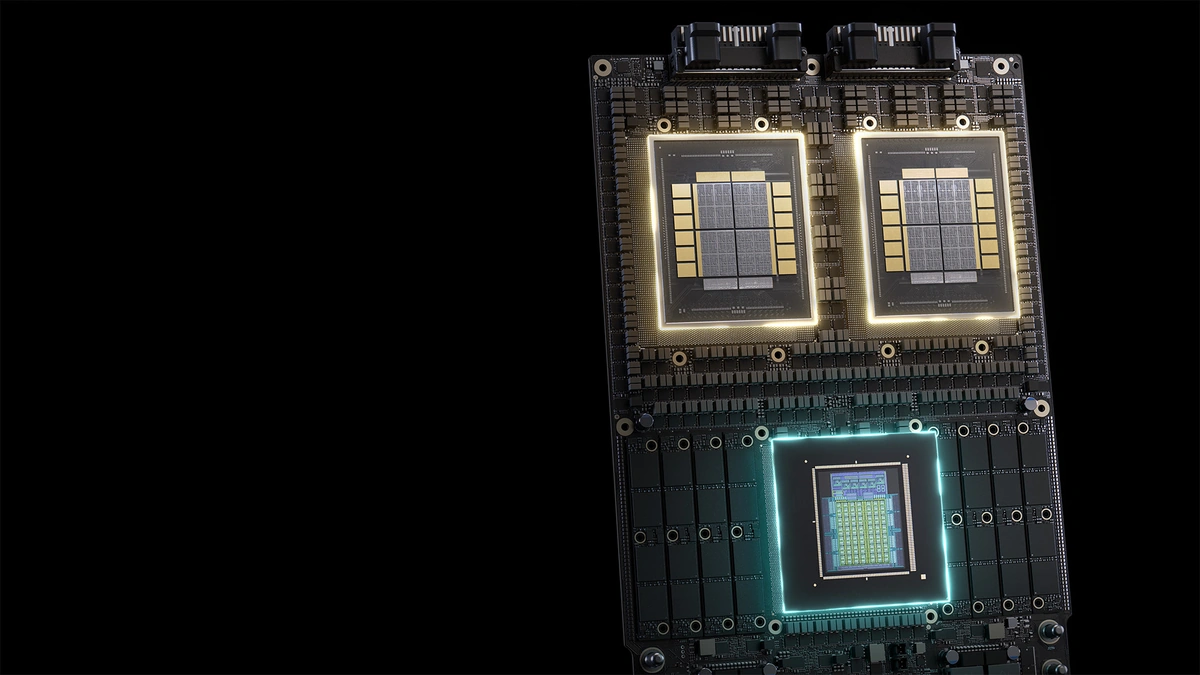
NVIDIA's professional GPU lineup for workstations is documented on the NVIDIA professional desktop GPUs page. These cards are validated for NLE workloads and carry workstation driver support that consumer GPUs do not. NVIDIA has also detailed GPU acceleration gains in DaVinci Resolve and Adobe Premiere Pro with its Blackwell architecture on the RTX AI Garage blog post covering Adobe Premiere and DaVinci Resolve, which documents specific encoding and rendering pipeline improvements. For color work in Premiere specifically, NVIDIA's RTX AI Garage post on Adobe Premiere Color Mode describes an RTX-accelerated color grading pipeline that was in beta at the time of publication.
The how SSDs and RAM affect system performance article covers the interaction between NVMe storage bandwidth and RAM capacity in more detail, including the effect of memory channel configuration on throughput-heavy tasks.
| Subsystem | Role in video editing | Priority tier | Key spec to watch |
|---|---|---|---|
| Processor (CPU) | Timeline decode, export encode, audio sync | High | Core count and codec-specific hardware decode support |
| Professional GPU | GPU acceleration, color grading, noise reduction, effects rendering | Critical for NLE-heavy workflows | VRAM capacity and workstation driver certification |
| RAM | Project cache, multi-stream buffer, OS overhead | High | Capacity (minimum 32 GB for 4K video editing) and ECC support |
| NVMe storage | Media read speed, timeline scrubbing, cache writes | High | Sequential read bandwidth and drive endurance rating |
Timeline scrubbing performance on compressed 4K and 6K footage is often the first visible bottleneck. A fast NVMe storage drive with high sequential read bandwidth reduces the buffer stall that makes scrubbing feel sluggish. Pairing fast NVMe storage with a GPU that has adequate VRAM for the footage resolution keeps both the decode and the display pipelines clear. For color grading work, VRAM capacity determines how many nodes and corrections the GPU can hold in flight without flushing to system RAM.
HP vs Dell vs Custom: Side-by-Side Comparison
Comparing a pre-built HP or Dell video editing workstation against a custom build involves weighing vendor support and ISV certification on one side against per-component cost control and upgrade flexibility on the other. Neither side of that tradeoff is universally superior. The decision maps to workflow requirements and operational context.
| Criteria | HP Z Series | Dell Precision | Custom Build |
|---|---|---|---|
| ISV certification | Yes, for supported GPU and OS configurations | Yes, broad NLE and VFX application coverage | No formal certification; depends on GPU driver tier |
| ECC memory | Supported on select Z series configurations | Supported across Precision tower lineup | Supported when ECC-capable motherboard and RAM are chosen |
| GPU upgrade path | Constrained by chassis size in compact models | Multi-GPU support in tower chassis | Full flexibility within ATX motherboard and PSU limits |
| NVMe storage | Vendor-configured tiers | Vendor-configured tiers | Full control over drive count, interface, and capacity |
| Enterprise support | Next Business Day on-site available | ProSupport and on-site options available | Component-level warranties only; no unified support |
| Cost efficiency | Premium for certification and support | Premium for certification and support | Higher for GPU and storage per dollar spent |
Studios with IT departments and software license compliance requirements tend to favor HP Z series or Dell Precision systems because ISV certification simplifies driver qualification for creative software versions. Independent editors and small post-production houses that self-manage their systems often find a well-specced custom build delivers the same rendering throughput at a lower price, with the flexibility to upgrade the professional GPU or expand NVMe storage on their own schedule.
Matching Each Workstation Path to Workflow and Budget
The right video editing workstation for a given workflow depends on three variables: the resolution and codec edited most, whether the NLE relies on GPU or CPU acceleration, and how much the system is expected to expand over its useful life. A workstation purchase is a multi-year commitment. Overweighting a single spec at purchase time and underweighting upgrade headroom is a common source of regret.
For 4K video editing in compressed codecs such as H.264 and H.265, the GPU acceleration path in DaVinci Resolve and Premiere Pro puts the professional GPU at the center of the investment. For RAW or uncompressed workflows, NVMe storage bandwidth and RAM capacity become co-equal priorities alongside the GPU. The best desktop CPUs for productivity workloads article covers the processor side of this decision in detail, including core count scaling behavior across encoding workloads.
How the three workstation paths align to common workflow profiles:
- Codec and resolution: Compressed 4K workflows favor GPU decode acceleration, which HP Z and Dell Precision certified configurations handle through validated driver stacks. RAW formats add a premium on NVMe storage read speed and RAM buffer capacity, where a custom build's component freedom is an advantage.
- NLE acceleration model: DaVinci Resolve is GPU-primary, making VRAM capacity the dominant differentiator across all three paths. Premiere Pro benefits from both CPU and GPU, and Final Cut Pro is optimized for Apple silicon and behaves differently on non-Apple hardware.
- Support requirements: Facilities that cannot absorb an unplanned system-down day get measurable value from the enterprise support contracts that HP Z series and Dell Precision systems include. Self-supported operations redirect that premium toward higher-tier workstation components.
- Upgrade timeline: A custom build in a full ATX chassis supports GPU replacement without chassis replacement. A compact pre-built has a ceiling defined by its chassis power and cooling design, making Dell Precision tower configurations a better fit than HP compact models for multi-generation upgrade plans.
- ISV certification requirements: Facilities running certified software pipelines for color or VFX have ISV certified options narrowed to HP Z series, Dell Precision, or purpose-built alternatives. A custom build introduces driver qualification work at each NLE or OS update cycle.
Workstation components are not commodities in the way consumer PC parts are. The certification layer, the power supply sizing, and the thermal design all contribute to the system's sustained performance across a full working day. Each of the three paths, HP Z series, Dell Precision, and custom build, matches a distinct operational profile rather than a single benchmark target.
References
- NVIDIA Professional Desktop GPUs for Workstations
- NVIDIA RTX AI Garage: Adobe Premiere and DaVinci Resolve with Blackwell
- NVIDIA RTX AI Garage: Adobe Premiere Color Mode
- HP Z2 Mini G1i AI Workstation
- HP Z2 Small Form Factor G1i AI Workstation
- Dell Precision Tower Workstation (legacy product documentation)
Further reading
Frequently Asked Questions
What are the essential components of a video editing workstation?
The four essential components are a multi-core processor, a professional GPU, at least 32 GB of RAM, and an NVMe SSD for fast media reads. A processor handles timeline decoding, the GPU drives color grading and effects acceleration, RAM buffers large project caches, and the NVMe drive sustains the read throughput needed for high-bitrate footage. ECC memory support and adequate PSU headroom are secondary considerations for long-render stability.
Is a custom build better than a pre-built HP or Dell workstation for video editing?
Custom builds offer tighter budget control and easier future upgrades, while HP and Dell pre-built workstations carry ISV certification and enterprise support contracts. For freelancers editing without IT support, a custom build often delivers more GPU and storage per dollar. Studios running certified software pipelines frequently prefer HP Z or Dell Precision systems because vendor support simplifies driver qualification.
How do HP and Dell workstations compare for video editing performance?
Both HP Z and Dell Precision lines support professional GPUs and large RAM capacities suited to high-resolution video editing. HP's current compact Z2 Mini and Z2 SFF models emphasize space efficiency and AI-accelerated workflows, while Dell Precision tower models have historically supported multi-GPU configurations and high ECC memory ceilings. The performance difference in practice depends on the specific GPU and storage configuration chosen rather than the brand alone.