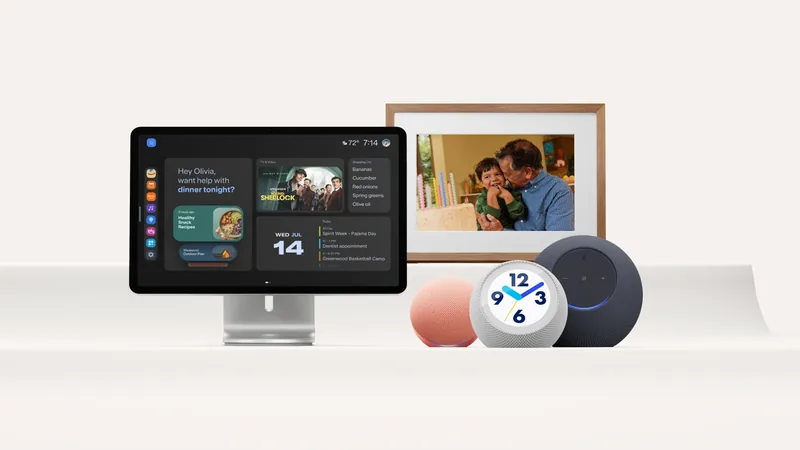
A smart home hub is a central controller that bridges Zigbee, Z-Wave, Thread, and Matter devices into a single, app-managed ecosystem.
Without a hub, most smart accessories speak their own protocol and cannot coordinate. The hub handles translation, runs automation routines locally, and gives every household member remote access through a shared app. Choosing the wrong hub means buying devices that simply will not pair, or losing home automation logic the moment your internet drops.
What a Smart Home Hub Does
A smart home hub purchase locks you into a platform ecosystem more firmly than most other hardware decisions. First-time buyers and mid-tier setups benefit most from a structured decision framework before committing, since migration later requires re-pairing every hub-connected device individually. This framing is what distinguishes this buyer guide from the protocol-mechanics coverage in the Zigbee vs Z-Wave protocols explained reference.
- Audit existing devices by protocol. List every device you already own or plan to buy. Identify which ones require Zigbee, Z-Wave, Thread, or Matter. Match that list against the radio stack of each candidate hub. A device compatibility gap at this step is a hard blocker, not a minor inconvenience.
- Identify your voice assistant preference. Siri-first households need an Apple hub. Google Assistant-first households need a Nest device on the network. Alexa works across Echo and SmartThings. If your household uses multiple voice assistants, SmartThings is the only major option that supports all three without a secondary hub.
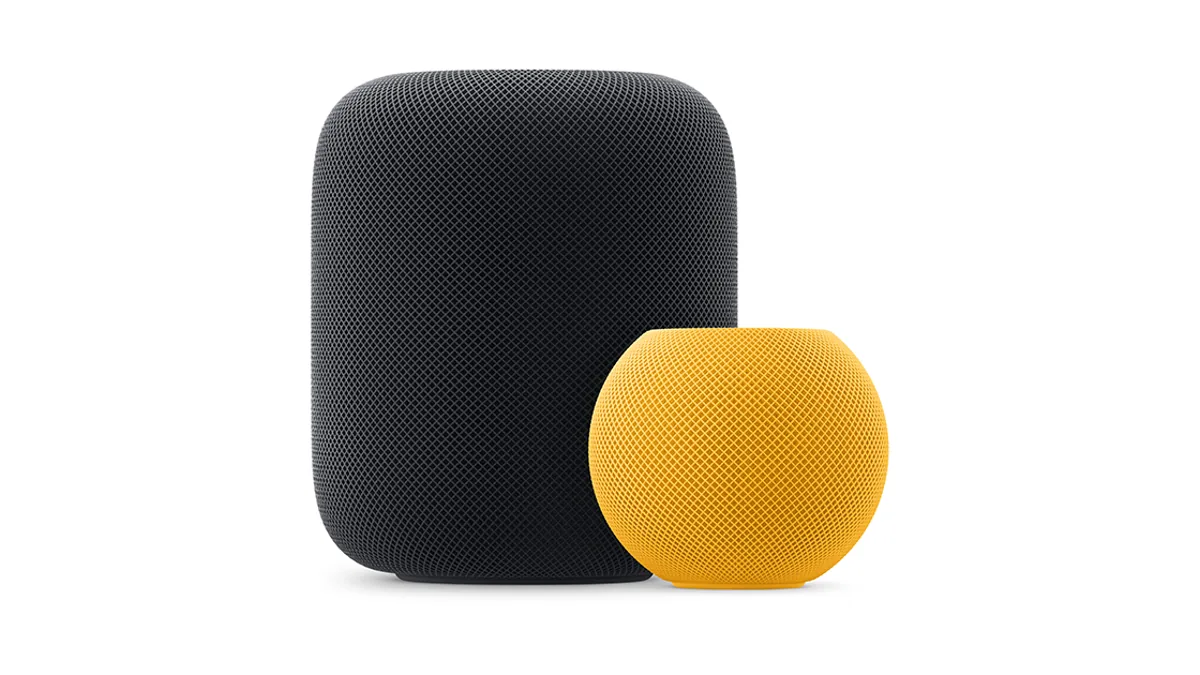
- Assess local execution priority. If your internet reliability is inconsistent, or if you need sub-second response times for lighting and security triggers, prioritize hubs with confirmed local execution: Google Nest Hub 2nd gen (local Matter operation), Apple HomePod mini (local HomeKit), and SmartThings with Edge Drivers. Home automation logic running only in the cloud adds latency and failure modes.
- Check Thread border router requirements. Thread-based accessories need a border router on the local network. Google confirms the Nest Hub 2nd gen, Nest Hub Max, Nest Wifi Pro, and Google TV Streamer 4K each include one (Google Home: Matter and Thread). Apple confirms HomePod mini and Apple TV 4K serve as Thread border routers (Apple Support: Home Hub Setup). For Echo-based setups, verify the hub's Thread radio capability against the specific model's documentation.
- Match budget to ecosystem lock-in risk. Apple and Google ecosystems pair best with their own device families and carry moderate upfront cost. SmartThings offers the highest protocol flexibility but the steepest learning curve for automation routines. Echo is the lowest-friction entry point for buyers who already rely on Alexa and prioritize device compatibility breadth over advanced local execution.
Setup Tips for New Smart Home Hub Owners
A smart home hub delivers reliable home automation only when its physical placement and network configuration are done correctly from the start. These five steps prevent the most common first-install failures.
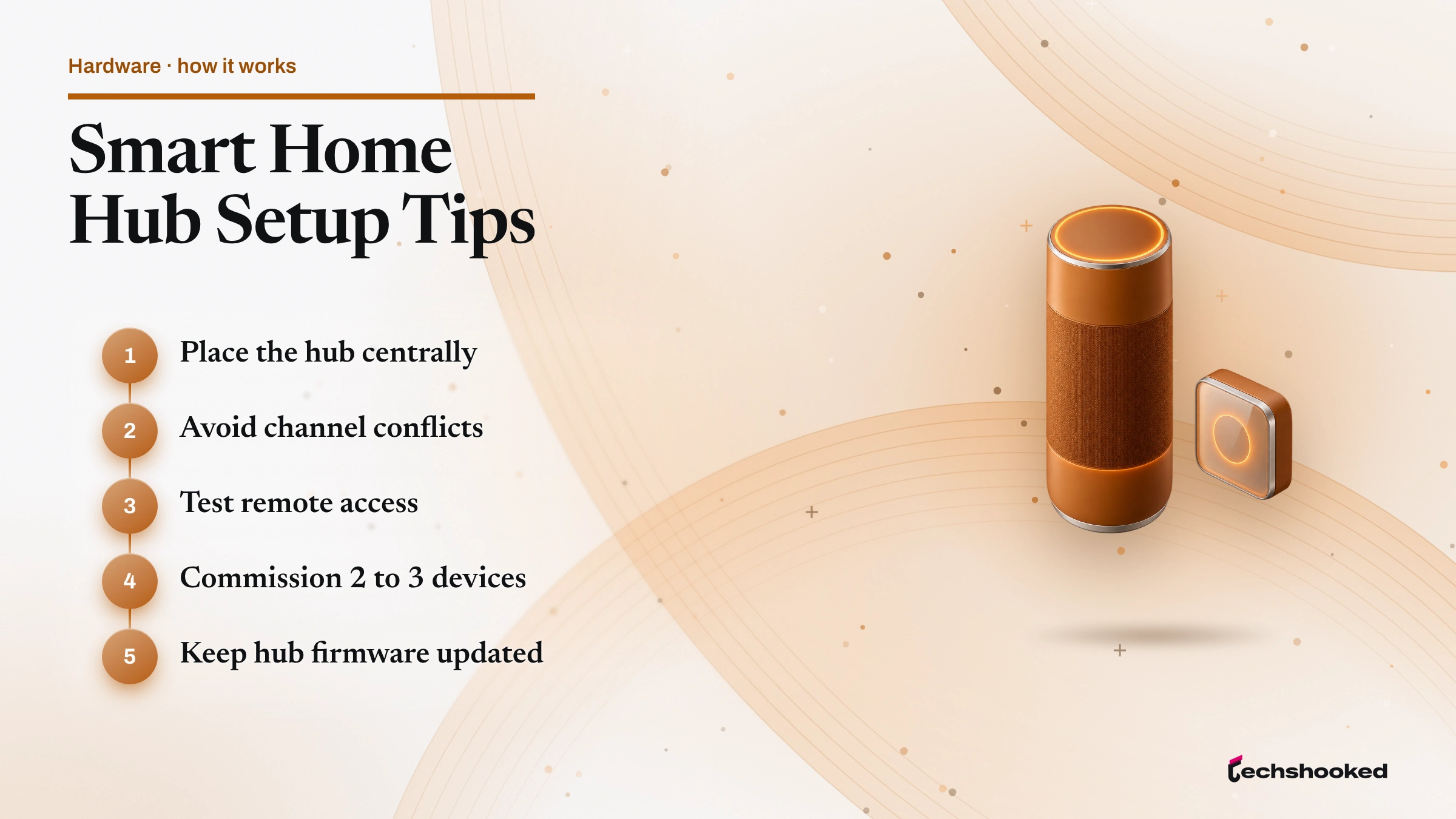
- Place the hub centrally. Mesh radio protocols like Zigbee and Thread extend wireless connectivity by relaying signals through powered devices. A hub placed at the edge of a floor plan creates dead zones that no device count can fully compensate for. Aim for a central room on the same floor as the highest device density.
- Avoid Zigbee and Wi-Fi channel conflicts. Zigbee operates at 2.4 GHz, with a typical device range of 50 to 100 feet per hop, placing it directly in the same spectrum as 2.4 GHz Wi-Fi (Amazon Developer: Alexa Zigbee Support). Assign your Zigbee network to a channel that does not overlap your router's Wi-Fi channel. Zigbee channels 15, 20, or 25 overlap least with Wi-Fi channels 1, 6, and 11.
- Test remote access before relying on it. After setup, switch your phone to cellular and verify that the hub app responds to device commands. Remote access failures tied to router firewall rules or NAT configuration are easier to diagnose on day one than after travel.
- Commission two to three devices before building automation routines. Device pairing sometimes reveals firmware incompatibilities or mesh topology gaps. Validate that hub-connected devices respond reliably before stacking conditional automation routines on top of them. A single unresponsive device in a chain can silently break multi-step automations.
- Keep hub firmware updated for ongoing Matter protocol compatibility. Matter is an actively evolving standard. Hub vendors ship firmware updates that add new device categories, patch pairing bugs, and extend wireless connectivity for Thread and other radio types. Confirm that automatic updates are enabled in your hub app.
For security-focused setups, the best smart home security systems guide covers hub integration with professional monitoring platforms.
Further reading
Frequently Asked Questions
What is the best smart home hub for beginners?
The Amazon Echo (4th gen) or Google Nest Hub (2nd gen) are the most accessible starting points for beginners. Both support Matter and integrate with large device libraries with minimal configuration. Apple HomePod mini is the better choice if your household already uses iPhones and Apple TV.
Are smart home hubs still necessary?
Not always. On an iPhone running iOS 18 or later, you can add and control Matter accessories from the Home app without a home hub. With iPhone 15 Pro or iPhone 15 Pro Max and later, you can control Thread-based accessories without a hub as well. Apple still recommends a home hub for the best experience, including remote access, shared household control, and automation routines. Google and Amazon require a hub device on your network before adding Matter devices to their platforms.
Can I use two smart home hubs from different brands?
Yes, but interoperability depends on Matter support. A Matter-certified device can be commissioned to multiple ecosystems simultaneously, so an Amazon Echo hub and an Apple HomePod mini can both control a Matter light bulb. Non-Matter Zigbee or Z-Wave devices pair with only one hub radio and cannot cross ecosystems.