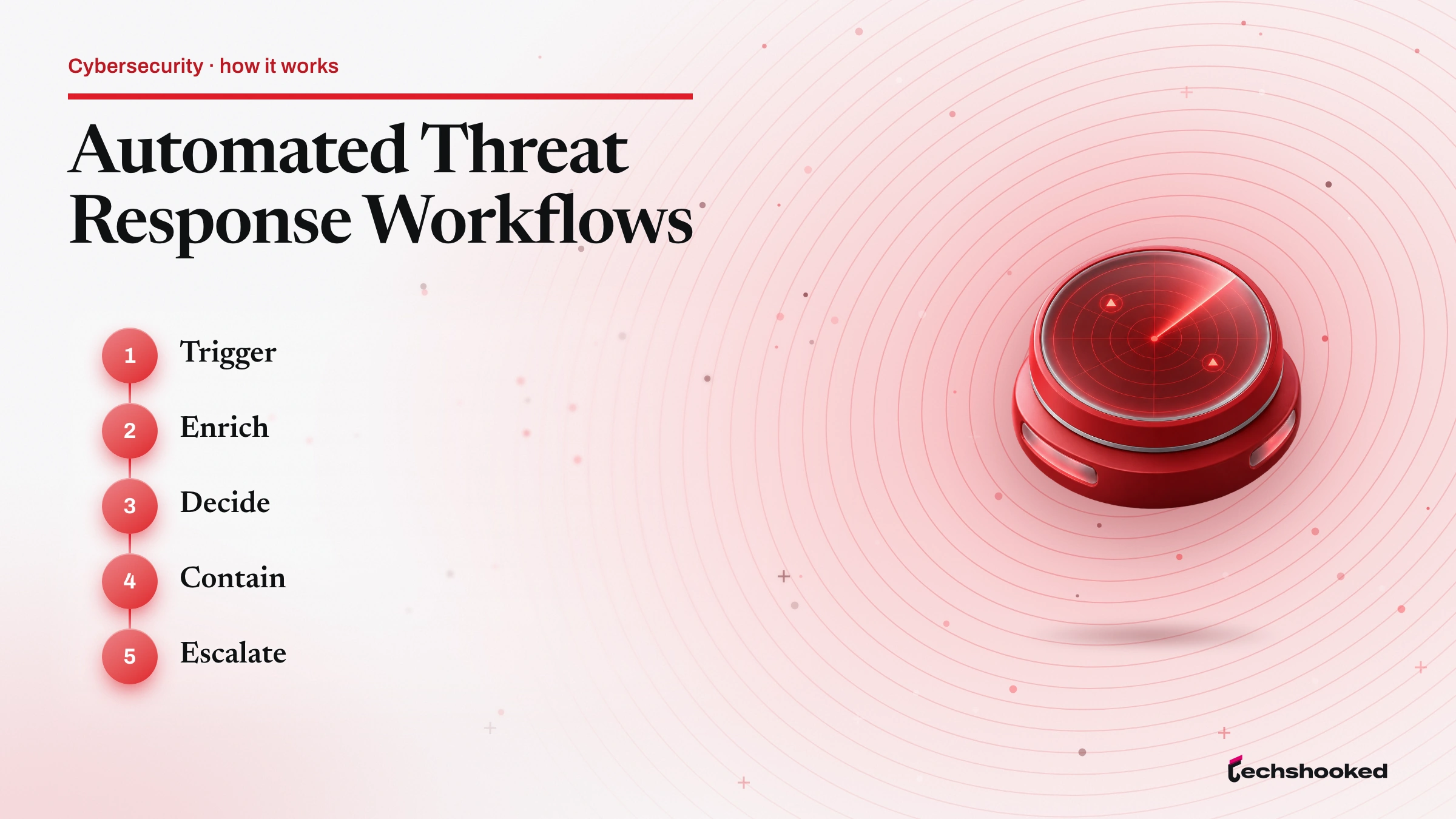
Automated threat response is a cybersecurity workflow category that uses SOAR playbooks and SIEM-triggered automation rules to detect, triage, and remediate threats without waiting for manual analyst intervention.
Security teams adopted this model because alert volumes outgrew analyst capacity. A SOC handling thousands of daily signals cannot afford minutes-per-alert triage cycles; attackers move laterally in seconds. Security orchestration automation and response (SOAR) platforms address that gap by letting analysts encode response logic once, then execute it at machine speed. Security information and event management (SIEM) platforms supply the normalized, correlated alert feed that drives those automations. Together, they form the operational spine of a modern ATR program.
The design choices that separate effective ATR programs from brittle ones sit at the playbook and trigger layers, not at the platform selection stage.
What Automated Threat Response Does
Automated threat response connects detection signals from a SIEM to response actions in a SOAR platform, cutting the window between alert and containment from hours to seconds. When a SIEM correlation rule fires on a high-fidelity pattern, an automation rule in the SOAR layer picks up the resulting incident and routes it through a defined response sequence without an analyst touching it.
The operational benefit is speed. Threat detection that produces an alert at 2:00 AM can trigger endpoint isolation, block a suspicious IP at the firewall, and open a timestamped incident ticket before the on-call analyst receives the page. ATR does not eliminate analyst judgment; it compresses the time window between detection and the first containment action.
For a side-by-side breakdown of how SIEM and SOAR tools divide this labor, the SIEM vs SOAR comparison covers the architectural distinctions and vendor positioning in detail.
ATR also improves consistency. Manual triage produces variable outcomes depending on analyst experience and shift fatigue. A well-designed automation rule applies the same logic at 2:00 AM on a Friday as it does at 9:00 AM on a Tuesday.
Core Components: Triggers, Conditions, and Actions
Every automated threat response workflow is built from three primitives: a trigger that starts the rule, conditions that filter which incidents qualify, and actions that change the incident or call a playbook. Understanding how these three layers compose is prerequisite to building automation logic that behaves predictably under production load.
- Trigger
- The event that initiates the automation rule. Common trigger types include incident created (fires when a new incident object is generated), alert created (fires on each raw alert before incident correlation), and incident updated (fires when a field changes, such as severity or status). Selecting the right trigger condition determines rule scope and execution frequency.
- Condition
- A filter that qualifies the trigger event before any action runs. Conditions evaluate incident fields such as severity level, alert source, affected asset type, or entity tags. A trigger condition might specify
severity = High AND source = Microsoft Defender XDR AND asset_tag = production. Without precise conditions, the rules fire too broadly and generate noise that degrades analyst trust. - Action
- The operation executed when conditions are satisfied. Lightweight actions include adding tags, changing ownership, or updating severity. Heavy actions call an external API, run a script, or invoke a multi-step playbook. Microsoft Sentinel's automation rule model distinguishes these layers explicitly: the rule handles routing and tagging; playbooks handle orchestration logic that requires external service calls (Microsoft Sentinel: Automate incident handling with automation rules).
Composing these three layers correctly is the core design task. A trigger condition that is too broad floods the action layer with noise; one that is too narrow misses real incidents. Most mature ATR programs tune conditions over time based on false-positive rates logged during incident triage reviews.
Designing Playbooks for Common Attack Scenarios
Effective playbook design starts with mapping each MITRE ATT&CK technique to a discrete containment action rather than building one monolithic playbook that attempts to handle every scenario. A single playbook for "all alerts" produces unmaintainable branching logic; per-technique playbooks remain testable and auditable.
MITRE ATT&CK provides the taxonomy. Each tactic and technique in the framework corresponds to observable attacker behavior with documented detection opportunities. Mapping playbook logic to specific technique IDs lets analysts trace every automated action back to a threat model entry, which simplifies both testing and audit review.
The following sequence covers the core scenarios that most SOC teams automate first, ordered by maturity and risk of false positives:
- Credential compromise (T1078, Valid Accounts). Playbook triggers on impossible-travel alerts or concurrent session anomalies from the identity provider. Actions: force password reset via API, disable active sessions, tag the incident with
cred-compromise, notify the account owner, and open an analyst escalation queue item if the account holds privileged access. - Phishing with attachment execution (T1566, Phishing). Playbook triggers on a SIEM correlation rule correlating email gateway detections with endpoint process execution events. Actions: quarantine the email across all recipient mailboxes, isolate the affected endpoint, submit the attachment hash to a sandbox, and attach the sandbox verdict to the incident ticket.
- Lateral movement detection (T1021, Remote Services). Playbook triggers when network telemetry shows an internal host initiating remote sessions across multiple targets within a compressed time window. Actions: block the source host at the network access control layer, escalate to a Tier-2 analyst, and pull a full process tree from the EDR agent on the source host.
- Endpoint isolation for confirmed malware. When a threat detection event carries a high-confidence malware verdict from the endpoint detection and response (EDR) platform, the playbook executes endpoint isolation via the EDR API. This removes the host from the network while preserving forensic evidence. The playbook also creates a parent incident linking all alerts from that host within the past 24 hours for unified analyst review.
- Privilege escalation (T1068, Exploitation for Privilege Escalation). Playbook triggers on EDR behavioral alerts indicating a process operating at elevated privilege without a legitimate parent process. Actions: terminate the offending process via EDR API, snapshot the host memory state, and route to an analyst escalation queue flagged as high-priority.
Each playbook in this sequence is scoped to one technique and one response objective. That scope makes the playbook testable against known-good incident data before it touches production. The SOAR platform's playbook library (Microsoft Sentinel: SOAR content, playbooks and connectors) provides pre-built templates for many of these patterns that teams can adapt rather than building from scratch.
SIEM Integration and Alert-to-Incident Routing
Routing raw alerts into actionable incidents requires SIEM correlation rules that suppress noise before handing off to the SOAR automation layer. A security information and event management platform receiving every raw alert will saturate the automation layer and force analysts to sort through machine-generated triage noise rather than real incidents. Similarly, a security orchestration automation and response platform must be configured to consume only correlated incident objects, not individual signal events.
Effective SIEM integration for ATR depends on four configuration decisions:
- Alert correlation thresholds. SIEM correlation rules should group related alerts into a single incident object before the SOAR layer receives them. Grouping by entity (host, user, IP) within a time window reduces incident volume by an order of magnitude compared to per-alert routing.
- Severity mapping. Map SIEM severity levels to ATR action tiers before configuring the response rules. High-severity incidents trigger immediate containment actions; medium-severity incidents trigger enrichment and analyst notification without autonomous containment; low-severity incidents receive tagging and deferred review. Misaligned severity mapping is the most common cause of rules that fire containment on benign alerts.
- Managed connector configuration. The managed connector between the SIEM and SOAR platform must be authenticated with a service account that holds least-privilege access. Overprivileged connectors create a lateral movement vector if the SOAR platform is compromised. Configure the connector to pass only the fields each automation rule needs, not full incident payloads.
- Incident triage queues. Response rules should route incidents to named analyst queues rather than a single shared inbox. Separate queues for endpoint, identity, and network incidents let specialists handle the category they know best and prevents queue flooding from a single alert category overwhelming all ATR workflows.
Selecting the right SIEM data sources and connector types for real-time alert ingestion is foundational. The real-time threat monitoring tool selection guide covers log source prioritization and ingestion architecture for common enterprise environments.
Automated vs Manual Response: Speed and Coverage Tradeoffs
Automated threat response reduces mean time to respond for high-confidence, low-ambiguity alerts; manual analyst intervention remains essential for novel TTPs and low-base-rate events where false positives carry high business risk. Neither mode covers all scenarios; a mature ATR program routes each alert type to the appropriate tier.
The table below maps alert categories to their recommended response mode based on confidence level, consequence of false positives, and mean time to respond (MTTR) requirements:
| Alert Category | Confidence | FP Risk | Recommended Mode | MTTR Target |
|---|---|---|---|---|
| Known malware hash match | High | Low | Fully automated | Single-digit minutes |
| Phishing link click + credential entry | High | Low | Fully automated | Single-digit minutes |
| Impossible-travel login | Medium | Medium | Automated enrichment, analyst escalation for containment | Tens of minutes |
| Lateral movement (internal scanning) | Medium | Medium | Automated isolation of source host, analyst review | Well under an hour |
| Novel TTP with no playbook coverage | Low | High | Manual analyst investigation | Analyst SLA |
| Data exfiltration anomaly | Low-Medium | High | Automated alert enrichment, mandatory analyst escalation | Analyst SLA |
The key design principle is matching automation scope to confidence level, not to alert volume. High-volume, low-confidence alerts routed to full automation produce mass false-positive containment events that damage business operations and erode analyst trust in the ATR system.
Analyst escalation thresholds should be defined numerically: a confidence score floor, a severity ceiling, and an asset-criticality multiplier. Any incident falling outside those bounds routes to the analyst queue before any containment action runs. Documenting these thresholds in the automation rule configuration makes the governance audit trail explicit.
Implementation Steps: From First Playbook to Production
Production deployment of automated threat response follows a sequence: instrument SIEM data sources, define trigger conditions, build playbook logic against a staging environment, validate against real incident data, then promote to live with analyst review queues intact. Skipping the staging validation step is the most common cause of runaway automation rules that fire containment actions on legitimate activity.
- Instrument SIEM data sources. Confirm that all required log sources (endpoint EDR, identity provider, firewall, cloud platform audit logs) are ingesting into the SIEM with timestamps normalized to UTC. Automation logic that depends on time-window correlation fails silently when log timestamps are inconsistent across sources.
- Define trigger conditions in simulation mode. Configure the rules with the run in simulation mode flag active. In simulation mode, each rule evaluates trigger conditions and logs what actions it would have taken without executing them. Run simulation for a minimum of five business days to capture a representative incident population, including weekend traffic patterns.
- Build playbook logic against a staging environment. Use a dedicated SOAR staging workspace connected to non-production API endpoints. The Microsoft Sentinel tutorial on responding to threats with playbooks documents the staging-to-production promotion path for Logic Apps-based playbooks (Microsoft Sentinel: Tutorial, respond to threats with playbooks). Test each playbook branch against known-good and known-bad incident samples from historical data.
- Validate against real incident data. Replay a sample of closed incidents through the playbook logic and compare automated actions to what analysts actually did. Divergence between automated and human outcomes identifies either a playbook logic gap or a historical analyst error. Both require investigation before promotion.
- Promote to live with analyst review queues intact. Enable the automation rule in production with a mandatory analyst review queue for all automated containment actions during a 30-day observation period. Do not route containment actions away from analyst visibility during initial production deployment. The observation period surfaces false-positive patterns that staging did not catch.
- Establish a playbook template library. Document each promoted playbook in a shared library with inputs, outputs, external API dependencies, and the MITRE ATT&CK technique it covers. A playbook template library enables faster onboarding of new ATR use cases and prevents duplicate development across team members.
Aligning ATR implementation with broader SOC team structure, including on-call rotation and escalation chain ownership, ensures that automated escalations reach the right analyst role. The SOC team roles and tooling guide covers team topology and the analyst tier assignments that ATR escalation queues depend on.
Governance, Audit Logging, and Analyst Escalation Gates
Governance for automated threat response requires audit logging of every automation rule execution, a documented escalation gate for actions above a defined risk threshold, and periodic review of automation health metrics. Without these controls, ATR programs drift: rules accumulate without review, trigger conditions go stale as the environment changes, and failed playbooks stop firing without anyone noticing.
A governance framework for ATR covers five operational requirements:
- Automation rule audit logs. Every rule execution must produce an immutable log entry recording the trigger event, evaluated conditions, actions taken or skipped, and execution timestamp. These logs are the evidentiary foundation for compliance audits and post-incident reviews. Microsoft Sentinel's automation health monitoring dashboard surfaces execution counts, failure rates, and latency per rule (Microsoft Sentinel: Monitor automation health).
- Analyst escalation gates. Define numeric thresholds for each action category: network block, endpoint isolation, account disable, data quarantine. Any ATR action above the defined risk threshold requires analyst escalation approval before execution. Document the threshold values in the rule configuration, not in a separate wiki page that can fall out of sync.
- Weekly automation health review. Review the automation health dashboard weekly for degraded trigger conditions, zero-fire rules (a rule that has not fired in 14 days in an active environment likely has a broken trigger condition), and playbook failure rates above 5%. Silent failures are the most operationally dangerous outcome in an ATR program because they create a false sense of coverage.
- Quarterly trigger condition review. As the environment changes (new cloud services, new identity providers, network topology changes), trigger conditions require re-evaluation. A trigger condition written for an on-premises Active Directory environment will mis-fire or under-fire in a hybrid Azure Active Directory environment without adjustment.
- Change control for automation rules. Treat rule changes with the same change control rigor as firewall rule changes. Every modification to a trigger condition, threshold value, or playbook action should go through a peer review and a simulation-mode validation cycle before promotion. Ad-hoc edits in production are the primary source of runaway false-positive containment events.
Governance documentation also supports the analyst escalation chain. When an ATR system escalates an incident to a human analyst, the audit log and the playbook execution trace give the analyst immediate context: what was detected, what actions the system already took, and what the escalation trigger condition was. That context compresses mean time to respond for the analyst-handled portion of the incident lifecycle.
Further reading
Primary sources referenced in this guide:
- Microsoft Sentinel: Automate incident handling with automation rules
- Microsoft Sentinel: SOAR content, playbooks and connectors
- Microsoft Sentinel: Tutorial, respond to threats with playbooks
- Microsoft Sentinel: Monitor automation health
- Microsoft Defender XDR: Incidents overview
- Top Threat Intelligence Platforms For SMBs: Microsoft, Palo Alto, and AWS Compared
- Transitioning from Indicator of Compromise Triage to Threat Hunting
- Understanding Data Compliance: GDPR, HIPAA, CCPA Explained for US Tech Teams
- NIST SP 800-61: Computer Security Incident Handling Guide
- MITRE ATT&CK: Enterprise Tactics
Frequently Asked Questions
When should automated threat response escalate to a human analyst instead of acting autonomously?
Escalate to a human analyst when an action carries irreversible consequences, when alert confidence falls below your defined threshold, or when the incident matches a novel TTP. Set an explicit confidence score cutoff in your automation rules and route anything below it to an analyst review queue before executing containment actions.
What is the difference between an automation rule and a playbook in a SOAR platform?
An automation rule defines the trigger, conditions, and lightweight actions that route or tag an incident. A playbook executes multi-step logic that can call external services, run scripts, or chain several response actions together. Automation rules fire synchronously on incident events; playbooks handle the complex orchestration that requires external API calls or conditional branching.
How do you measure whether automated threat response is actually reducing response times?
Track mean time to respond separately for automated-only closures versus analyst-assisted closures, then compare both against your pre-automation baseline. Automation health dashboards in your SOAR or SIEM platform log rule execution counts, playbook run durations, and failure rates; review these weekly to catch degraded triggers before they silently stop firing.