A desktop CPU is a processing unit that determines system responsiveness for both productivity workloads and gaming performance in a single build. For buyers who want one machine to handle video encoding runs in the morning and high frame rate gaming at night, the central question is not which chip is fastest in a synthetic benchmark. The tradeoff is between clock speed, which governs how quickly a single thread executes, and core count, which governs how many threads run in parallel. Getting that balance wrong turns a capable GPU into an expensive idle component.
What a CPU Bottleneck Actually Means
A CPU bottleneck occurs when the desktop processor cannot generate and dispatch frame data fast enough to keep the GPU occupied. The graphics card finishes its work, waits for the next draw call, and GPU utilization drops well below 100 percent. Frame rate suffers not because the GPU is weak, but because the CPU cannot feed it. Thread scheduling is the underlying mechanism: the game engine queues work across CPU threads, and if those threads are saturated or too slow, the GPU starves.
Distinguishing a CPU bottleneck from other performance ceilings matters before any hardware purchase. The four common bottleneck types behave differently and require different fixes.
- Processor Bottleneck
- CPU threads are saturated; GPU utilization reads below 80 percent during demanding scenes. The fix is a faster processor with higher single-threaded performance or more cores.
- GPU Bottleneck
- The GPU is the limiting component; CPU utilization is low and GPU utilization is near 100 percent. Lowering resolution or reducing graphical settings resolves this without a CPU upgrade.
- RAM Bottleneck
- Insufficient memory capacity or slow memory bandwidth causes data to spill to the storage subsystem. Symptoms include stuttering and frame time spikes even when GPU and CPU averages look acceptable.
- Storage Bottleneck
- A slow drive delays asset streaming during level loads or open-world traversal. Performance averages may look fine while 1% low frame rates are disproportionately degraded. For how storage and RAM interact with CPU performance, see how SSDs, RAM, and motherboards affect system performance.
Clock Speed vs Core Count: The Dual-Use Tradeoff
A desktop CPU purchase decision cannot be made in isolation from the GPU budget. The two components operate in a dependency chain: the CPU constraint threshold determines how much GPU performance the build can actually access. Spending heavily on a high-end GPU while pairing it with an underpowered processor leaves GPU headroom inaccessible, reducing effective return on the graphics budget. Workload-specific optimization across both components is the right frame for budget allocation in a dual-use build.
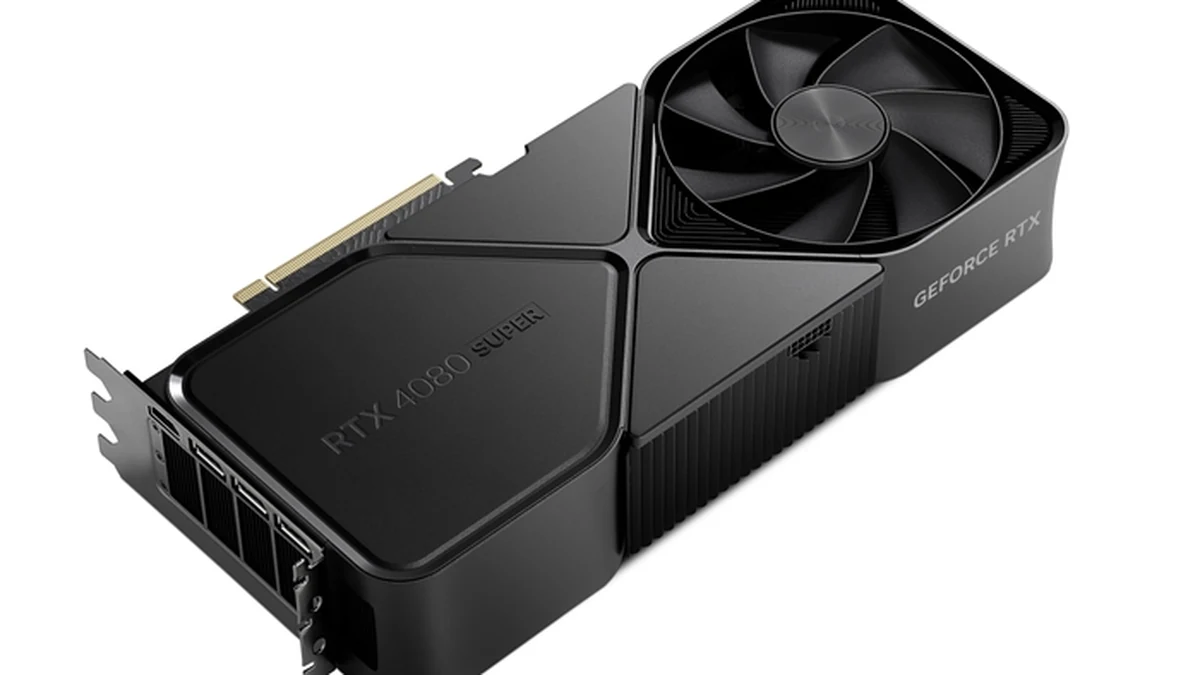
The AMD vs Intel question intersects directly with budget allocation: both current processor families are competitive at equivalent price points for balanced dual-use builds. At those price points, the GPU share of the budget matters more than brand choice. For a deeper analysis of how each component affects productivity and gaming differently, see the guide to CPU vs GPU for productivity and gaming and the component selection framework in the best gaming PC parts guide.
| Task Type | Primary Component | Budget Allocation Guidance |
|---|---|---|
| High frame rate gaming (CPU-limited scenes) | CPU (per-core speed) | Prioritize processor tier; GPU gains above the CPU's performance ceiling are inaccessible |
| High resolution gaming (GPU-limited) | GPU | Invest in GPU after the CPU meets the performance threshold for the target engine |
| Video transcoding (software multi-threaded workload) | CPU (thread count) | More CPU threads directly reduce export time; GPU hardware encode is supplementary |
| Video editing real-time preview | GPU (hardware acceleration) | GPU VRAM and encode engine quality governs timeline playback in DaVinci Resolve and Premiere Pro |
| Software compilation | CPU (thread count) | Allocate more budget to CPU; GPU has minimal impact on build times |
| 3D rendering (CPU path) | CPU (core throughput) | Thread count scales near-linearly with render throughput in CPU-based renderers |
Further reading
Frequently Asked Questions
What causes Processor bottlenecking in gaming?
Processor thread saturation is the core cause: when the CPU cannot feed frame data to the GPU fast enough, the graphics card sits underutilized. This condition is most common when pairing a high-end GPU with an older or entry-level processor that has low single-threaded performance or insufficient threads available for the game's demands.
How can I fix CPU caping?
The most effective fix is upgrading to a processor with higher single-thread throughput in the same socket family, which avoids a full platform replacement. Short-term mitigations include closing background applications, disabling CPU-intensive overlays, and ensuring the operating system's power plan is set to High Performance.
Which is better for productivity, AMD or Intel?
For sustained multi-threaded workloads such as codec encoding and software compilation, current AMD Ryzen 9000-series processors offer competitive thread counts and a large L3 cache hierarchy. Intel Core Ultra 200-series chips apply their hybrid P-core and E-core architecture to handle background threads efficiently while keeping P-cores available for latency-sensitive tasks. The best choice depends on the specific software stack and platform upgrade path.
Is CPU or GPU more important for video editing?
The CPU handles timeline rendering, export encoding, and effects calculations, making it the primary bottleneck for most editing workflows. The GPU accelerates GPU-optimized effects and hardware-accelerated export in software such as DaVinci Resolve and Premiere Pro. A balanced build prioritizes CPU logical-number of cores and IPC for editing while the GPU handles real-time preview and hardware encode offload.