Magento to Shopify migration is a platform transition process that moves an existing Adobe Commerce store's products, orders, customers, and SEO equity to Shopify's hosted infrastructure while reconciling extension parity, theme templates, and checkout customization gaps. Adobe Commerce Cloud (Pro) combines managed hosting and premium support, with upfront outlays of US$236,000 or more, making Shopify's predictable monthly pricing an attractive alternative for mid-market merchants. See also: IPv6.
The friction that surprises most architects is not the data export itself. CSVs flow out of Adobe Commerce and into Shopify with predictable shape mismatches that tools can resolve. The hard parts sit downstream: hashed customer passwords that cannot be imported, Liquid templates that have no PHTML transpiler, a checkout that locks behind Shopify Plus, and a URL structure that forces every legacy path through a 301 redirect map before DNS cutover.
Cost modeling on the other side of that cutover is where the decision actually gets made. Magento Open Source is free at the license layer but carries a developer retainer that Shopify's hosted plans absorb; Shopify Plus, when required for checkout customization or B2B ecommerce features, narrows the total cost of ownership gap in the other direction. See also: cloud-native ecommerce.
What the Migration Actually Moves
The Adobe Commerce catalog lives across the catalog_product_entity tables and related EAV attribute tables, which is a flexible model with no direct Shopify analoge. Shopify's product import CSV expects a flat row per variant with a fixed column set, and any non-standard Magento attribute has to land in a Shopify metafield. Cart2Cart and LitExtension automate most of the data export and reshape, but metafield mapping for configurable products, custom options, and tier prices still benefits from a hand-built mapping document.

Orders, Customers, and the Password-Reset Problem
Magento stores customer passwords as bcrypt or SHA-256 hashes that Shopify cannot ingest. The platform issues a password-reset email on first login attempt, and that flow has to be staged into the launch communications plan or returning customers will read it as a security incident. Historical orders import as read-only entries for reporting; refund and return workflows for those records have to be handled outside the native Shopify admin. This is the same architectural pattern covered for storefront scaling in Building Scalable Online Stores With Cloud Architecture.
Theme Porting: Liquid vs PHTML
The theme layer is where a Magento to Shopify migration stops being a data project and becomes a rebuild. Adobe Commerce uses PHTML templates with embedded PHP and XML layout files that compose page regions at render time. Shopify uses Liquid, a sandboxed Ruby-inspired templating language with no server-side code access. No automated PHTML-to-Liquid transpiler exists, and none is likely to appear, because the two systems express layout composition through incompatible primitives.
OS 2.0 themes compose pages from JSON templates that reference Liquid sections, which in turn contain blocks. Section Everywhere extends that model to every template, not just the home page, which is the equivalent of Adobe Commerce layout XML applied page-wide. Any PHTML section that previously composed product, collection, or CMS pages becomes a Liquid section with a matching schema definition, and merchandisers reorder blocks through the theme editor rather than through layout-handle XML.
Headless as a Migration Path
A headless rebuild on Hydrogen or a custom Next.js frontend lets the team carry forward existing React components and avoid Liquid templates entirely. The cost is a separate frontend deployment surface, a CDN configuration, and the need to keep Shopify checkout in the loop through the Storefront API. Teams without a strong frontend engineering bench should default to a Liquid theme build.
SEO Preservation: Redirects and Structured Data
SEO preservation is the highest-risk surface in any Magento to Shopify migration, and the controls that protect it are mechanical rather than creative. Commerce allows arbitrary URL rewrites, so a legacy catalog often lives at paths that bear no relation to category nesting. Shopify enforces fixed prefixes: products at /products/, collections at /collections/, content at /pages/. Every legacy URL has to be mapped to a Shopify equivalent and uploaded as 301 redirects before the DNS cutover. Skipping any portion of that map is the single largest cause of post-migration ranking loss.
- Export the Magento URL rewrite table. Pull every active rewrite from the core_url_rewrite table and any extension-managed rewrites alongside it.
- Normalize each row to a Shopify target. Map product paths to /products/{handle}, collection paths to /collections/{handle}, CMS paths to /pages/{handle}.
- Upload as 301 redirects. The Shopify admin CSV import handles up to 10,000 rows. Larger catalogs need the Shopify Bulk Redirects app or a scripted Admin API upload.
- Verify with a crawl tool post-launch. Screaming Frog or Sitebulb against the live domain confirms every legacy URL resolves with a single 301 hop and no chains.
Mapping Legacy URLs to Shopify Paths
Stores with custom URL keys that omit the category prefix often discover during the mapping pass that two legacy products collapse to the same Shopify handle. The fix is a handle suffix on the lower-priority SKU and a 301 from the legacy path to the disambiguated target. Pages that previously ranked on long-tail keywords inside descriptive URLs lose the keyword-in-path signal under Shopify's fixed prefixes; on-page heading and meta-title weight has to absorb that loss.
Structured Data After Migration
Default Shopify themes emit basic Product structured data covering name, price, image, and availability. Magento stores that relied on Amasty or Mageworx extensions for BreadcrumbList, Organization, FAQPage, and Review schema lose that coverage at cutover unless the new theme adds it back through Liquid edits or a Shopify app. Canonical tag enforcement and HTTPS configuration both ride on the TLS stack covered in Role Of TLS/SSL In Data Protection, and SEO preservation depends on every redirect terminating on a TLS 1.3 endpoint per IETF RFC 8446 (TLS 1.3). The Product schema spec itself is at Schema.org Product.
Extension Parity and Payment Gateway Re-Configuration
A Magento to Shopify migration forces an extension parity audit before cutover. Magento Marketplace lists roughly 3,500 extensions; the Shopify App Store lists more than 8,000 apps. Most functional categories have a Shopify equivalent, but feature parity at the field level is rarely one-to-one, and three categories produce most of the friction: payment gateway routing, checkout customization, and B2B ecommerce pricing logic. See also: payment gateway.
Payment gateway behavior shifts the most. Magento Commerce integrates directly with any gateway through its module API. Shopify routes through Shopify Payments unless the merchant configures a third-party gateway, which carries a transaction fee of 0.5 to 2 percent on Basic, Shopify, and Advanced plans. Shopify Plus waives that surcharge. Checkout customization is harder still: Shopify locks the checkout on standard plans, and any store running custom one-step checkout or injected checkout fields on Magento has to either accept the default Shopify checkout or upgrade to Shopify Plus to access Checkout Extensibility.
| Magento feature | Shopify standard equivalent | Shopify Plus equivalent |
|---|---|---|
| One-step checkout extension | Default two-page Shopify checkout, no override | Checkout Extensibility with custom apps and fields |
| Customer group tiered pricing | Third-party app with manual price-list sync | B2B on Shopify with native company accounts and price lists |
| Direct gateway API integration | Third-party gateway with 0.5 to 2 percent surcharge | Third-party gateway with zero Shopify surcharge |
| Native multi-store (single admin) | Separate Shopify stores, no shared admin | Shopify Plus organization with up to ten expansion stores |
| Custom checkout fields, gift messaging | App-based field injection above checkout | Checkout UI extensions inside the checkout itself |
Payment Gateway Transaction Fees
Shopify Payments, powered by Stripe under the hood, carries no additional Shopify transaction fee on any plan. A direct Stripe integration through the third-party gateway path adds 0.5 percent on Basic, 0.5 percent on Shopify, 0.5 percent on Advanced, and zero on Plus. For a store processing 50 million USD in annual GMV, that 0.5 percent line item is 250,000 USD per year, which often tips the plan decision toward Plus on the fee math alone before any feature consideration enters the picture.
Checkout and B2B Feature Gap
The five Magento checkout extensions that most often force a Plus upgrade are one-step checkout, custom checkout fields, gift messaging, address validation, and delivery date pickers. On standard Shopify, the first two are blocked outright, and the remaining three require app injection above the checkout rather than inside it. B2B ecommerce stores running customer-group pricing or net payment terms on Magento have no native standard-plan equivalent and need either B2B on Shopify (Plus only) or a third-party app such as Sparklayer or BSS.
Migration Cost Breakdown: One-Time Spend and TCO Delta
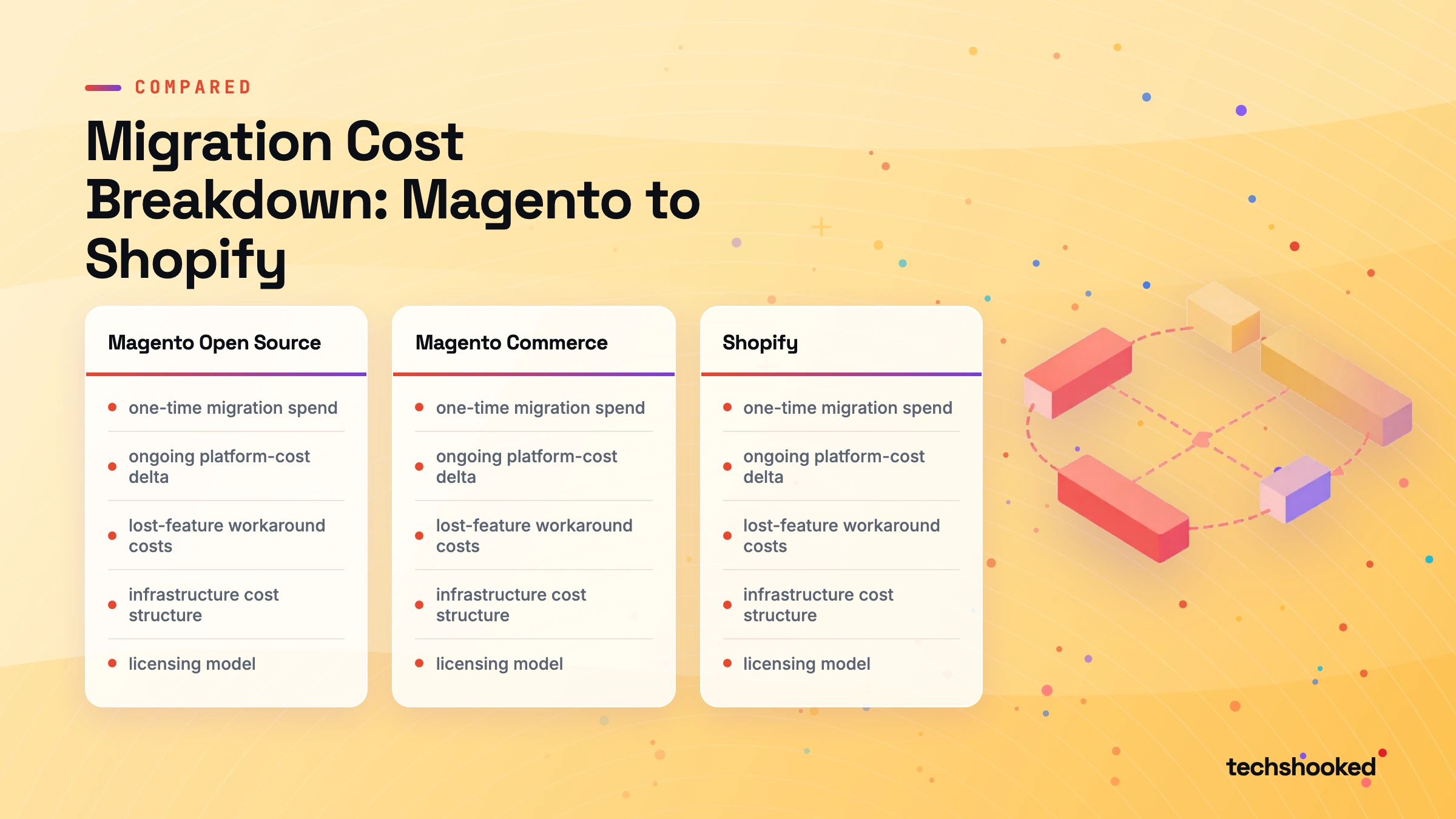
The total cost of ownership (TCO) of a Magento to Shopify migration breaks into three buckets: one-time migration spend, ongoing platform-cost delta, and lost-feature workaround costs. The Commerce platform platform licensing is free on Open Source, and the managed Commerce stack tier starts at roughly 22,000 USD per year before infrastructure. Shopify bundles infrastructure into the monthly plan fee. The TCO comparison only resolves once all three buckets are summed against a realistic GMV projection.
EU customer records exported during migration carry their own compliance obligations; the data-handling controls summarized in GDPR Compliance vs HIPAA Compliance apply to the temporary CSV exports as much as to the live database, and ecommerce platform migration playbook should encrypt and time-bound any intermediate file.
| Cost category | Magento Open Source | Commerce instance managed | Shopify standard | The Plus tier |
|---|---|---|---|---|
| License or platform fee | 0 USD | ~22,000 USD per year minimum | 39 to 399 USD per month | ~2,000 USD per month base |
| Hosting | 100 to 800 USD per month VPS or managed | Included in platform fee | Included | Included |
| Developer retainer | 2,000 to 8,000 USD per month | 1,500 to 6,000 USD per month | 0 to 2,000 USD per month | 1,000 to 5,000 USD per month |
| Third-party gateway surcharge | None (direct integration) | None | 0.5 to 2 percent of GMV | 0 percent |
| Apps and extensions | 200 to 1,500 USD per month | 200 to 1,500 USD per month | 200 to 1,000 USD per month | 500 to 2,500 USD per month |
One-Time Migration Budget Ranges
- Data migration service or tool: 1,500 to 15,000 USD, scaling on SKU count and order history depth.
- Theme rebuild: 500 to 2,000 USD for a bought-and-customized Liquid theme, 3,000 to 30,000 USD for a custom OS 2.0 build, 25,000 USD and up for a Hydrogen headless frontend.
- URL redirect mapping: 1,000 to 8,000 USD for the export, normalization, and validation pass.
- QA and UAT: 2,000 to 10,000 USD across functional, checkout, and payment-gateway test cycles.
- DNS cutover and rollback window: 500 to 3,000 USD for the launch-day engineering coverage.
Three-Year TCO Comparison
Over a three-year horizon, the TCO comparison favors Shopify for most SMB stores below roughly 10 million USD in GMV, where the developer-retainer line on Magento outweighs the Shopify plan fee. Above that revenue band, the third-party gateway surcharge becomes the swing variable, and either Plus-tier Shopify or a continued The Magento stack deployment is the cheaper landing point. The decision should be priced against current GMV and an honest projection, not a generic vendor comparison. Both Gartner Digital Commerce Research and Forrester B2C Commerce Research publish vendor evaluations that quantify the same tradeoff at portfolio scale.
Migration Checklist: Pre-Cutover, Cutover, and Post-Launch
A Magento to Shopify migration checklist breaks cleanly into three temporal phases. The pre-cutover phase is where most of the risk is retired through validation. The cutover window is the engineering-coverage day. The post-launch phase is where SEO preservation and operational stability either hold or unravel. Each phase has a non-negotiable set of gates that should be signed off before the next begins.
- Pre-cutover audit: clean the catalog, validate exported CSVs against Shopify import requirements, and resolve every metafield collision.
- Build the 301 redirects map: export the Magento URL rewrite table, normalize to Shopify paths, diff against a fresh crawl, and stage the CSV.
- Stage the Shopify store: configure payment gateway, install replacement apps, port the Liquid theme into staging, validate schema markup and canonical tags.
- Cutover day: enable maintenance mode on Magento, run the final delta sync for orders and customers, upload the redirect CSV, switch DNS, confirm Shopify Payments live, and run an end-to-end test order.
- Post-launch monitoring: track 404s in Google Search Console for two weeks, validate redirect chains with a crawl tool, confirm re-indexing, verify email notification flows, and audit app permissions for data minimisation.
Teams running an ecommerce platform migration as part of a wider CMS consolidation should also review Drupal Alternatives For Enterprise CMS for the content-side tooling decisions that often run in parallel, alongside Shopify Migration Documentation and The legacy stack Developer Documentation for the source-platform export procedures.
Further reading
- Building Scalable Online Stores With Cloud Architecture (hub coverage of ecommerce infrastructure decisions)
- Drupal Alternatives For Enterprise CMS (sibling CMS migration guidance for content-heavy platforms)
- Role Of TLS/SSL In Data Protection (TLS configuration for post-migration redirect chains and canonical enforcement)
- GDPR Compliance vs HIPAA Compliance (data-handling obligations for EU customer records during migration)
Frequently Asked Questions
Can historical order data be fully migrated from Magento to Shopify?
Historical Magento orders import into Shopify as read-only records for reporting, not as active orders in the native fulfillment workflow. Cart2Cart and LitExtension support order history import with line items, fulfillment status, and totals. Refund and return workflows for those historical orders have to be handled outside Shopify because the records are flagged as closed imports. Customer-facing order status pages will only reflect orders placed after migration unless the store adds a custom order-lookup app.
Does migrating to Shopify affect Google search rankings?
A Magento to Shopify migration carried out with a complete 301 redirect map, validated before DNS cutover, typically recovers original rankings within four to eight weeks as Googlebot crawls and re-indexes the new URLs. The most common cause of permanent ranking loss is an incomplete redirect file, specifically collection and category URLs that Magento served at arbitrary paths and Shopify enforces under /collections/. Running a pre-migration crawl export and diffing it against the uploaded redirect CSV before go-live is the single highest-use SEO equity preservation step.
Is Shopify's enterprise tier required for B2B or custom-checkout Magento stores?
Plus plan is required for any store that needs checkout extensibility (custom fields, multi-step flows, upsells inside the checkout) or native B2B features (company accounts, tiered pricing, net payment terms). Standard Shopify plans lock the checkout template and do not expose the Checkout Extensibility API. Stores migrating from Magento that depended on one-step checkout extensions or customer-group pricing face a forced upgrade to Enterprise plan at approximately 2,000 USD per month, which has to be priced into the TCO calculation before committing to the platform.