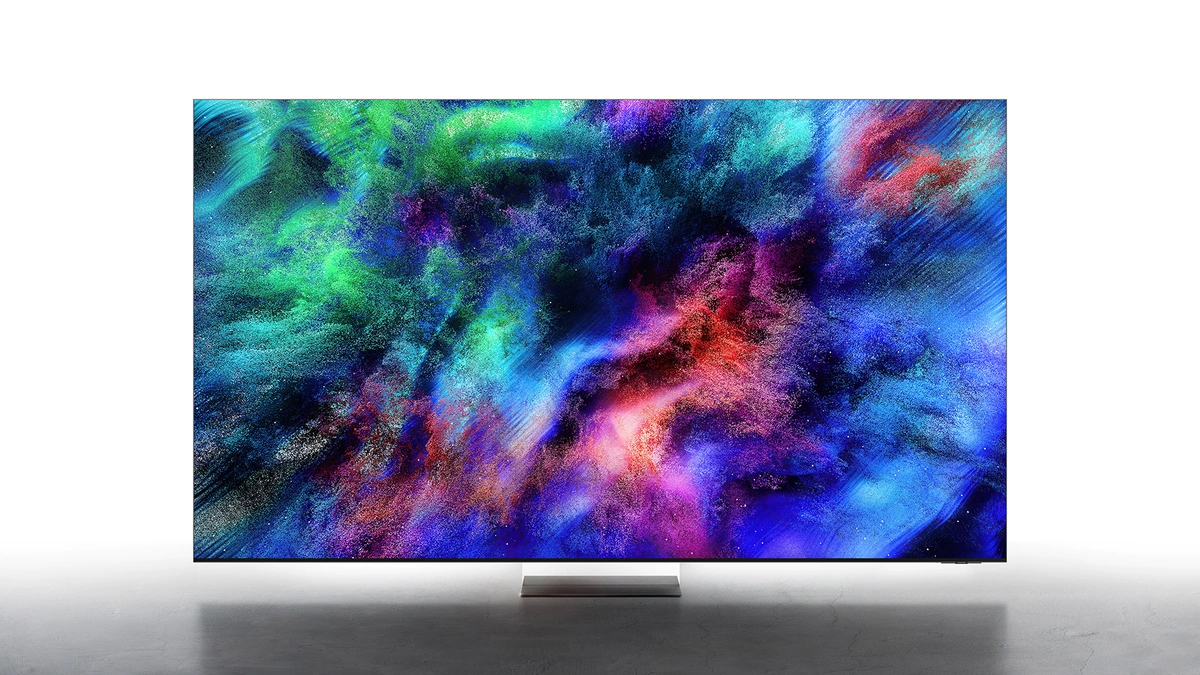
OLED is a display technology that lights every pixel on its own, so a TV can switch individual pixels completely off for true black. A Mini-LED TV takes the other route: it is an LCD that shines many small LEDs through a liquid crystal layer, grouped into zones that dim and brighten together. That split settles most of the Mini-LED vs OLED decision, with OLED ahead on black level, contrast and viewing angle and Mini-LED ahead on brightness, screen size and price. RGB Mini-LED TVs keep the LCD design but swap the usual blue LEDs for separate red, green and blue ones, and the HDR format printed on the box decides how well each panel is fed.
Mini-LED or OLED: The Short Answer
OLED is the better pick for dark rooms, film nights and wide seating, because each pixel switches off by itself and nothing behind the screen can bloom. Mini-LED is the better pick for bright rooms, very large screens and tighter budgets, because its LED backlight runs bright. For long hours of static content, our advice is also Mini-LED, since an LCD has no self-lit pixels.
Samsung, which sells both, draws the same line in its Mini LED vs OLED buying guide: it recommends its Mini LED sets, sold as Neo QLED, for high brightness, HDR and screens of 85 inches or larger, and its OLED sets for dark blacks and dark-room viewing. RGB Mini-LED adds a third option for buyers who want wider color without leaving the LCD camp.
OLED, Mini-LED and RGB Mini-LED Side by Side
OLED, Mini-LED and RGB Mini-LED differ most in where the light comes from, and the rest of the table follows from that. Samsung's Micro RGB buying guide puts the contrast gap plainly, crediting OLED with nearly infinite contrast and Micro RGB with excellent contrast and black levels. The rows below summarize the design trade-offs, not measured results for any one model:
| Trait | OLED | Mini-LED | RGB Mini-LED |
|---|---|---|---|
| Light source | Each pixel (self-emissive) | Blue or white LED backlight | Red, green and blue LED backlight |
| Black level | Pixel fully off | Depends on zone count and dimming | Zone-based, finer on micro-sized LEDs |
| Blooming | None from a backlight | Visible around bright objects | Reduced, per Samsung and Sony |
| Viewing angle | Wide: Samsung Display says QD-OLED keeps over 60% of its front luminance at 60 degrees | Narrower: Samsung Display puts LCD panels below 20% at 60 degrees | LCD panel, so it depends on the panel type |
| Color source | Self-lit subpixels | Quantum dots on premium models | RGB LEDs; 100% BT.2020 claimed on flagships |
| Largest sizes listed | 97 inches (LG G6) | 100 inches (Samsung QN80H, M90H) | 115 inches (Samsung, Sony) |
| Burn-in risk | Possible with static images | Our assessment, not a measured figure: lower | Our assessment, not a measured figure: lower |
The table hides one practical point. RGB Mini-LED is a premium LCD, so a buyer who wants OLED-grade black in a dark room still gets it only from OLED, while a buyer who wants wide color in a bright room can now pick RGB Mini-LED at 55 inches, the smallest Micro RGB size Samsung lists. The OLED vs Mini-LED vs IPS monitor comparison covers the same panel physics at desk distance, where viewing angle and text clarity weigh more.
How OLED Builds a Picture
OLED needs no backlight because each pixel is its own light source, so a dark pixel is a pixel that is off. Engineers call that design self-emissive. LG's own comparison of its two flagship lines says turning off individual pixels in dark areas is how the OLED evo reaches what the company markets as Perfect Black. Samsung, which sells OLED TVs under the S95H, S90H and S85H names, makes the same point in its TV buying guide: self-emissive pixels that turn off completely give OLED nearly infinite contrast.
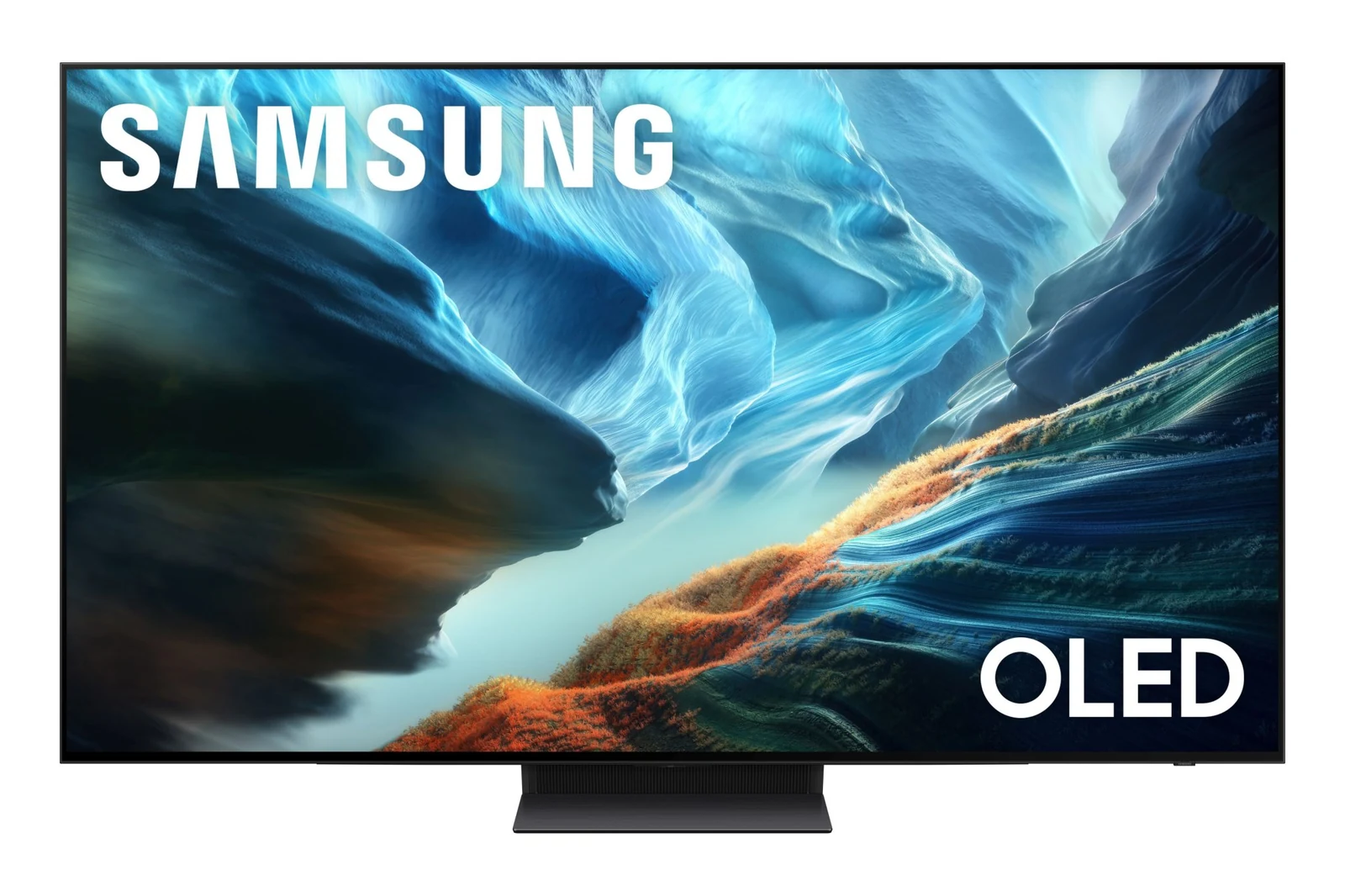
That design brings a short list of strengths and one structural weakness:
- Per-pixel contrast: a star field or a letterboxed film shows no glow around bright objects, because nothing behind the screen leaks light.
- Brightness is the hard part: LG's flagship G6 relies on a feature it calls Brightness Booster Ultra, which the company says delivers up to 3.9 times the brightness of a regular OLED TV, per its US launch announcement.
- Reflections: both brands now sell glare-reducing screens on their top OLED models, LG as Reflection Free Premium on the G6 and Samsung as Glare Free on the S95H and S90H.
- Burn-in risk: a static image left on screen too long can leave a ghost on an OLED panel; LG's support pages cite static channel logos left up for a prolonged period and describe automatic panel-care routines.
QD-OLED and WOLED Panels
Two panel makers, Samsung Display and LG Display, describe two different ways to build a large OLED panel. Samsung Display makes QD-OLED, in which a blue OLED layer is the light source and quantum dots absorb that blue light and re-emit it as red and green, according to its QD-OLED viewing angle release. LG Display builds what it now brands Tandem WOLED, which stacks red, green and blue light sources in a tandem structure to produce white light. Both are self-emissive, so the per-pixel black level is the same idea; the makers compete on brightness, color and reflections.
| Panel design | Panel maker | How it makes color | Maker's headline claim |
|---|---|---|---|
| QD-OLED | Samsung Display | Blue OLED light, converted to red and green by quantum dots | UL Solutions verified it keeps over 60% of front luminance at a 60-degree angle |
| Tandem WOLED | LG Display | Stacked red, green and blue layers that produce white light | Up to 4,500 nits peak and a 0.3 percent reflection rate on its newest TV panel |
LG Display says its newest TV panel reaches that 4,500-nit peak by generating light from red, green and blue stacked in independent layers and by refining its pixel structure, per LG Display's panel lineup. Samsung Display credits its front emission structure and the way quantum dots emit light evenly in all directions for the wide viewing angle, and it puts LCD panels below 20% of front luminance at the same 60 degrees. Both sets of figures are the panel makers' own claims, not measurements of any one TV.
How Mini-LED Backlights Work
Mini-LED is still an LCD, which is the core difference from OLED. Light comes from a panel of LEDs behind the screen, and the liquid crystal layer acts as a shutter that lets more or less of it through each pixel. The Mini-LED part refers to how small and how numerous those LEDs are, and that matters because the backlight is split into dimming zones that brighten or darken independently. This is local dimming, and more, smaller zones track the picture more closely.
Here is the light path in a typical Mini-LED TV, from back to front:
- LED backlight: blue or white Mini-LEDs, grouped into dimming zones the TV's processor drives frame by frame for local dimming.
- Color conversion: on premium sets, a quantum dot layer turns that light into purer red and green. Samsung says its Neo QLED models pair Quantum Mini LEDs with quantum dots for 100% color volume, a measure of color across brightness levels, in its Neo QLED and Mini LED announcement.
- Liquid crystal layer: the shutter that sets how much light each pixel passes.
- Color filter: red, green and blue subpixels that build the final image.
Because one zone covers many pixels, a bright subtitle or a moon against a black sky can light up the area around it. That halo is called blooming, and taming it is the main job of the dimming algorithm. Samsung's TV buying guide describes blooming as the halo effect commonly seen on standard LED screens. In exchange, Samsung says its Mini LED sets offer high brightness and suit bright rooms with ambient light, per its Mini LED vs OLED guide. Samsung sells both its Neo QLED range (QN80H, QN70H) and a cheaper Mini LED range (M80H, M70H), and LG markets QNED evo with MiniLED for the same idea.
QLED, Neo QLED and SQD-Mini LED Labels
QLED, Neo QLED, QNED and SQD-Mini LED are all LCD labels, so the QLED vs OLED question comes down to the same backlight-versus-self-lit split as Mini-LED vs OLED. Samsung's LED, OLED, QLED and Neo QLED explainer says QLED TVs use traditional LCD panels lit by LEDs with an added layer of quantum dots, while OLED pixels produce their own light with no separate backlight. The store labels map like this:
- QLED: an LCD with an LED backlight and a quantum dot layer for color, in Samsung's definition.
- Neo QLED: Samsung's Mini LED line; its Mini LED vs OLED guide confirms that Neo QLED uses Mini LED technology together with quantum dots.
- QNED evo with MiniLED: LG's name for its Mini LED LCD sets.
- QD-Mini LED: TCL's label for its earlier Mini LED series, such as the QM9K and QM8K.
- SQD-Mini LED: TCL's newest Mini LED design, built around what it calls Super Quantum Dots, a CSOT UltraColor Filter and a color purity algorithm, with up to 20,000 discrete dimming zones on the flagship X11L.
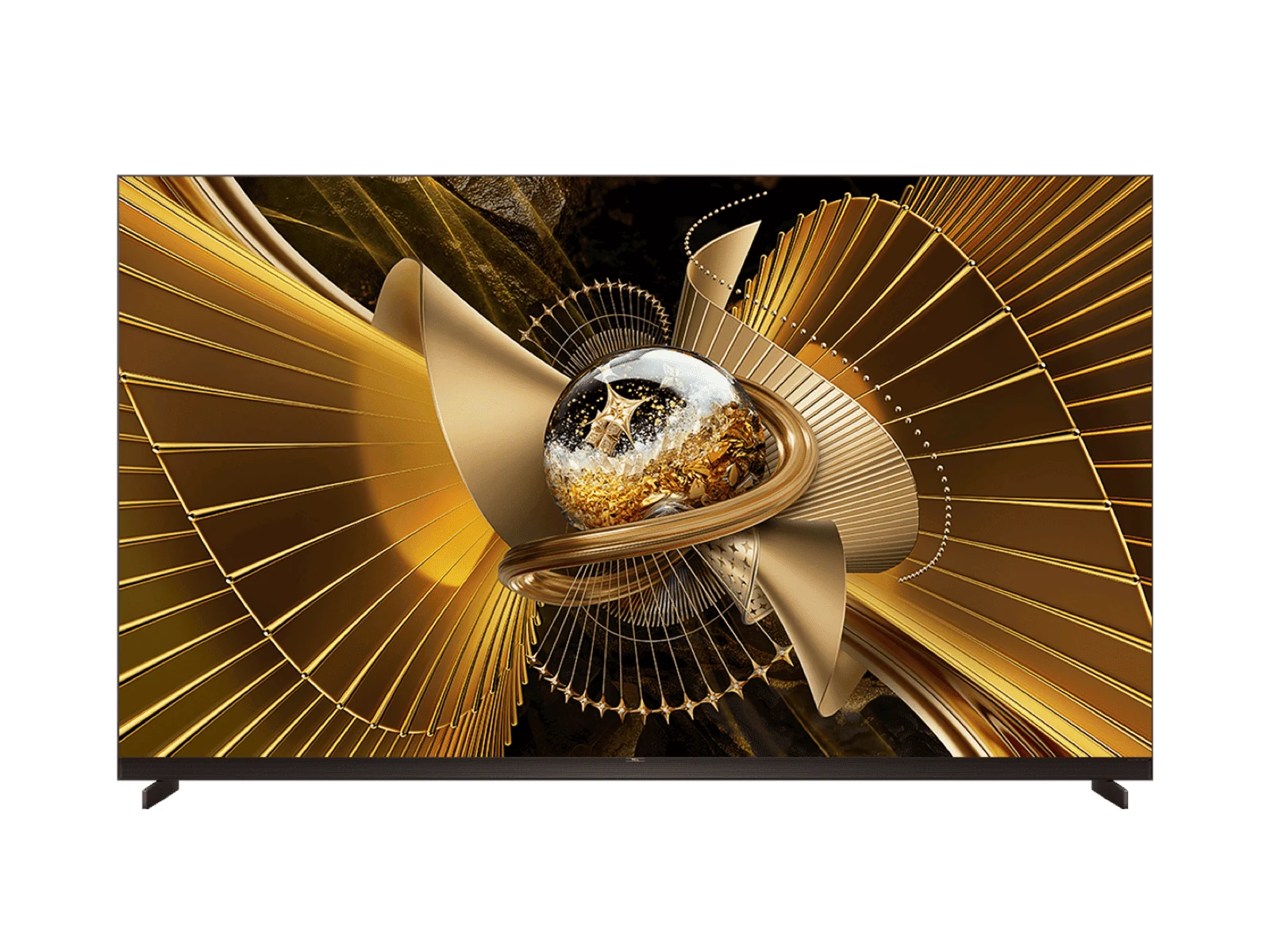
TCL positions SQD-Mini LED against RGB designs: it says the approach reaches 100% of BT.2020 while minimizing color crosstalk, also called color blooming, which it says can happen with RGB Mini-LED. That is a vendor claim from a company that sells an RGB-Mini LED series of its own, the RM9L, and it extended SQD-Mini LED to the cheaper QM8L and QM7L series, with up to 4,000 and 2,100 dimming zones.
What RGB Mini-LED Changes
RGB Mini-LED sits between OLED and a standard Mini-LED set: it keeps the LCD panel but replaces the blue backlight with separate red, green and blue LEDs that the TV drives independently. Samsung defines its version, Micro RGB, as thousands of micro-sized red, green and blue LEDs used for the backlight, and its buying guide separates the two labels by size: Micro RGB LEDs measure less than 100 microns, while RGB Mini LED lights typically range from 100 to 400 microns. Either way the light source is still behind an LCD.
The pitch from every brand is purer color. Hisense describes the idea as generating red, green and blue light individually instead of filtering it from a standard backlight, and Samsung and LG cite coverage of the BT.2020 color space, an ITU standard. Samsung says VDE verified 100% BT.2020 color area coverage for its Micro RGB TVs, in the Micro RGB lineup announcement. The brands use different names for closely related designs:
| Brand | Marketing name | What the brand says it does |
|---|---|---|
| Samsung | Micro RGB (R95H, R85H) | Red, green and blue LEDs under 100 microns that each emit light independently |
| LG | Micro RGB evo, Mini RGB evo | A backlight producing high-purity red, green and blue; LG calls Micro RGB evo its most premium LCD TV |
| Sony | True RGB (BRAVIA 9 II, BRAVIA 7 II) | Independently driven red, green and blue LEDs, with less blooming than conventional Mini LED |
| Hisense | RGB MiniLED (UR9 series) | Red, green and blue light generated individually instead of filtered from a standard backlight |
LG backs its claim with certifications rather than a single number: the Micro RGB evo launch cites Intertek's Triple 100 Percent Color Coverage across BT.2020, DCI-P3 and Adobe RGB, while Mini RGB evo carries the Double 100 Percent mark for DCI-P3 and Adobe RGB. Sony credits independent control of its RGB LEDs with the largest color volume in its home TV history. It also says its RGB Backlight Master Drive Pro improves brightness and reduces blooming compared with conventional Mini LED. Hisense describes its UR9 series as RGB MiniLED powered by what it calls Chromagic Technology. These are vendor claims; RGB Mini-LED still uses zones, so it narrows the gap to OLED on blooming without closing it.
HDR Formats: HDR10, HDR10+, Dolby Vision and HLG
OLED and Mini-LED panels both depend on HDR metadata to know how bright and how colorful each scene should be. The base signal is defined by the ITU in Recommendation BT.2100, which specifies the two HDR methods, Perceptual Quantization (PQ) and Hybrid Log-Gamma (HLG). HDR10+ Technologies says every generation of its format is built on PQ, and the formats named on the box add metadata on top:
| Format | Metadata | Backer | Notes |
|---|---|---|---|
| HDR10 | Static metadata | Open baseline | One tone mapping curve for the whole program |
| HDR10+ | Dynamic metadata | HDR10+ Technologies | Royalty-free; scene-by-scene instructions |
| HDR10+ ADVANCED | Extended dynamic metadata | HDR10+ Technologies | Adds local tone mapping, motion smoothing and genre data |
| Dolby Vision | Dynamic metadata | Dolby | Licensed format; Dolby Vision 2 adds two TV tiers |
| HLG | No metadata | ITU BT.2100 | Defined alongside PQ in the same ITU Recommendation |
The difference between static metadata and dynamic metadata is the part buyers notice. According to HDR10+ Technologies, HDR10 sends one tone-mapping instruction set for the entire program, calculated from its brightest moment, while HDR10+ sends scene-by-scene instructions, and an HDR10 TV ignores the extra data and falls back to the static baseline. The same group says HDR10+ ADVANCED adds local tone mapping, intelligent motion smoothing and genre-based optimization. In our view, tone mapping matters most on dimmer panels, which have to squeeze highlights mastered far brighter than they can show.
Dolby Vision is the licensed alternative. Dolby says Dolby Vision 2 comes in two tiers, Dolby Vision 2 and Dolby Vision 2 Max, and named Hisense as the first TV brand to announce it will bring it to premium TVs such as RGB-MiniLED models. Brand support splits by company. LG lists Dolby Vision on the G6 and C6 OLEDs, Sony lists Dolby Vision on its True RGB sets, and Samsung says its Micro RGB TVs support HDR10+ ADVANCED, like many of its newest models.
What Each Technology Costs
OLED and RGB Mini-LED sit above Mini-LED on price, and Samsung sells all three in a 65-inch size, which makes its launch list prices a clean ladder. The figures below come from the company's Mini LED and Neo QLED, OLED and Micro RGB announcements; retail prices change during the year.
On that ladder, moving up from the 65-inch M80H Mini LED to an OLED or Micro RGB model costs about 2.5 to 4.3 times as much at launch. The ladder also shows that RGB Mini-LED did not arrive as a budget option: the 65-inch R85H Micro RGB costs about as much as the 65-inch S85H OLED. LG's pricing points the same way, with the OLED evo C6 starting at $1,399 for the 42-inch model and the G6 at $2,499 for the 55-inch, per LG's US announcement. Plain Mini-LED remains the value tier.
Rooms, Gaming and Burn-In
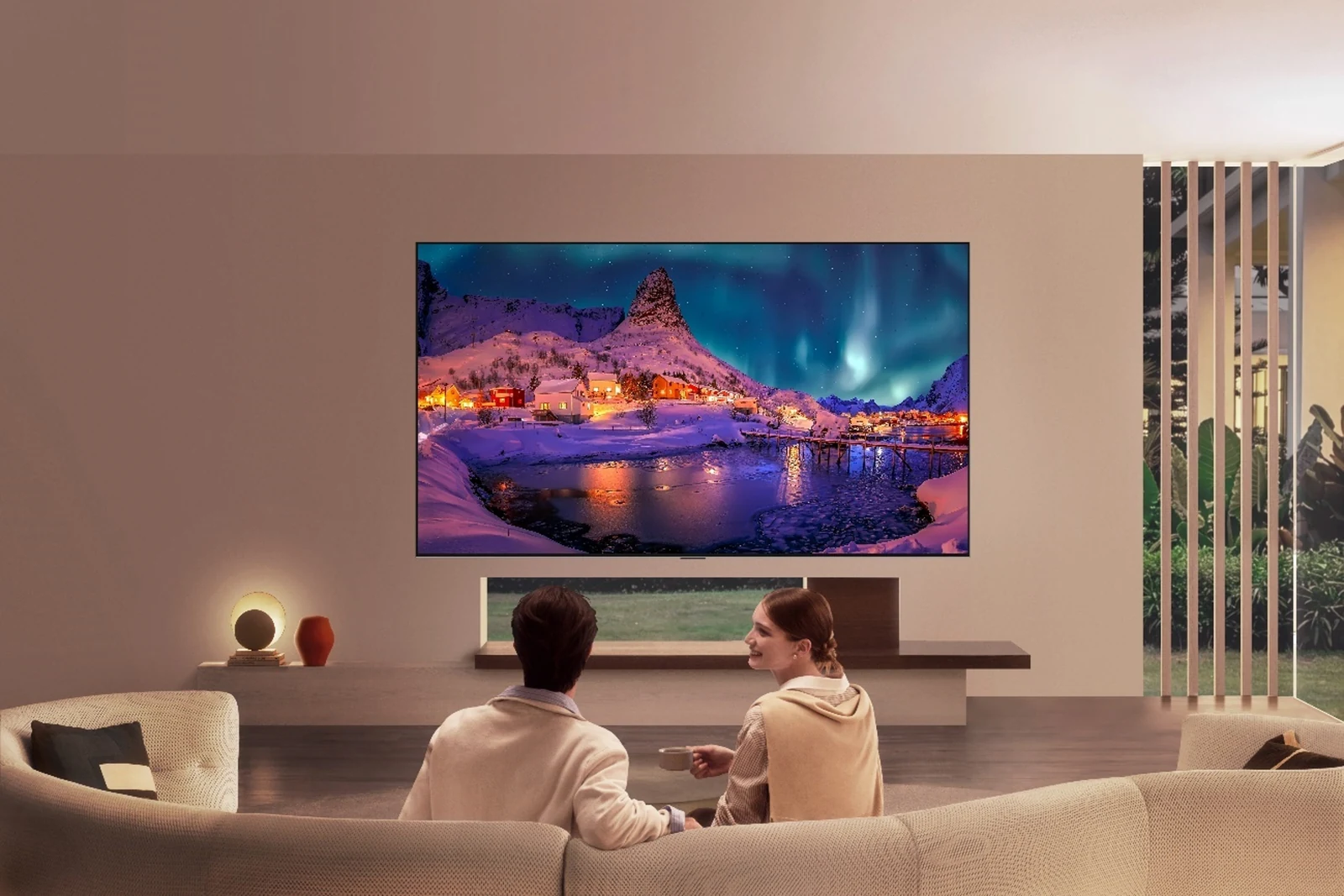
OLED, Mini-LED and RGB Mini-LED each fit a different room and a different habit. LG itself frames its two flagships this way in its dual-flagship pitch, selling the OLED evo on contrast and shadow detail and the Micro RGB evo on ultra-large screens of up to 100 inches in sunlit rooms. The use cases sort out like this:
- Dark-room film watching: OLED, for per-pixel black and no blooming around subtitles.
- Bright living rooms and daytime sports: Mini-LED for value, RGB Mini-LED when wide color matters too.
- Very large screens: LCD-based sets go past the 97-inch top of LG's G6 OLED range; Samsung lists Micro RGB up to 115 inches.
- Static content for hours: our advice for news channels, PC desktops and game HUDs is an LCD-based set, because an LCD has no self-lit pixels.
- Console and PC gaming: any of the three, provided the HDMI gaming features are there.
For gaming, the HDMI specification sets the shared floor: its enhanced gaming features include Variable Refresh Rate (VRR), which reduces stutter and frame tearing, and Auto Low Latency Mode (ALLM), which sets the ideal latency setting automatically. LG lists 4K at 165Hz VRR with NVIDIA G-SYNC and AMD FreeSync Premium on the G6 (120Hz on the 97-inch), while Samsung lists Motion Xcelerator 165Hz on the R95H and 144Hz on the R85H. The PlayStation 5, Xbox Series X and Nintendo Switch feature comparison lists what each console sends over HDMI.
Burn-in is manageable rather than mythical. LG's burn-in support page says its Pixel Cleaning routine runs after every four hours of cumulative use, a longer Pixel Refresher calibration runs after 2,000 hours, and a Logo Brightness setting dims static logos. LG backs the G6 with a five-year limited panel warranty, though only the first year covers parts and labor.
How to Pick Between the Three
OLED, Mini-LED and RGB Mini-LED are all good enough in their premium tiers that the room usually decides before the spec sheet does. Work through these questions in order:
- How bright is the room at viewing time? Mostly dark points to OLED; daylight and lamps point to Mini-LED or RGB Mini-LED.
- How much static content runs? Hours of tickers, desktops or HUDs are where our advice is an LCD-based set.
- What size do you need? Past the sizes OLED lines stop at, the choice is Mini-LED or RGB Mini-LED.
- Which HDR format do your services use? Check Dolby Vision or HDR10+ support against the apps you watch.
- Does the TV support VRR and ALLM over HDMI? Both matter for a current console or gaming PC.
- What is the gap to the next tier? Compare Mini-LED, RGB Mini-LED and OLED in the same size from the same brand.
For anyone moving from an older LCD, the biggest jump in picture quality per dollar is still a well-dimmed Mini-LED set; RGB Mini-LED earns its premium in big, bright rooms where color saturation shows, and OLED earns its premium after dark. The monitor buying guide on panel types and refresh rate applies the same logic to screens that sit an arm's length away.
Further reading
Frequently Asked Questions
Does OLED burn-in still happen on new TVs?
It can, because LG's own support pages trace burn-in to a static image left on screen too long. LG fights it with Pixel Cleaning, which runs after every four hours of cumulative use, and a Logo Brightness setting that dims fixed channel logos, according to its burn-in support page. The OLED evo G6 also carries a five-year limited panel warranty, with parts and labor covered only in the first year. For a screen that spends hours on news tickers or a PC desktop, our advice is Mini-LED or RGB Mini-LED.
What are the downsides of a Mini-LED TV?
Blooming is the main one. Each dimming zone covers many pixels, so a bright subtitle or moon can glow against a dark background, which Samsung's TV buying guide calls the halo effect commonly seen on standard LED screens. Viewing angle is the second. Samsung Display puts LCD panels below 20% of their front luminance at a 60-degree angle in its QD-OLED viewing angle release, so seats far off to the side see a dimmer picture than the middle of the sofa.
Is OLED easier on the eyes than Mini-LED?
Samsung, which sells both, does not separate them on eye comfort. Its Mini LED vs OLED guide says both its Neo QLED and OLED models help reduce eye fatigue by adjusting brightness through EyeComfort Mode. Our advice is to match brightness to the room and switch on whatever automatic brightness or eye comfort mode the TV offers, whichever panel you pick.
What does SQD-Mini LED mean?
SQD-Mini LED is TCL's name for its newest Mini LED LCD technology, used in the X11L, QM8L and QM7L series. TCL's X11L launch page describes a Deep Color System built from what it calls Super Quantum Dots, a CSOT UltraColor Filter and a color purity algorithm, and lists up to 20,000 discrete dimming zones on the X11L. TCL calls the panel an LCD, so SQD-Mini LED sits with Mini-LED, not OLED, in any comparison.
Is RGB Mini-LED the same as Micro LED?
No: RGB Mini-LED and Samsung's Micro RGB are LCD backlights, while Micro LED is a self-emissive display in which every pixel is its own LED. Samsung spells out the split in its Micro RGB explainer: Micro RGB packs tiny red, green and blue LEDs behind the panel, and Micro LED uses no backlight at all. The names sit one word apart, so look for the word backlight on the spec sheet.
Is Mini-LED or OLED better for gaming?
Inputs matter more than panel type, so start with Variable Refresh Rate and Auto Low Latency Mode, which the HDMI specification lists among its enhanced gaming features. LG lists 4K at 165Hz VRR on the C6 OLED, and Samsung lists Motion Xcelerator 165Hz on its S95H OLED and R95H Micro RGB. Long sessions with a fixed game HUD are where OLED owners should keep the burn-in protections switched on.