WordPress is an open-source content management system that powers tech publications with a block-based editor, an extensive plugin ecosystem, and a broad hosting compatibility range. Drupal, also open-source, takes a different approach: it exposes structured content modeling and granular role-based access controls at the framework level, without requiring third-party plugins for either capability. For tech publishers evaluating CMS options, the comparison is not a question of quality but of operational fit, and the gap between the two platforms is most visible in editorial workflow design, caching architecture, and Core Web Vitals outcomes.
What WordPress Brings to Tech Publishing
WordPress delivers a block-based editing experience that reduces time-to-publish for editorial teams who need to ship breaking tech news without developer intervention. The Gutenberg block editor lets writers compose, embed media, and structure articles entirely through a visual interface, with no HTML knowledge required. That low floor on technical entry is a meaningful operational advantage when editorial teams are under deadline pressure.
The plugin ecosystem extends the platform's baseline capabilities across every publishing function: SEO tooling, paywalls, newsletter integration, multi-author permissions, and content scheduling. A tech publisher can add or replace functionality through tested, maintained plugins rather than through custom development. The WordPress REST API also enables headless publishing patterns when teams want to decouple the front-end from the CMS backend, sending content to mobile apps, AMP endpoints, or external display layers.
- Gutenberg block editor: visual composition with no HTML requirement; supports reusable blocks for recurring article formats
- Plugin ecosystem: thousands of maintained extensions covering SEO, performance, access control, and newsletter delivery
- WordPress REST API: enables headless and decoupled content delivery across multiple output channels
- Hosting compatibility: runs on shared, VPS, managed, and cloud environments with minimal server configuration
- Multi-author support: built-in user roles (administrator, editor, author, contributor) cover most small-to-medium newsroom structures
What Drupal Brings to Tech Publishing
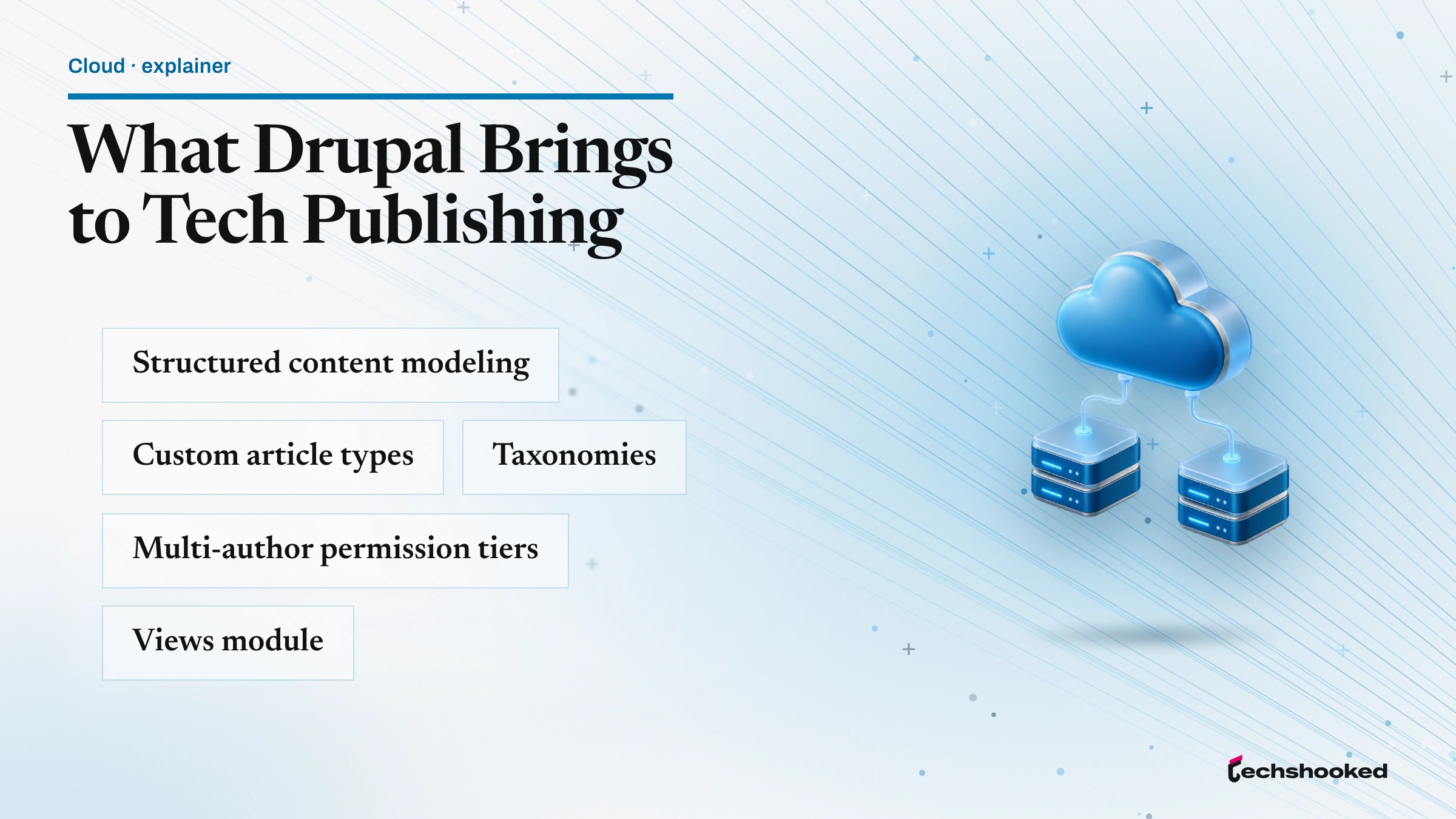
Drupal provides a structured content modeling layer that lets tech publishers define custom article types, taxonomies, and multi-author permission tiers without relying on third-party plugins. Where WordPress treats content types as extensions added through plugins, Drupal builds them natively through its administrative interface, giving publishers granular control over field definitions, display modes, and content structure from day one of a site build.
The Views module lets editors build custom content feeds, filtered article indexes, and author archive pages without writing PHP. Role-based access control (RBAC) in Drupal operates at the content-type and field level, so a newsroom can restrict which author roles can publish, which can draft, and which can edit taxonomy terms, all through configuration rather than code. BigPipe, a Drupal rendering pipeline feature, delivers page frames to the browser before slower dynamic elements resolve, improving perceived page load performance on article pages with complex sidebar widgets or recommendation panels.
- Content modeling: custom content types and field configurations built natively, no plugin required
- Views module: configurable filtered content feeds and archive pages without custom development
- Role-based access control: field- and content-type-level RBAC for structured multi-author newsrooms
- BigPipe rendering: progressive page delivery that improves perceived load time for complex article layouts
- Paragraphs module: component-based content authoring for publishers who need structured article sections beyond simple body text
Core Web Vitals: WordPress vs Drupal

Core Web Vitals performance on both platforms depends on how caching architecture, asset aggregation, and image delivery are configured rather than on the CMS framework alone. Google's Core Web Vitals measurement set, documented at Google Search Central, covers three metrics with direct ranking implications: Largest Contentful Paint (LCP), which measures how quickly the page's largest visible element loads; Interaction to Next Paint (INP), which measures responsiveness to user input; and Cumulative Layout Shift (CLS), which measures visual stability during load.
On WordPress, LCP is primarily improved through caching plugins that serve pre-rendered HTML and image optimization tools that generate WebP variants and lazy-load below-fold images. INP depends on how much JavaScript the theme loads on article pages; lean themes with minimal third-party scripts consistently score better than feature-heavy page builder themes. On Drupal, the built-in CSS and JS aggregation pipeline reduces HTTP request count by default, and BigPipe rendering improves Interaction to Next Paint by delivering the critical page frame before slower database queries resolve. Both platforms reach equivalent Core Web Vitals scores when properly configured, but the configuration path differs.
Offloading static assets through a CDN reduces LCP regardless of CMS. The Cloudflare setup guide at techshooked.com covers the integration steps for WordPress environments. Background on CDN architecture and how content delivery networks affect page load performance is at techshooked.com.
| Metric | WordPress approach | Drupal approach |
|---|---|---|
| Largest Contentful Paint | Caching plugins (e.g., full-page cache) + image optimization plugins (WebP, lazy load) | Native CSS/JS aggregation + contributed image optimization modules |
| Interaction to Next Paint | Depends on theme JS load; lean themes score better than page builders | BigPipe rendering reduces INP by delivering the page frame before slow queries complete |
| Cumulative Layout Shift | Controlled through theme CSS and explicit image dimensions in blocks | Controlled through template-level image dimension declarations |
| Full-page cache | Requires a caching plugin (plugin ecosystem has several options) | Built into Drupal's internal page cache and dynamic page cache systems |
| CDN integration | Via plugin or hosting-layer configuration | Via contributed module or server-level reverse proxy configuration |
Editorial Workflow and Content Modeling
WordPress suits small-to-medium editorial teams that prioritize speed of authoring; Drupal suits larger newsrooms that require structured content modeling across multiple publication channels. The distinction shows up most clearly in how each platform handles article taxonomy and multi-author permission structures.
In WordPress, the editorial workflow runs through a built-in post status system (draft, pending review, published, scheduled) combined with author role assignments. Content types beyond posts and pages require plugins. A tech publisher that wants to separate news articles from product reviews, tutorials, and opinion columns needs either a plugin or custom post type registration in a child theme. In Drupal, those content types are defined through the administrative interface without plugin dependencies. The Paragraphs module extends authoring further by letting editors compose articles from reusable component blocks, a pattern useful for structured formats like listicles, interview transcripts, and product roundups that tech publications run regularly.
| Workflow factor | WordPress | Drupal |
|---|---|---|
| Author onboarding speed | Fast; block editor requires no training for basic article publishing | Slower; content type configuration and field structure require orientation |
| Custom content types | Plugin or child theme code required | Native; configured through administrative UI |
| Taxonomy management | Built-in categories and tags; extended taxonomies require plugins | Native vocabulary and term management across all content types |
| Multi-author RBAC | Five built-in roles; granular permissions require a plugin | Native role-based access control at field and content-type level |
| Structured article formats | Reusable blocks in Gutenberg; complex structures need plugin support | Paragraphs module enables component-based structured authoring natively |
Performance Optimization Tools and Plugins
WordPress relies on its plugin ecosystem for page load performance tuning, while Drupal exposes performance controls natively through its administrative configuration interface. The practical consequence for tech publishers is that WordPress performance configuration involves selecting, configuring, and maintaining a set of plugins, while Drupal performance configuration involves enabling and tuning built-in subsystems. Both approaches reach comparable outcomes; the operational cost differs.
CDN integration improves page load performance on both platforms by offloading static assets to edge servers closer to readers. The AWS Web Application Hosting whitepaper at AWS documentation covers caching architecture patterns that apply to both WordPress and Drupal deployments, including object cache configuration and CDN placement. Background on CDN mechanics as they relate to news delivery is covered at techshooked.com.
- Full-page caching (WordPress)
- Achieved through caching plugins that serve pre-rendered HTML to anonymous visitors, bypassing PHP and database execution on each request. Paired with a CDN, this is the primary lever for LCP improvement on high-traffic article pages.
- Full-page caching (Drupal)
- Built into Drupal's Internal Page Cache (for anonymous users) and Dynamic Page Cache (for authenticated users). No plugin required; configuration is through the administrative performance settings panel.
- Asset aggregation
- Drupal aggregates CSS and JavaScript files into single bundles by default, reducing HTTP requests on page load. WordPress achieves the same through caching plugins that include asset aggregation in their feature set.
- Image optimization
- WordPress image optimization is handled by plugins that generate WebP variants, resize images on upload, and apply lazy loading. Drupal uses responsive image styles configured natively plus contributed modules for format conversion.
- Object cache
- Both platforms support Redis and Memcached as object cache backends. WordPress requires a plugin to connect to an external object cache; Drupal integrates cache backends through its cache API configuration without a plugin layer.
Choosing Between WordPress and Drupal for Your Tech Publication
WordPress is the stronger default for tech publishers with small editorial teams and limited DevOps capacity; Drupal becomes the better investment when structured content modeling and role-based access control are non-negotiable at scale. The decision turns on three operational variables: team size, content structure complexity, and the publication's capacity to maintain either a plugin stack or a contributed-module configuration.
Tech publishers running news-first operations with five or fewer editorial staff typically find WordPress's out-of-the-box authoring speed and plugin ecosystem depth sufficient for their workflow. Larger newsrooms that publish across multiple content types (news, reviews, guides, video transcripts, sponsored content with distinct display rules) and manage dozens of authors with differentiated permission tiers find Drupal's native content modeling and RBAC worth the steeper initial configuration investment. The W3C's Web Content Accessibility Guidelines, published at W3C WAI, apply equally to both content management system outputs; accessible editorial publishing is a configuration-layer concern on either platform, not a CMS-inherent capability gap. Google's SEO Starter Guide confirms that CMS choice does not determine search visibility; structured markup, canonical tag accuracy, and page load performance are the controllable SEO variables on either platform.
- Choose WordPress if the editorial team has five or fewer staff, publishes primarily in a single content type, and needs low-configuration hosting across shared or managed environments.
- Choose WordPress if publishing speed is the dominant operational priority and the plugin ecosystem covers required functionality without custom development.
- Choose Drupal if the newsroom publishes across three or more distinct content types that require separate field structures, taxonomies, and display modes.
- Choose Drupal if multi-author permission tiers need granularity beyond WordPress's five built-in roles, and a plugin dependency for access control is operationally undesirable.
- Choose Drupal if the publication serves content to multiple output channels (web, app, AMP, third-party syndication) and needs a headless or decoupled architecture with a stable structured content layer.
- Evaluate CDN and caching architecture independently of CMS choice: page load performance at editorial scale depends more on the caching stack than on which CMS is running underneath it.
References
- Google Search Central: Core Web Vitals: primary source for LCP, INP, and CLS definitions and measurement thresholds
- W3C: Web Content Accessibility Guidelines (WCAG): standards reference for accessible editorial publishing on both platforms
- AWS: Web Application Hosting Best Practices: caching architecture and CDN placement patterns for CMS deployments
- Google Search Central: SEO Starter Guide: CMS-agnostic SEO fundamentals covering structured markup and page performance
Further reading
Frequently Asked Questions
What are the main differences between WordPress and Drupal for editorial teams?
WordPress prioritizes ease of use with a block editor and a large plugin ecosystem, while Drupal provides granular content modeling and role-based access controls suited to structured editorial workflows. For a small tech publishing team, WordPress reduces onboarding time; for a newsroom requiring custom content types and multi-author permission tiers, Drupal's content architecture pays off at scale. The right choice depends on team size, publishing volume, and how much custom taxonomy the editorial operation demands.
How can a CMS improve Core Web Vitals scores for a tech publication?
A CMS improves Core Web Vitals by controlling how assets are loaded, cached, and delivered. WordPress achieves this through caching plugins and image optimization modules that reduce Largest Contentful Paint; Drupal uses its built-in asset aggregation pipeline and BigPipe rendering to minimize Interaction to Next Paint delays. Both platforms benefit from a CDN layer, but the configuration path differs: WordPress relies on plugin settings, while Drupal exposes performance controls through its administrative interface and contributed modules.
Which CMS handles high-traffic editorial spikes better for tech news sites?
Drupal handles sustained high-concurrency traffic better out of the box because its caching architecture was designed for enterprise-scale anonymous page delivery. WordPress reaches comparable throughput when paired with a full-page caching layer and a CDN, but requires more configuration work per hosting environment. Tech news sites that experience predictable traffic spikes around breaking stories typically find either platform adequate when CDN offloading is in place, with the deciding factor being the team's capacity to maintain the caching stack.