Bluehost alternatives are web hosting providers that match Bluehost's beginner-friendly WordPress setup while avoiding the renewal price shock, upsell-heavy onboarding, or shared-resource performance ceilings that drive users to look elsewhere. The three Bluehost alternatives compared below, Hostinger, SiteGround, and DreamHost, are judged on what they actually cost after the introductory pricing term ends, not only the headline teaser rate. Renewal-price transparency is the lens that reorders the shortlist, and the sections after the picks cover other hosts for sites that have outgrown shared hosting and how to move a site off Bluehost.
Top Bluehost Alternatives at a Glance
The Bluehost alternatives worth a look are Hostinger for its $2.99 monthly entry price, SiteGround for free daily backups and Google Cloud infrastructure, and DreamHost for monthly billing on every plan. Judge each on its renewal price, not the teaser: Bluehost Starter moves from $3.99 to $9.99 a month after its 36-month term, per Bluehost's WordPress hosting page.
The three Bluehost alternatives here split the buying decision cleanly by cost priority, WordPress performance stack, and billing flexibility. Each pick names one genuine strength and one honest limitation before the checkout link, so the recommendation does not outrun the evidence.
- Budget pick: Hostinger Premium. Suits cost-conscious beginners who want a LiteSpeed cache and the hPanel control panel at $2.99 a month on a 48-month term. The catch is a substantially higher renewal price, $10.99 a month, documented on Hostinger's WordPress hosting page. Check current Hostinger pricing.
- Performance pick: SiteGround StartUp. Suits site owners who want SuperCacher on Google Cloud infrastructure, free daily backups, and a staging environment path at higher tiers. The catch is price: StartUp's standard rate is $17.99 a month on a 12-month term, disclosed on SiteGround's own current-rates page. Check current SiteGround pricing.
- Flexibility pick: DreamHost. Suits beginners who want month-to-month billing rather than a multi-year prepay; DreamHost says every web hosting plan offers monthly billing. Check the current monthly and annual rates on DreamHost's hosting page before checkout.
Why Beginners Leave Bluehost
Bluehost is not a bad host. The frictions below are the specific reasons cost-conscious WordPress users consider Bluehost alternatives, drawn from Bluehost's own documentation and public plan pages rather than anecdote.
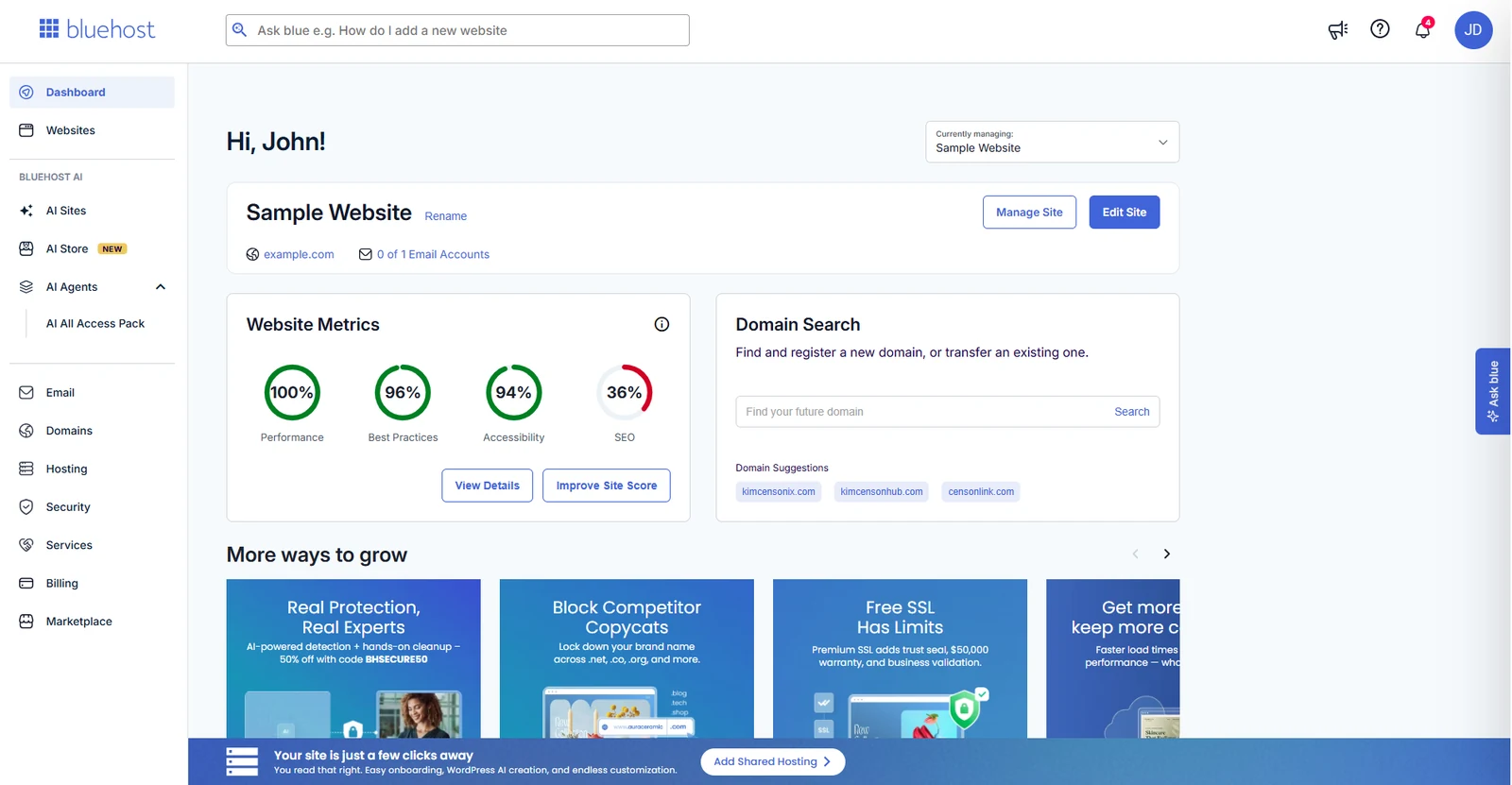
- Renewal price shock. Bluehost's pricing help page states plainly that special offers are temporary promotions for new customers, good only for the initial term (Bluehost shared hosting prices policy). The same page lists the renewal rates: Starter renews at $9.99 a month on a 36-month term, $11.99 on a 12-month term and $15.99 billed monthly, against a $3.99 introductory rate, so the second term costs two and a half times the first at best.
- Upsell-heavy onboarding. Extras arrive as trials and first-year perks: Pro Email starts as a free trial that renews at $2.99 a month, and Bluehost lists free first-year domain privacy on its Business and eCommerce Essentials plans, per the plan list on Bluehost's WordPress hosting page. Each one is a line to check before the first renewal.
- Starter storage ceiling. The Bluehost Starter plan advertises 10 GB of NVMe SSD storage and weekly website backups on the same Bluehost plan list, tight for a media-rich WordPress site with plugin caches, staged backups, and image variants.
- The headline price needs a 36-month term. Bluehost offers monthly, 1-year and 3-year terms, but its plan grid quotes the $3.99 Starter rate for the 36-month term, and shorter commitments raise the monthly rate, up to $15.99 billed monthly at renewal per Bluehost's renewal table.
- Shared resource throttling under load. On any budget shared hosting stack, sudden traffic spikes hit PHP worker or CPU caps. Bluehost sits in the Newfold Digital portfolio of brands; the ceiling is not unique to the platform, but it is real.
Bluehost does offer a 30-day money-back guarantee on its WordPress plans, per Bluehost's plan page, a genuine positive when comparing switching risk.
Bluehost Alternatives Compared
The Bluehost alternatives compared below are scored on introductory pricing, renewal price, storage, WordPress installer, staging environment availability, CDN posture, and money-back guarantee window. Pricing rows come straight from Bluehost, Hostinger, SiteGround, and DreamHost. The CDN column matters because edge caching often does more for perceived speed than raw origin specs; the explainers on how content delivery networks improve site speed and CDN options for WordPress sites cover why.
| Provider | Intro Price | Renewal Price | Storage | One-click WordPress | Staging | CDN | Money-back |
|---|---|---|---|---|---|---|---|
| Bluehost Starter | $3.99/mo (36-mo) | $9.99/mo (36-mo); $15.99/mo monthly | 10 GB NVMe SSD | Yes | Staging site included | Free CDN | 30 days |
| Hostinger Premium | $2.99/mo (48-mo) | $10.99/mo | 20 GB SSD | Yes | Unlimited plan and up | Hostinger CDN | 30 days |
| SiteGround StartUp | First-term discount for new signups | $17.99/mo (12-mo); $24.99/mo monthly | 10 GB | Yes | GrowBig and up | Free CDN | 30 days |
| DreamHost Web Hosting Launch | $2.89/mo (12-mo) | $10.99/mo (12-mo) | 25 GB NVMe SSD | 1-Click Installer | Via DreamPress | Bunny CDN via DreamPress | 30 days |
| Prices as of October 2026 per Bluehost's pricing help page and WordPress plan page, Hostinger's WordPress hosting page, and SiteGround's current-rates page. Bluehost and Hostinger intro figures are promotional rates; SiteGround's figures are its standard rates, and SiteGround says new signups may get a discount for the initial period. SiteGround and DreamHost plan details per SiteGround's web hosting page and DreamHost's hosting page; DreamHost's Launch figures are its first-year promotional rate and renewal rate on yearly billing, per that page. | |||||||
One result of that table surprises most readers: on the longest terms, Bluehost's renewal is not the outlier. Starter renews at $9.99 a month on 36 months, per Bluehost's renewal table, close to Hostinger Premium's $10.99 on 48 months, per Hostinger, so the case for switching rests on what each plan includes, how long the intro price lasts, and how you want to be billed, not on renewal price alone.
Hostinger: A Budget Pick for WordPress Beginners
Hostinger is a shared and managed WordPress hosting provider listed on the WordPress.org recommended hosts page. Hostinger Premium is the plan that competes head-on with Bluehost Starter on price and feature scope.
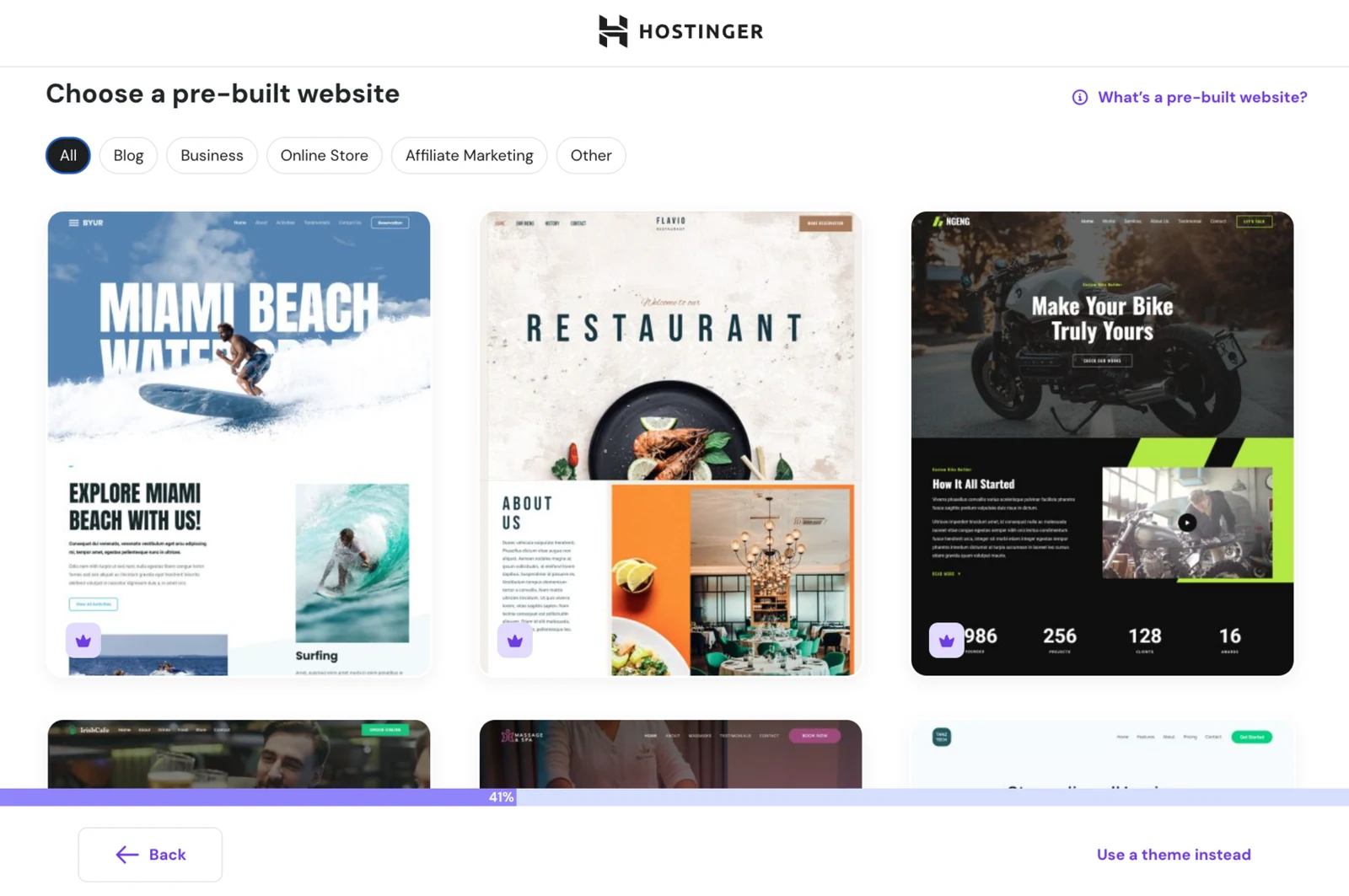
Pricing. Hostinger Premium lists at $2.99/month introductory on the 48-month prepay, renewing at $10.99/month, per Hostinger's own WordPress hosting page. The 48 months are paid upfront, $143.52 in total, per Hostinger's pricing page. Quote both numbers together, not just the intro. The detailed Hostinger review covers the Premium tier and the plans above it in depth.
Who it is for. Beginners who want a low introductory price and a long price lock, and who are willing to switch from cPanel to hPanel. Hostinger's hPanel control panel is streamlined for WordPress-only setups and quicker to learn than legacy cPanel for a first-time site owner.
- LiteSpeed stack. Premium runs on LiteSpeed servers with LiteSpeed cache, per Hostinger's WordPress hosting page, so cached pages are served by the web server itself rather than by a WordPress caching plugin alone.
- WordPress-first control panel. The hPanel control panel keeps DNS, email, SSL, and site staging behind fewer menus than cPanel, so a new site owner spends less time hunting for settings during the first-week ramp.
- Bundled essentials. Premium includes a free domain for the first year, free SSL, weekly backups, Hostinger's own CDN layer, a one-click WordPress installer, two mailboxes per website free for the first year, and free, unlimited website migrations, so add-on friction at checkout is modest per Hostinger's Premium plan details.
Honest limitations. PHP worker limits on the Premium plan (40 workers, against 60 on Unlimited, per Hostinger's plan-limits documentation) throttle high-traffic pages during sudden load spikes; heavy WooCommerce projects should size up to Unlimited, the plan that replaced Business on most Hostinger pages, or Cloud Startup. Hostinger's staging guide requires a Business web hosting plan or higher, so a built-in staging environment starts one plan up, on Unlimited, while Bluehost lists a staging site on Starter. And the jump from $2.99 to $10.99 at renewal is a steeper percentage increase than Bluehost Starter's $3.99 to $9.99, so budget for the second-term cost from day one.
See current Hostinger Premium pricing.
SiteGround: WordPress Performance on Google Cloud
SiteGround runs its shared hosting stack on Google Cloud infrastructure with in-house caching and a free CDN on top; "All plans run on Google Cloud infrastructure," per SiteGround's web hosting page. SiteGround StartUp is the entry point among these Bluehost alternatives, and the plan most users compare directly against Bluehost Starter on WordPress-performance grounds.

Pricing. SiteGround StartUp lists at $17.99/month on a 12-month term, $14.99/month on a 24-month term and $24.99/month on month-to-month billing, per SiteGround's own current-rates page, which labels these standard prices and says new signups may get a discount for the initial period. The standard rate is the number to budget for after the first term. Both numbers should be quoted when the plan is compared with Bluehost or Hostinger, not just the introductory pricing.
Who it is for. WordPress site owners who want stronger server-side caching, free daily backups, and a path to one-click staging environment tools beyond what typical budget shared hosting offers, without stepping up to managed-WordPress pricing on WordPress Starter or Pressable.
- SuperCacher stack. SiteGround's SuperCacher caching, which it says cuts load times by up to 5x, per SiteGround's web hosting page, raises cache hit ratios on WordPress sites.
- Speed Optimizer plugin. The Speed Optimizer plugin (formerly SG Optimizer) handles cache purging and image optimization from inside WordPress, and it plays cleanly with WP-CLI and SSH access, which SiteGround lists on every plan.
- Google Cloud infrastructure and daily backups. Every SiteGround plan lists free SSL, a free CDN, and free daily backups, with on-demand backups from GrowBig up, per SiteGround's plan list.
Honest limitations. The standard rate on SiteGround StartUp ($17.99 a month on 12 months, per SiteGround's current-rates page) is meaningfully higher than Hostinger Premium's $10.99 renewal, so the price premium is real once the intro term ends. StartUp also caps at 10 GB of storage and one website, against Bluehost Starter's 10 GB and 10 websites, which pushes the SiteGround GrowBig upgrade decision forward. SiteGround's plan list shows staging on GrowBig and GoGeek, so StartUp owners who need a staging environment should price GrowBig from the start.
See current SiteGround StartUp pricing.
DreamHost: Monthly Billing on Every Plan
DreamHost is a web host that sells shared hosting, DreamPress managed WordPress hosting, and VPS plans. Its distinguishing sales point among these Bluehost alternatives is billing flexibility rather than the lowest sticker price: "Every DreamHost web hosting plan offers monthly billing," per DreamHost's hosting page.
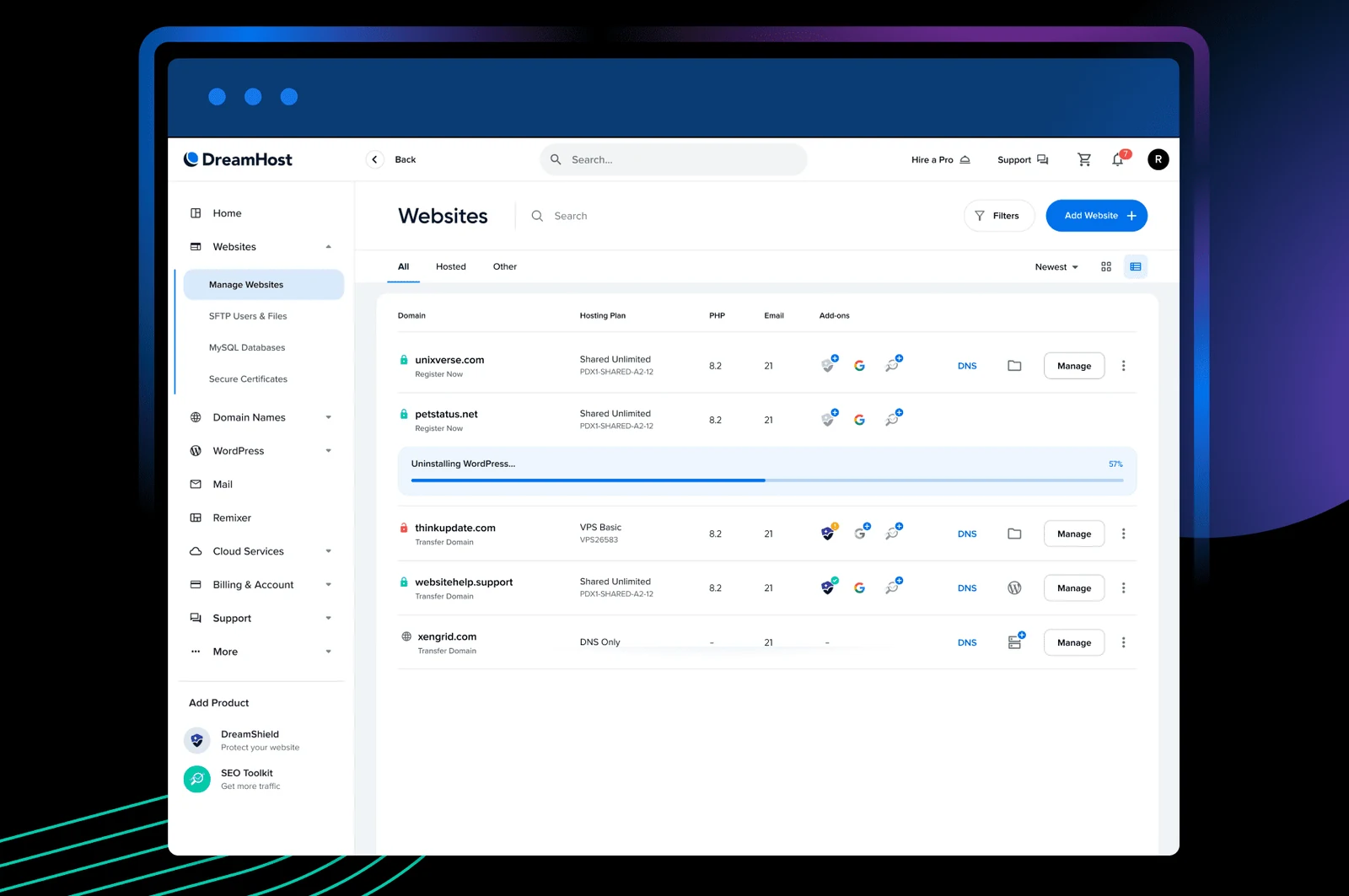
Pricing. DreamHost lists its month-to-month and annual rates for the Web Hosting Launch plan on DreamHost's hosting page; compare both before checkout. At Bluehost and SiteGround, monthly billing costs more per month than a longer term: Bluehost Starter renews at $15.99 billed monthly against $9.99 on a 36-month term, per Bluehost's renewal table, and SiteGround StartUp costs $24.99 month to month against $17.99 on 12 months, per SiteGround's current-rates page. The flexibility is genuine, and so is the surcharge.
Who it is for. Beginners uncertain about a multi-year hosting commitment, and site owners who migrate between providers or projects on a shorter cadence.
- Monthly billing built into the pitch. Bluehost and SiteGround also bill monthly, at their highest rates; DreamHost makes monthly billing on every web hosting plan a headline feature, so a beginner can start without a multi-year prepay.
- Free domain privacy with registration. DreamHost's FAQ says domain registration includes free private registration (Domain Privacy Protection), and Web Hosting Launch lists a free domain for the first year; Bluehost lists free domain privacy for the first year on its Business and eCommerce Essentials plans.
- Room on the entry plan. Web Hosting Launch lists 25 websites, 25 GB NVMe SSD storage, unmetered bandwidth, and daily automated backups per DreamHost's plan details, and DreamPress, which lists 1-Click Staging, covers the managed WordPress path for sites that grow past shared hosting.
Honest limitations. The DreamHost Panel UI is less modern than hPanel and less familiar than cPanel for anyone migrating from Bluehost, so the muscle memory does not carry over. Email on Web Hosting Launch is listed as 3 months free for 20 mailboxes, so budget for it from month four. DreamHost lists 1-Click Staging under DreamPress, so price that tier if staging matters. And WordPress.org's recommended hosts page lists Bluehost, Hostinger, and Pressable, so treat DreamHost as a flexibility pick rather than an endorsement pick.
Other Bluehost Alternatives by Need
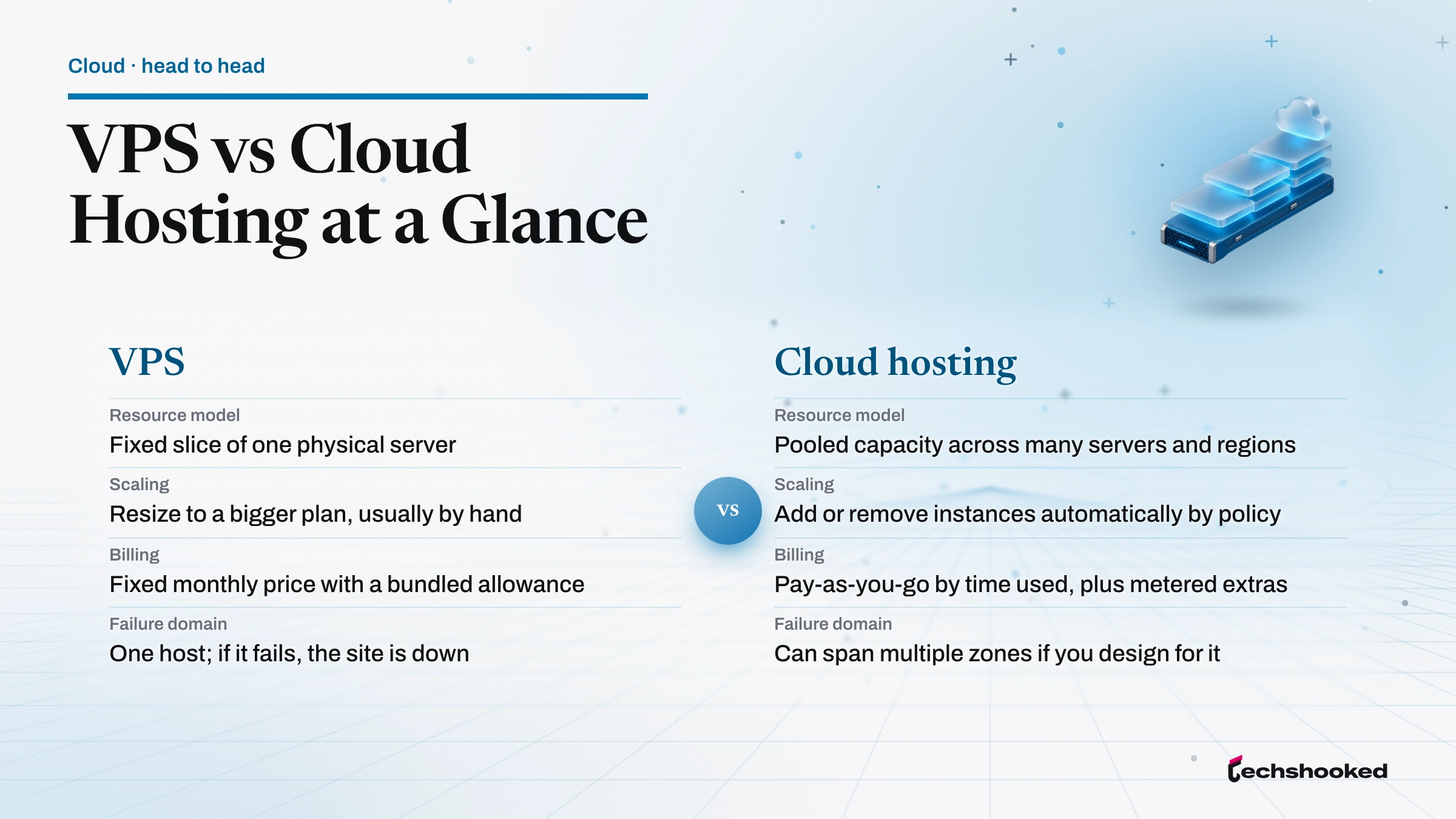
The three picks above are budget shared hosts, the same class as Bluehost. A site leaving Bluehost because it has outgrown shared hosting needs a different class of host, and each costs more per month:
- Managed WordPress hosting. Kinsta starts at $35 a month for one site, or $30 a month billed annually, per Kinsta's pricing page, and WP Engine at $35 a month, or $28 a month billed annually in the first year for new customers, per WP Engine's plans page. Their limits and trade-offs are laid out in the best managed WordPress hosts compared.
- Managed cloud hosting. Cloudways bills by the server you choose: its cheapest DigitalOcean server costs $11 a month with 1GB of RAM, and Cloudways migrates the first site for free, per Cloudways' pricing page.
- A VPS with root access. DigitalOcean Droplets start at $4 a month for 512 MiB of memory, per DigitalOcean's Droplet pricing, with the server administration left to you; the guide to VPS hosting for developers who want root access compares the main providers.
- WooCommerce stores. Bluehost's eCommerce Essentials plan costs $14.99 a month on a 36-month term and renews at $21.99, per Bluehost's WooCommerce hosting page; store owners weighing it against store-focused hosts can check how WooCommerce hosting plans compare.
How to Switch Away From Bluehost
Leaving Bluehost is a copy, test, and cut-over job, and every alternative here helps with the copy step. Keep the Bluehost account running until the new host has served the site for a few days.

- Buy the new plan first. Sign up with the new host before canceling anything at Bluehost, so the live site keeps serving visitors during the move.
- Use the new host's migration help. Hostinger lists migrations as free and unlimited with any hosting plan, per Hostinger's WordPress hosting page. SiteGround says your first migration is free and offers the free SiteGround Migrator plugin for WordPress sites, per SiteGround's web hosting page. DreamHost offers a free automatic migration tool for WordPress sites, per DreamHost's hosting page.
- Test before you switch DNS. Check the copied site on the new host's temporary URL or staging copy: logins, forms, checkout, and image paths.
- Point the domain at the new host. Update the DNS records or nameservers, then wait for propagation while both copies stay online; the walkthrough on moving a WordPress site without downtime covers the order of steps.
- Take a final backup, then cancel. Download a last full backup from Bluehost, confirm where the domain is registered and when it renews, and only then close the hosting plan.
How We Evaluate These Bluehost Alternatives
The scoring model for these Bluehost alternatives is criteria-based comparative research against documentation from Bluehost, Hostinger, SiteGround, and DreamHost, not a stopwatch benchmark. Every price and spec claim above cites that company's own current-rates or product page, and the criteria below match the friction points readers raise about Bluehost.
- Renewal transparency. Does the host display the post-initial-term rate clearly before checkout, or is the number hidden until the cart step?
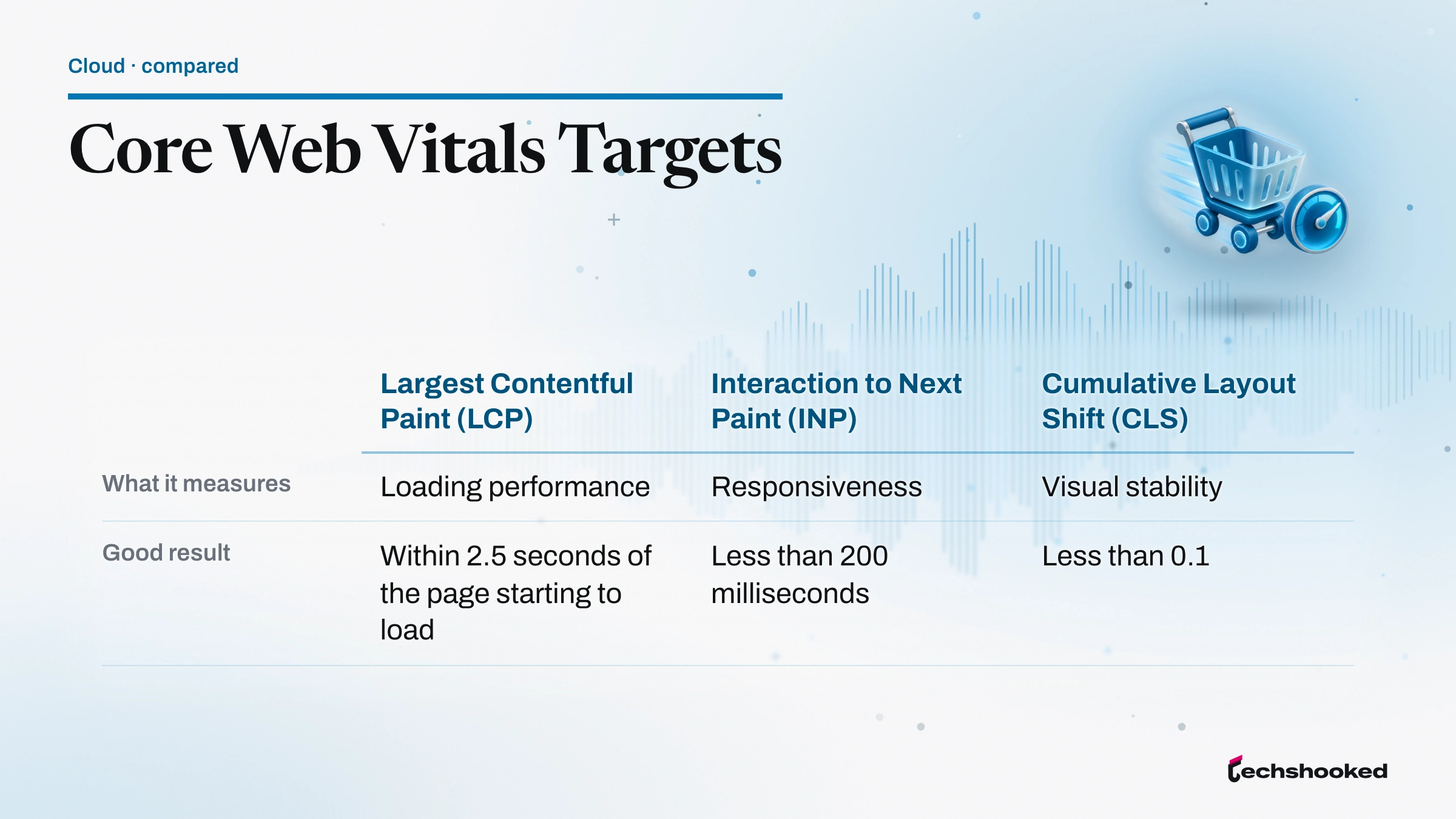
- WordPress performance stack. Does the plan include server-side caching (LiteSpeed cache, SuperCacher, or object caching layer), and does the vendor publish a TTFB or Core Web Vitals commitment we can check against its documentation? We ran no benchmarks for this piece and report no TTFB figures of our own.
- Staging environment availability. Is a one-click staging environment included at the entry plan level or gated behind a higher tier?
- Entry-level resource limits. The PHP worker limit, storage ceiling, and bandwidth policy at the base plan decide when the next-tier upgrade becomes mandatory.
- WordPress.org recommended status. Is the host vetted on the WordPress.org hosting recommendations page, or on outside best-of lists only?
When to Stay With Bluehost
Switching is not universal. Bluehost remains the right call under specific conditions, most of which come down to value the platform already delivers to users inside its onboarding path.
- You negotiated a long-term initial term, have already seen the renewal rate, and find it acceptable relative to the migration cost of switching hosts; on a 36-month term, Starter's $9.99 renewal sits close to the alternatives.
- You need WooCommerce Auto-Install and the eCommerce Essentials plan scope fits your store; the workflow saves setup time on a store you plan to launch fast.
- You value Bluehost's standing on WordPress.org's recommended list, where it is the longest-running recommended host, and Bluehost says it has been officially recommended by WordPress.org since 2005 (bluehost.com plan overview).
- Your sites fit within the Starter plan's 10 websites and 10 GB of NVMe SSD storage, and the staging site and weekly backups that the Starter plan list shows cover your workflow.
- You rely on 24/7 chat support and prefer a live agent over navigating documentation, free malware scanning notifications, static content caching settings, and object caching tuning on your own; Bluehost lists phone support from the Business plan up.
Outside those cases, the Bluehost alternatives above are specifically worth the switch when renewal pricing transparency, a LiteSpeed cache tier, daily backups listed on the entry plan, or monthly billing are the primary concerns.
Further reading
Frequently Asked Questions
Who is better than Bluehost?
It depends on what pushes you away from Bluehost. For a low entry price, Hostinger Premium starts at $2.99 a month on a 48-month term and renews at $10.99, per Hostinger's WordPress hosting page. SiteGround fits owners who want free daily backups on every plan and Google Cloud infrastructure, and DreamHost fits buyers who want monthly billing on every plan. A site that has outgrown shared hosting is better served by a managed WordPress or cloud host than by any of the three.
What are the downsides of Bluehost?
The biggest downside is the renewal jump: Starter moves from $3.99 to $9.99 a month after its 36-month term, per Bluehost's WordPress hosting page. The headline rate needs that 36-month term, the Starter plan list shows weekly website backups and 10 GB of NVMe SSD storage, and Bluehost marks phone support as included from the Business plan up.
Why is Bluehost so cheap?
Bluehost's low headline price is a new-customer promotion tied to a long prepay. Its pricing help page says special offers are good only for the initial term; after the first 36 months, Starter renews at $9.99 a month, or $15.99 billed monthly, per Bluehost's pricing help page.
Does Bluehost's promotional price renew at the same rate?
No. Per Bluehost's own pricing help page, promotional rates apply to new customers only and are valid for the initial term. Bluehost now publishes its renewal rates: Starter renews at $9.99 a month on a 36-month term, $11.99 on a 12-month term and $15.99 billed monthly, per Bluehost's pricing help page. Factor the renewal price into your decision, not only the headline teaser rate.
Are there Bluehost alternatives that allow month-to-month billing?
Yes. DreamHost says every web hosting plan offers monthly billing, per DreamHost's hosting page, and SiteGround lists StartUp at $24.99 billed monthly against $17.99 a month on a 12-month term, per SiteGround's current-rates page. Monthly billing costs more per month than a long prepay at Bluehost and SiteGround, per their rate pages, including Bluehost's pricing help page; compare DreamHost's monthly and annual rates on its hosting page.
Is Hostinger a legitimate replacement for Bluehost?
For most WordPress beginners, yes. WordPress.org lists Hostinger among its recommended hosts, alongside Bluehost and Pressable. Its Premium plan includes one-click WordPress install, a free domain for the first year, free SSL, LiteSpeed cache, and CDN access, covering the same feature set Bluehost targets at a comparable introductory price point. Two trade-offs come with it: hPanel instead of cPanel, which most beginners find equally intuitive, and the PHP worker limits noted above, which throttle the plan under sudden traffic spikes.